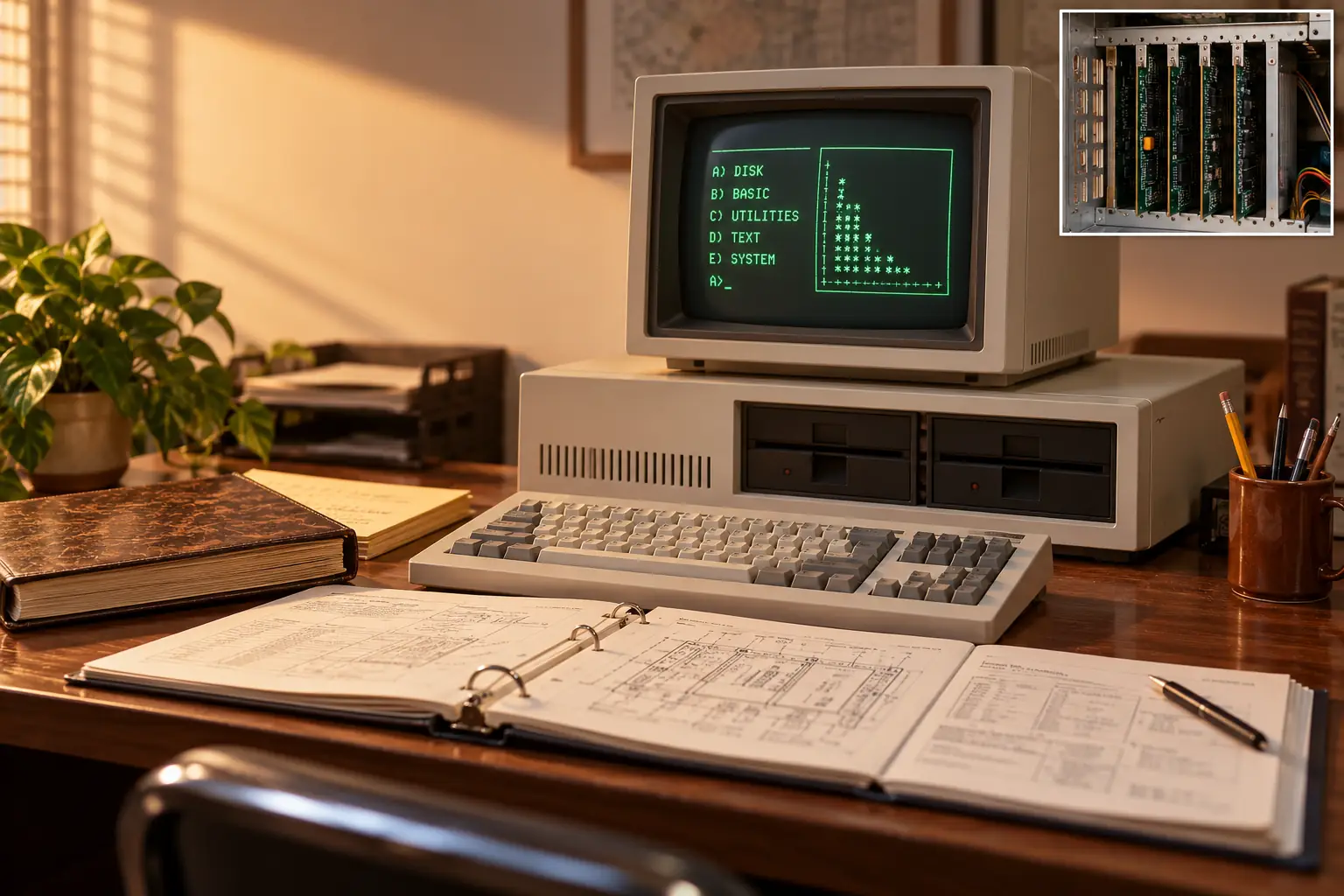
Five expansion slots helped shape the IBM PC. But not because an executive decided that five was a magic number.
Years later, engineer David J. Bradley explained how the team worked out the size of the box. It had to fit on an ordinary desk. It needed room for the power supply, floppy drives, and a separate keyboard in front. What space remained helped set the size of the main circuit board and the add-on cards.
Bradley was there. In a 1990 first-person account for Byte, he described a team trying to build a practical computer in a hurry. Those five slots would let buyers add the features they needed. Soon, they would help other companies build an entire business around the same basic design.
The result was the IBM Personal Computer, model 5150, announced on August 12, 1981. It was not the first personal computer. It was not even the most advanced machine in every respect. Its deeper achievement was to become a design that thousands of other products could work with—and, eventually, a design that rivals could copy without buying an IBM computer.
A Big Name Enters a Busy Market
By 1981, you could already buy an Apple II, a Radio Shack TRS-80, a Commodore machine, or one of many other small computers. People used them at home, in schools, and at work. The personal computer did not begin when IBM walked into the room.
But IBM was a special guest. Its name meant large computer systems, long business relationships, and a level of trust that smaller makers had to work hard to earn. If a company manager was nervous about putting a computer on an employee’s desk, an IBM badge could make that decision feel safer.
The Computer History Museum’s IBM PC exhibit makes this distinction clear: other firms had built personal computers earlier, while IBM gave the field fresh authority in corporate offices. The company did not invent personal computing. It helped turn it into a normal business purchase.
IBM announced the PC in New York on August 12, 1981, with sales planned for the fall. A next-day report in The Washington Post listed the promised stores: IBM’s own outlets, ComputerLand dealers, and new Sears business-machine shops. That was striking. Customers would not have to deal only with IBM’s traditional corporate sales network.
The new machine was meant for offices, classrooms, and homes. But what made it a business standard was not the advertising alone. It was what people could plug into it, write for it, and later replace it with.
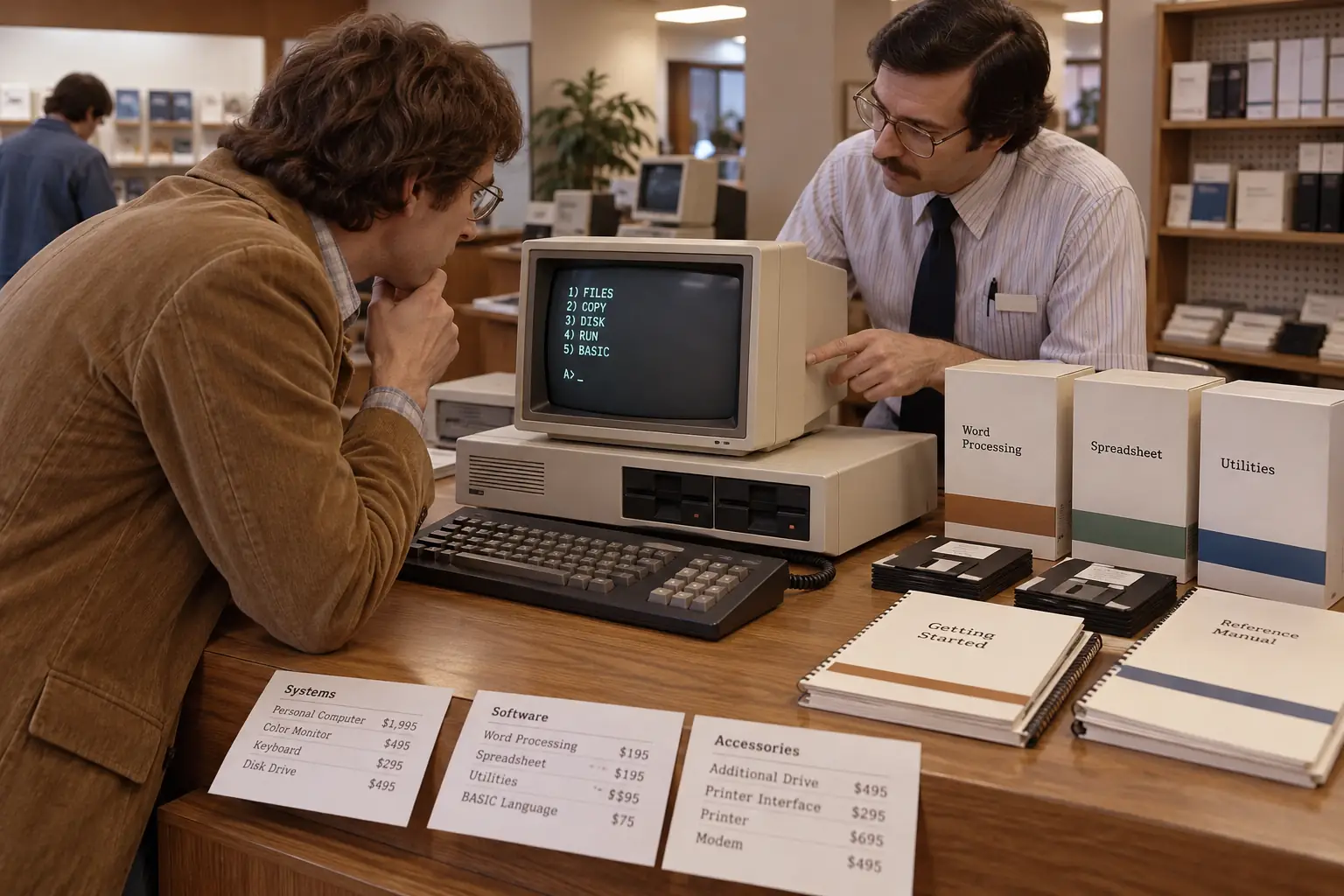
A PC Built in a Hurry
IBM had spent decades building large, carefully controlled systems. A small personal computer posed a different problem. The market was moving much faster than the company’s usual development process.
In Boca Raton, Florida, William C. Lowe pushed the idea of a quick, low-cost machine. Don Estridge led the project that delivered it. IBM’s own history of the PC says the team chose existing parts from outside suppliers because building everything inside IBM would have taken too long.
The processor came from Intel: the 8088, running at about 4.77 megahertz. The operating system came from Microsoft. Other vendors supplied major parts and options. The team did not have the luxury of designing a new world from scratch.
Bradley’s memory adds a wonderfully ordinary detail. The designers drew on the IBM System/23 DataMaster, a small business computer that some of them had just worked on. The PC’s separate keyboard and display were not strokes of magic. They were ideas the engineers already understood.
Behind the Scenes: An Earlier IBM Machine Left Its Mark
Bradley also recalled features that changed before launch. The designers considered 8-inch disk drives but did not ship them, and they changed the printer connection to a standard parallel interface. The five-slot plan, by contrast, made it all the way into the finished PC.
That is a better origin story than claiming that IBM invented expansion cards. Other computers, including the Apple II, already used them. IBM’s decision was to make expansion a central part of this machine’s design. Bradley wrote about these choices in his 1990 account.
Speed came with risks. IBM was relying on parts, software, and companies it did not wholly control. Those choices helped the PC reach buyers quickly. They also made its inner workings easier for rivals to understand and match.
What the First IBM PC Was Actually Like
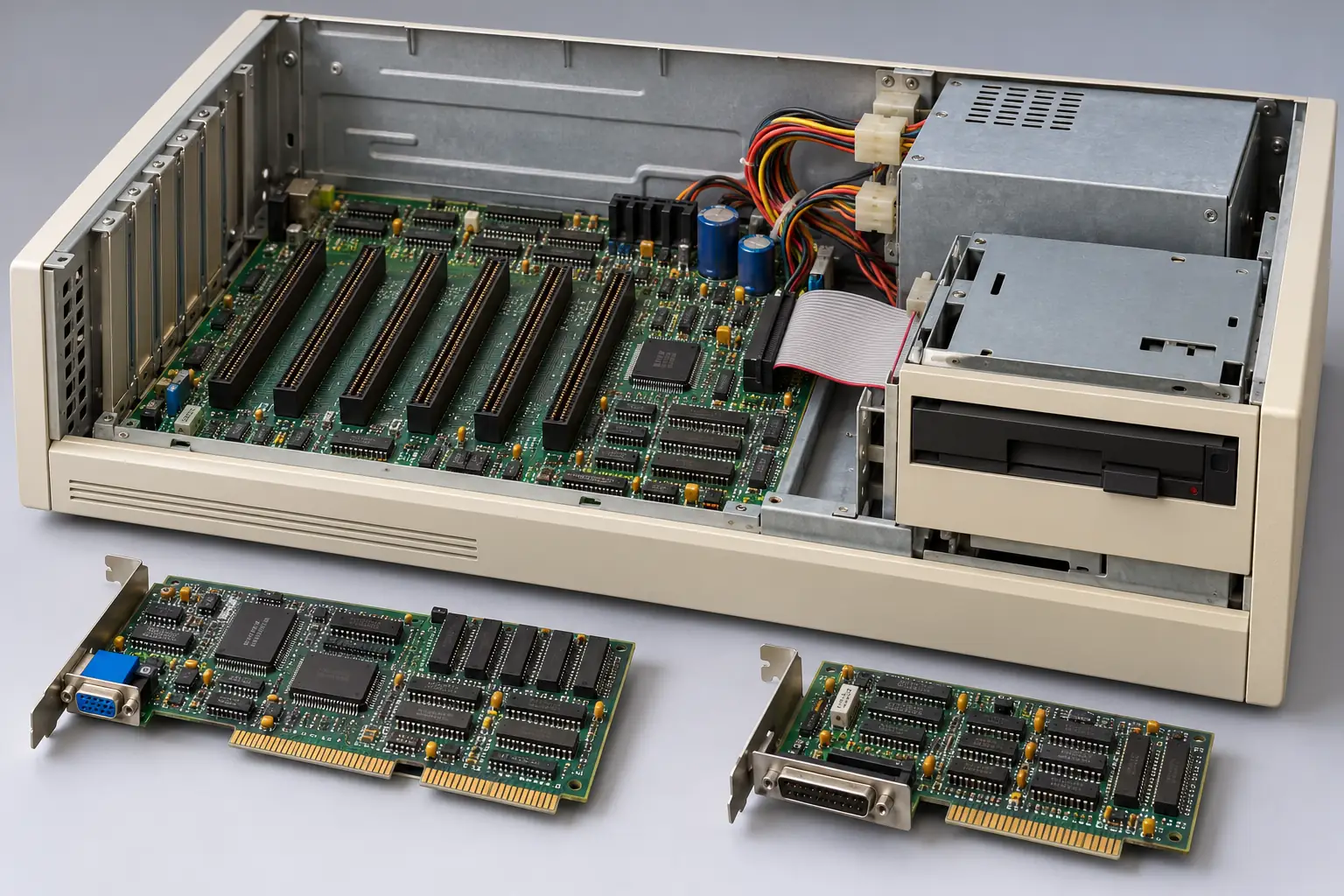
Now put yourself in front of an original 5150. There is a wide, low system box with a firm power switch at the side. A separate keyboard sits in front. The monitor, if you bought one, rests above the box. If you opened the case, you would find a main circuit board and long sockets for add-on cards.
The famous $1,565 starting price was a real U.S. launch figure, but it did not buy the office setup most people picture today. The base computer had 16 kilobytes of memory, no floppy drive, and no monitor. IBM provided BASIC in built-in read-only memory, so a bare system could run that language. It could use a cassette recorder for storage, with the right equipment.
A useful office setup cost much more. In August 1981, The Washington Post reported that a more typical system with display, disk storage, and printer would cost roughly $3,000–$4,000. These are 1981 U.S. prices, not amounts adjusted for inflation.
With a floppy drive, the owner could load IBM PC DOS, the disk operating system supplied through Microsoft’s work. A drive used large, flexible 5¼-inch diskettes. You had to know which disk held the program and which one held your work. Saving, copying, and swapping disks were part of ordinary computing.
And no, that first $1,565 model was not secretly hiding a hard drive. The original 5150 did not come with one. IBM’s later PC XT, launched in 1983, is a separate chapter in the story of storage.
The screen could be a sharp monochrome text display, useful for rows of figures, or a color setup with graphics for suitable programs. The keyboard was substantial and clicky. Printing took another adapter, a printer, and patience. A noisy printer could turn a quiet calculation into an office-wide announcement.
None of this would have amazed an experienced 1981 computer buyer on its own. The attraction was the combination: an IBM name, serious software, service and dealer channels, and a system that could grow with a customer’s needs.
Remember the Two-Disk Routine?
On early floppy-based PCs, getting work done could mean starting the computer with a system disk, opening an application from another disk, and making sure a data disk had room for the finished file. This is a general picture of period use, not an account of a particular person’s office.
The Design Choices That Opened the Door
The 5150 became a standard through several choices working together. No single slot, chip, or contract can explain it all.
1. Familiar parts made the machine easier to reproduce
IBM used Intel’s 8088 instead of an IBM-only processor. It used hardware and software from outside firms. That did not make an entire PC free to copy, but it meant competitors could buy many of the same building blocks rather than invent replacements for everything.
The Intel chip belonged to a processor family that could keep growing. Software written for that family had a better chance of finding another machine to run on.
2. Five slots left room for other companies
Those expansion sockets mattered immediately. Owners could fit cards for a display, disk drive, printer connection, more memory, or other tasks. Some slots in a practical system were already occupied just to make the PC useful.
Each card gave a specialist company a chance to sell something. Each new card gave a buyer another reason to choose a compatible computer. This was not a sealed box whose future depended only on the original manufacturer.
3. IBM explained how its hardware worked
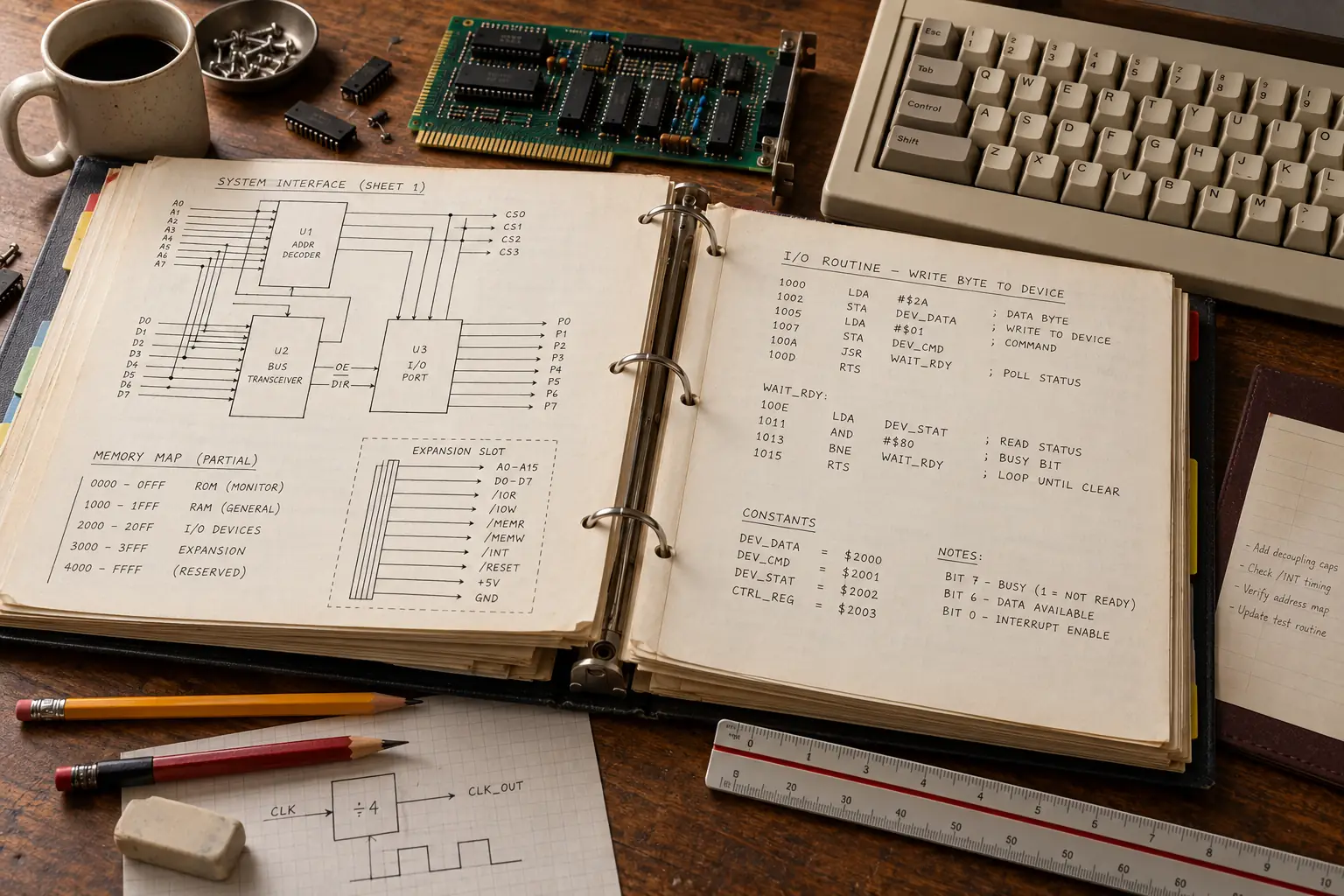
Here is where the story becomes unusual. IBM published detailed technical information about the PC. Its August 1981 Technical Reference described the hardware, the input/output connections, and the software routines built into the machine. It included circuit information and a listing of the machine’s BIOS code.
The PCjs manual collection identifies the original August 1981 guide and technical reference, alongside later revisions. These documents were useful to programmers and makers of compatible add-on hardware. The published design also told competitors a great deal about how to produce machines that behaved like IBM’s.
A Manual With Consequences
The original 1981 IBM Personal Computer Technical Reference is a particularly telling source. It was not just a user guide about which key to press. It documented interfaces, hardware behavior, and the BIOS listing. The publication of such details made the PC easier to support and extend. It did not put IBM’s copyrighted BIOS into the public domain.
Document index: IBM 5150 original manuals.
4. IBM did not own the only path to DOS
Microsoft supplied the disk operating system sold by IBM as PC DOS. But IBM’s arrangement with Microsoft was not an exclusive lock on all future PC makers. Other computer companies could license Microsoft’s MS-DOS for their own systems.
That contractual detail had enormous effects. A rival could use Intel-compatible hardware, write or obtain a legal compatible BIOS, and license DOS. The U.S. Justice Department’s historical discussion of computer competition specifically identifies IBM’s nonexclusive Microsoft arrangement as a factor in the rise of clones.
Put those decisions together and the wider pattern becomes clear: independent makers could supply the pieces of a PC-shaped world.
The Part You Could Not Simply Copy
There was still one stubborn obstacle. A computer might have the same Intel processor and similar slots, yet fail to run an IBM PC program correctly. That is because many programs expected specific behavior from the original hardware and from the BIOS.
BIOS stands for Basic Input/Output System. In plain English, it is low-level software stored in the computer that helps start the machine and handles some of the basic jobs of talking to its devices. An IBM PC program could depend on that behavior.
IBM had published its BIOS listing to help developers. But seeing code in a manual did not grant permission to copy it. A competitor that lifted IBM’s code risked a copyright dispute.
This is why the phrase open architecture needs care. The hardware design was unusually well documented and open to expansion. The whole machine was not an open-source project. Its software still had owners.
Legend vs. the Record: Could Anyone Just Copy the PC?
The simple version: IBM revealed its design, so competitors could duplicate everything without a problem.
The record: Many parts and design details were available, but the BIOS code was protected. Clone makers needed independently created code that acted like IBM’s without copying IBM’s implementation. The Computer History Museum documents both clean-room BIOS work and early legal fights over copying.
A common solution was clean-room engineering. One group studied what the IBM computer did and set out the required behavior. A separate team, kept away from the original copyrighted code, wrote new software to produce that behavior. It was careful, expensive work—but it showed that compatibility and copying code were not the same thing.
The Clone Makers Arrive
The first serious rivals did not simply repaint a 5150 and change the badge. They had to make ordinary PC software work reliably, while finding a reason for buyers to choose them.
Columbia Data Products introduced a PC-compatible machine in 1982. The Computer History Museum identifies its Columbia personal computer as the first IBM PC clone and describes its independent BIOS work. This matters because the clone story had begun before Compaq’s famous portable machine reached the market.
Compaq announced its Portable in 1982 and brought it to buyers in 1983. It was a transportable machine with a built-in display, designed to run IBM PC software. Compaq licensed Microsoft’s operating system and created its own compatible BIOS. The museum’s 1983 timeline records its success.
Compatibility was the sale. A customer who already used IBM software wanted it to work on the new computer too. If a business had bought a spreadsheet and trained its staff, changing the computer should not mean starting from zero.
Not every early attempt was legal or fully compatible. The museum records an early dispute involving Eagle Computer and copied BIOS software. This is another reason not to say that IBM’s published manual had made every kind of copying acceptable.
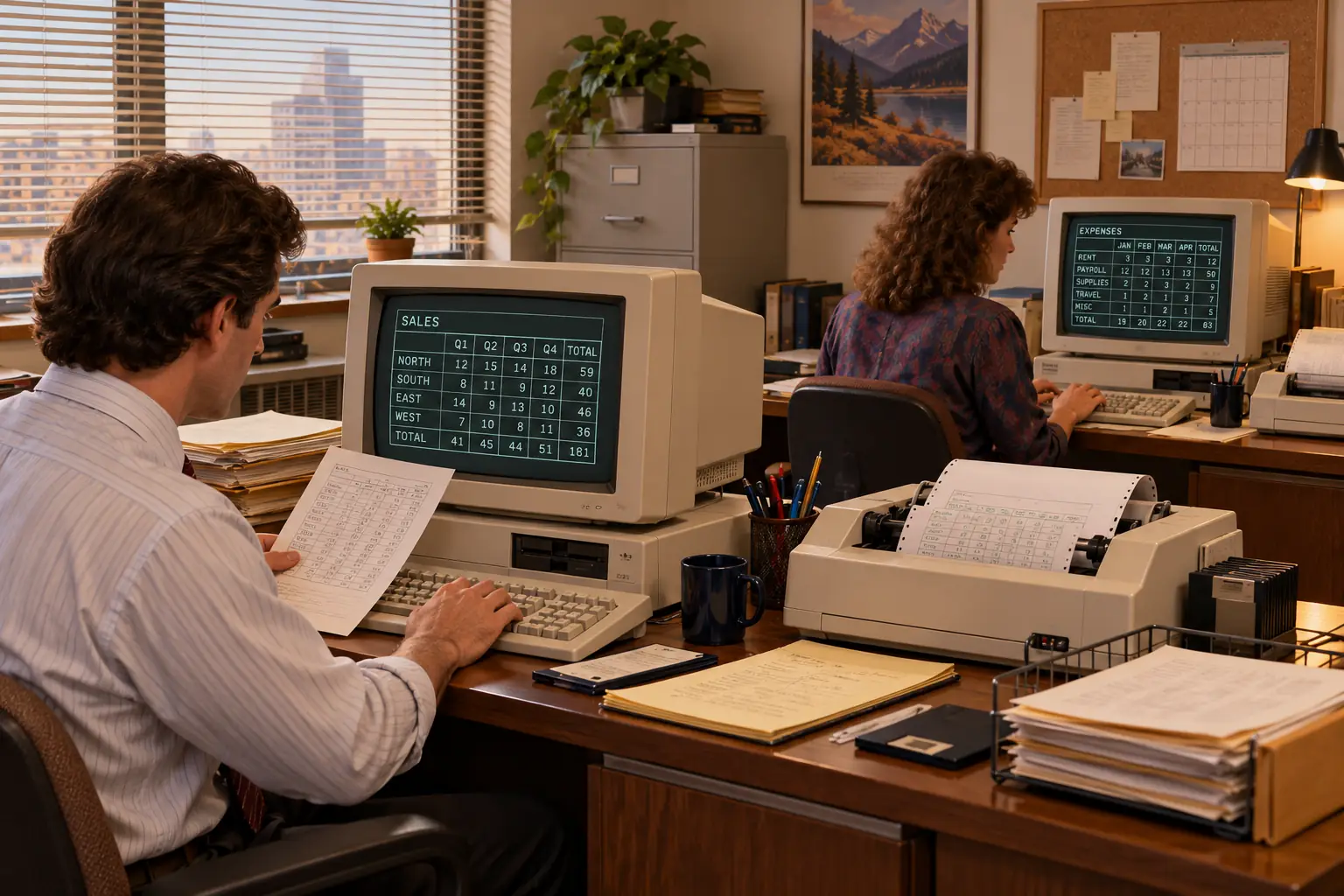
Once customers knew they could buy a compatible computer from more than one maker, the balance of power shifted. The program, the disk format, the expansion card, and the familiar way of working could matter more than the name on the case.
That shift also rewarded software publishers. A program written for the growing IBM-compatible market could reach buyers of many brands. More software drew more customers. More customers gave publishers another reason to keep building for the same platform.
It was a loop, not a single winning product. Applications such as word processors and spreadsheets helped make the PC useful. The machines made those applications worth developing. By 1983, Lotus 1-2-3 would give businesses another strong reason to buy a DOS-based PC. But the market had already begun to grow around the 5150’s design.
When the Standard Outgrew Its Maker
For IBM, there was a catch. The company had helped set the rules of the market, but it could not be sure customers would keep buying its own boxes. A better-priced or faster compatible PC could offer much of what buyers wanted, while keeping their software and add-on cards useful.
As the compatible industry grew, Intel and Microsoft had roles that went well beyond IBM’s machines. So did makers of memory, disk drives, graphics boards, printers, and applications. IBM remained important, but it was no longer the only company that could decide where the platform went next.
IBM later tried to regain more control. Its Personal System/2 family appeared in 1987. Some higher-end PS/2 machines used a new, proprietary expansion system called Micro Channel Architecture. IBM hoped the new bus would improve performance and give it a stronger hand over copying and licensing.
Yet clone makers had customers to protect. They could keep developing familiar compatible designs rather than move every buyer to IBM’s new system. IBM’s own PS/2 history notes that rival manufacturers announced EISA, a competing expansion standard, the next year.
This was not a simple tale of IBM making bad computers. The PS/2 line also brought useful ideas and sold in substantial numbers. The deeper problem was that the industry no longer had to follow IBM’s lead. Compatibility had become valuable in its own right.
Some of the original 5150’s choices eventually faded. Five early expansion slots would not define every PC forever. The 8088 gave way to far faster chips. New storage and operating systems replaced floppy-based DOS routines. Later computers looked nothing like the first beige desktop.
What lasted was the idea that many firms could build machines around a broadly shared platform, and people could carry their work from one supplier to another.
Can You Still Use an Original 5150 Today?
Yes, as a historic computer. A working 5150 can still start, run period software, and let you learn what a command-line PC felt like. But old disks, power supplies, monitors, and expansion cards need care. Condition and compatibility vary by machine.
The original machine is not a sensible everyday computer for modern web browsing or secure online accounts. Even later accessories may require the right BIOS version or additional hardware. Collectors should check the exact system they own, not assume that every device labeled “IBM PC compatible” will work in a 1981 box.
There is also a way to explore the old hardware without keeping a 40-plus-year-old power supply running: the PCjs IBM 5150 project presents historic configurations in a browser and links to original documentation. It is useful for seeing the machine’s limits and studying how it worked. Follow each project’s own terms and rights guidance for any software or disk images.
For a collector, a plain original 5150 tells one story: what IBM could build in 1981. A compatible machine from a later maker tells another: what happened once IBM’s design became something the rest of the industry could work with.
That is the surprise hidden inside the low beige case. The five slots, the outside chips, the detailed manuals, and the DOS license all made the IBM PC easier to expand. Together with careful independent work by clone makers, they also made it possible to buy a PC without buying an IBM.
IBM built the machine that many offices learned to trust. The industry learned that the trust—and the software—could travel.
Sources and Further Reading
- David J. Bradley, “The Creation of the IBM PC,” Byte, September 1990 — a developer’s later firsthand account of DataMaster influence, the case, expansion slots, and design compromises.
- IBM 5150 manuals at PCjs — catalog of the August 1981 original Guide to Operations and Technical Reference, including subsequent editions.
- IBM, “The IBM PC” — IBM’s retrospective on the Boca Raton team, outside suppliers, pricing, and sales channels.
- James L. Rowe Jr., The Washington Post, August 13, 1981 — period reporting on launch prices, planned availability, dealers, and office uses.
- Computer History Museum, “The IBM PC” — historical setting and why the IBM name mattered to businesses.
- Computer History Museum, “Send in the Clones” — Columbia, early clone disputes, clean-room BIOS work, and the compatible market.
- U.S. Department of Justice, “Technological Innovation and Monopolization” — analysis of Microsoft’s nonexclusive IBM license and the clone ecosystem.
- IBM, “The PS/2” — IBM’s later proprietary bus strategy and the industry’s response.