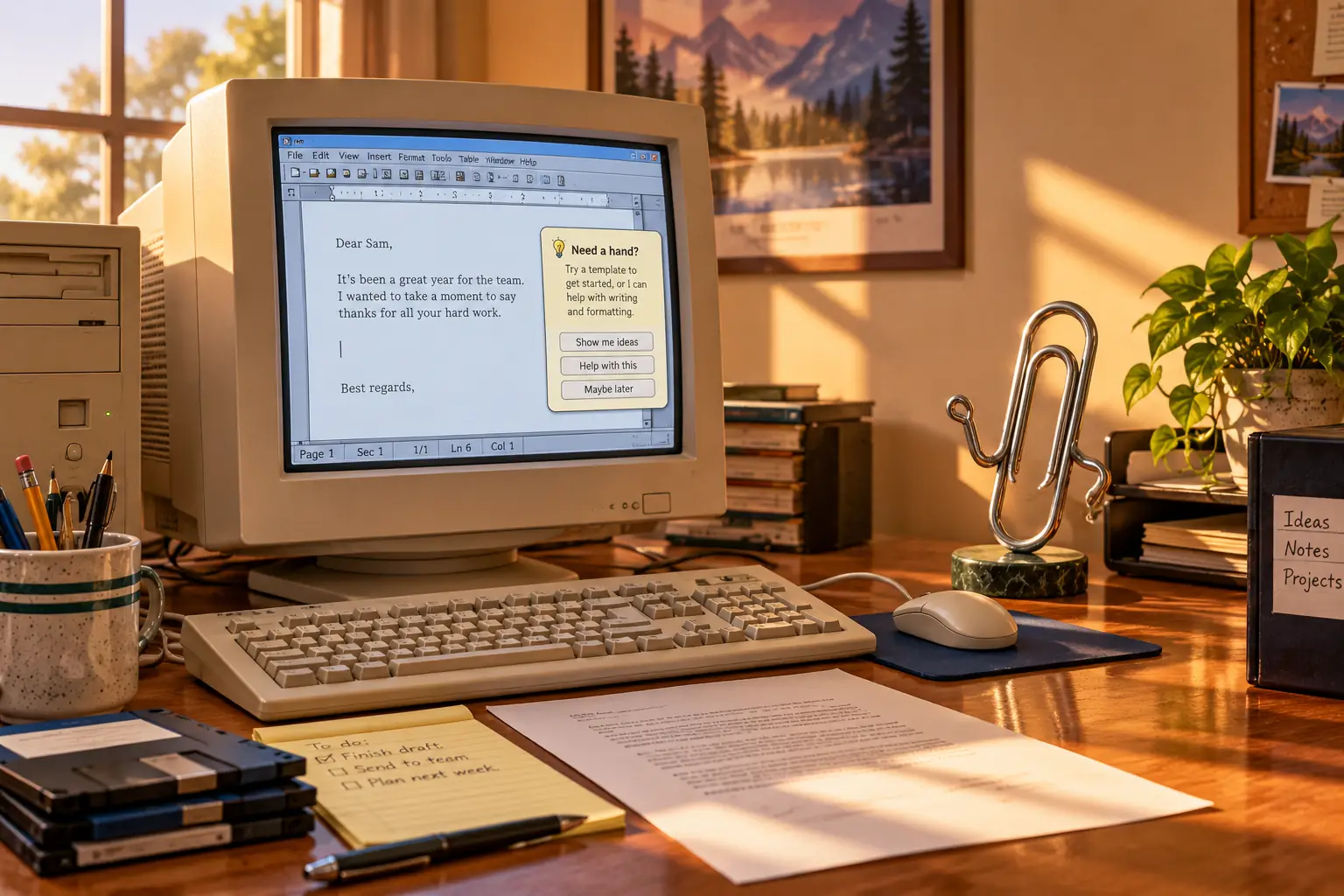
Before Microsoft made a paperclip that would not leave people alone, its researchers had built a helper that knew how to go away.
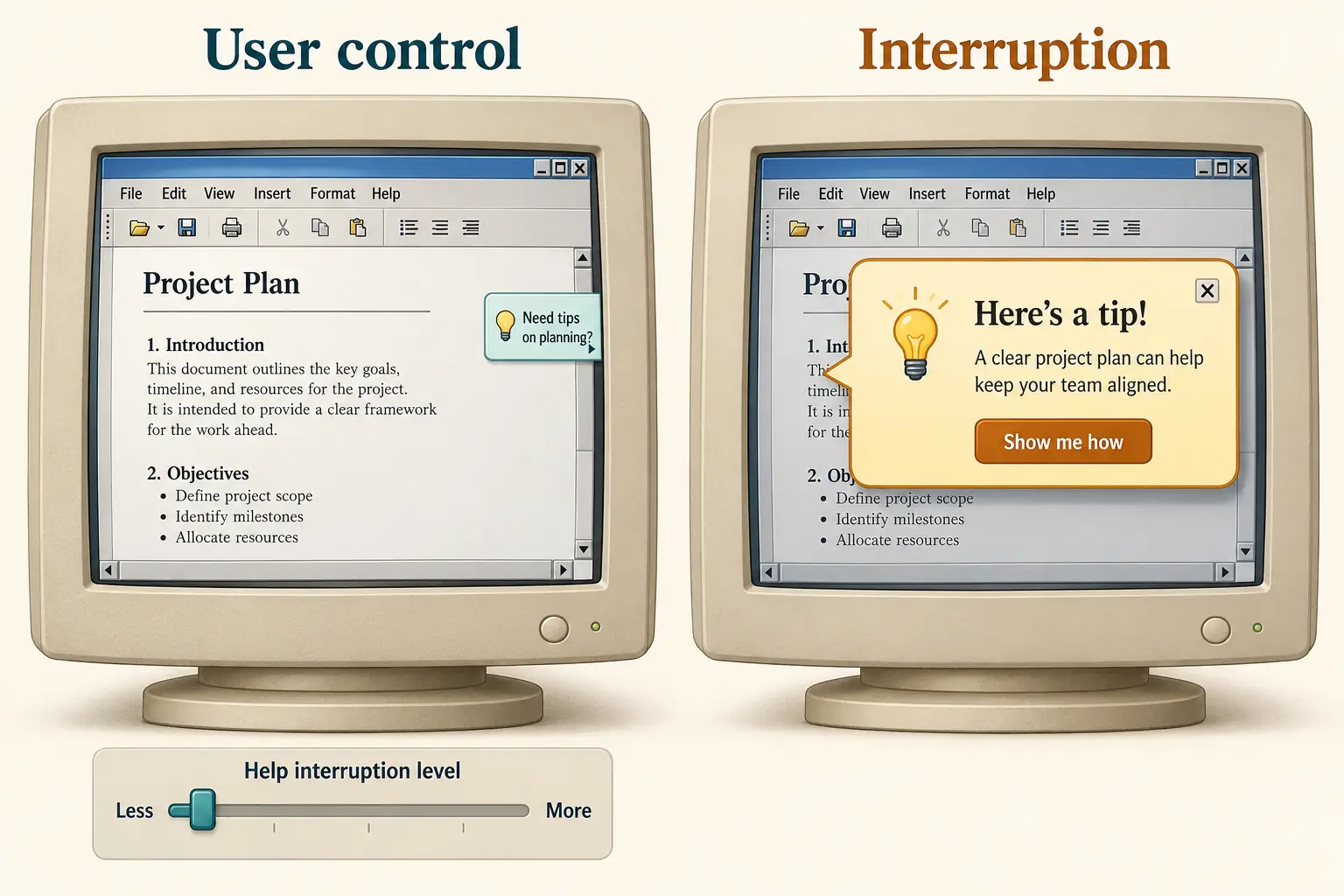
In one experimental design, a person could move a slider toward “bother me less.” A small offer of help would vanish if ignored. It could even leave a brief apology behind. The system was called Lumiere. Its ideas helped shape the Office Assistant that arrived with Microsoft Office 97.
Yet the character people remember was Clippy: a pair of watchful eyes attached to a bent piece of wire, ready to interrupt a letter, report, or perfectly ordinary workday. How did a project about understanding users become a lesson in not understanding when to stop?
The real problem Microsoft wanted to solve
By the middle of the 1990s, Microsoft Office could do far more than many people knew how to ask it to do. Word had ways to build letters and long documents. Excel could make calculations and charts. PowerPoint could arrange slides. Each program came with menus, commands, and help topics that took time to learn.
Finding help was a problem of its own. A person might know what they wanted but not Microsoft’s name for it. Someone who wanted to make a graph in Excel could spend time looking for that word while the program called the feature a chart. A helpful system had to understand the question, not just match the wording of a menu.
Microsoft was already working on this. Its Office 95 products included the Answer Wizard, which let users type ordinary questions instead of hunting through a help index. The Microsoft Research team behind Lumiere worked on ways to read those questions and use clues from what a person was doing.
The larger idea was appealing. A beginner might not know that a tool existed. A busy employee might need one quick answer, not a computer course. If the software could offer the right instruction at the right moment, it could spare both people a trip through a manual.
This was not a cheap extra added to a tiny program. Office was a major commercial product. Microsoft’s November 1996 announcement listed a U.S. estimated retail price of $499 for a new copy of Office 97 Standard, with lower upgrade prices for eligible buyers. Employers also licensed the suite for their staff. Help mattered because training took time, and time cost money.
Microsoft announced Office 97’s release to manufacturing in November 1996 and its retail availability on January 16, 1997. The Office Assistant was one of the new suite’s public selling points. It could answer typed questions, point to help topics, and offer tips based on what appeared to be happening on screen.
How a paperclip won the job
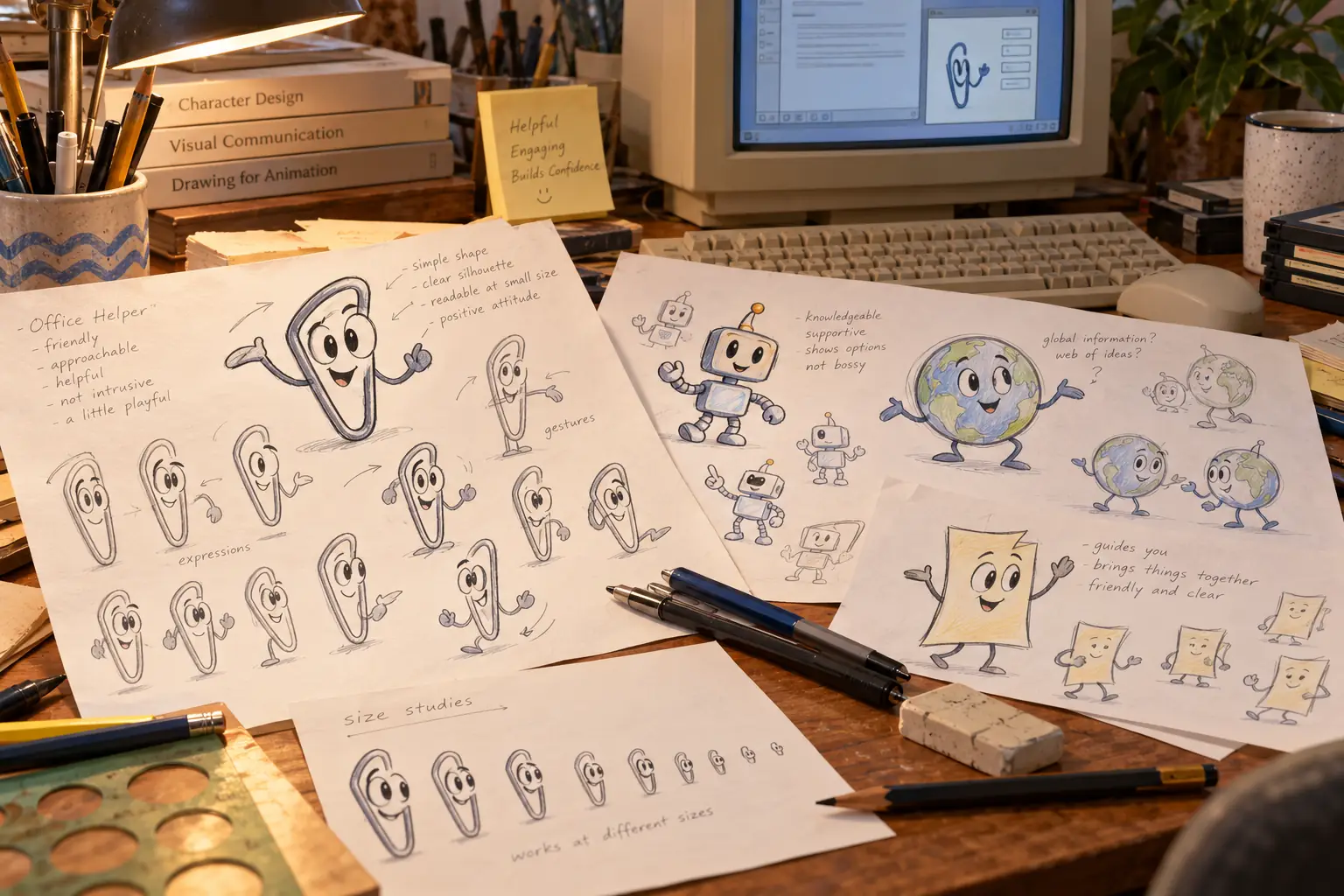
Microsoft did not begin by asking the world to love a paperclip. It had been trying to make computers less frightening for years.
Microsoft Bob, released in 1995, put friendly characters inside a home-like desktop. A cartoon dog could guide people through tasks. Bob was poorly received, but the idea of a character who explained things did not disappear with it.
The designer most closely tied to Clippy was Kevan Atteberry, an artist who had worked on characters for Bob. In a 2017 interview with Vice, he recalled that the team considered a great many character designs and tested which ones people found friendly and trustworthy. In his account, the paperclip came out especially well.
There is an important limit to that story. Atteberry was recalling focus-group results many years later. It is evidence of what he and the team believed the tests showed, not a published measurement proving that most Office users would welcome Clippy all day.
Behind the Scenes: Clippy was drawn on a Mac
Atteberry later told interviewers that he first drew the paperclip in his Bellevue workspace and used a Macintosh to turn the drawing into digital art. The Microsoft character most linked with Windows office life had, at least in its artist’s studio, an Apple computer in its origin story.
The designer eventually became a children’s book author and illustrator. He came to see Clippy’s unwanted fame as something people remembered, even when they remembered it with a groan.
Clippy was not the only choice. Office users could choose from other helpers, including a robot, a globe, and a character called the Genius. Designs and availability varied by edition and language. But the paperclip, officially called Clippit and soon nicknamed Clippy, became the face most users met.
That default choice had real power. People often kept what appeared when software first opened, especially if changing it meant exploring yet another set of options. A character that tested well in a brief encounter could become tiring when it lived beside your work.
What using Clippy felt like
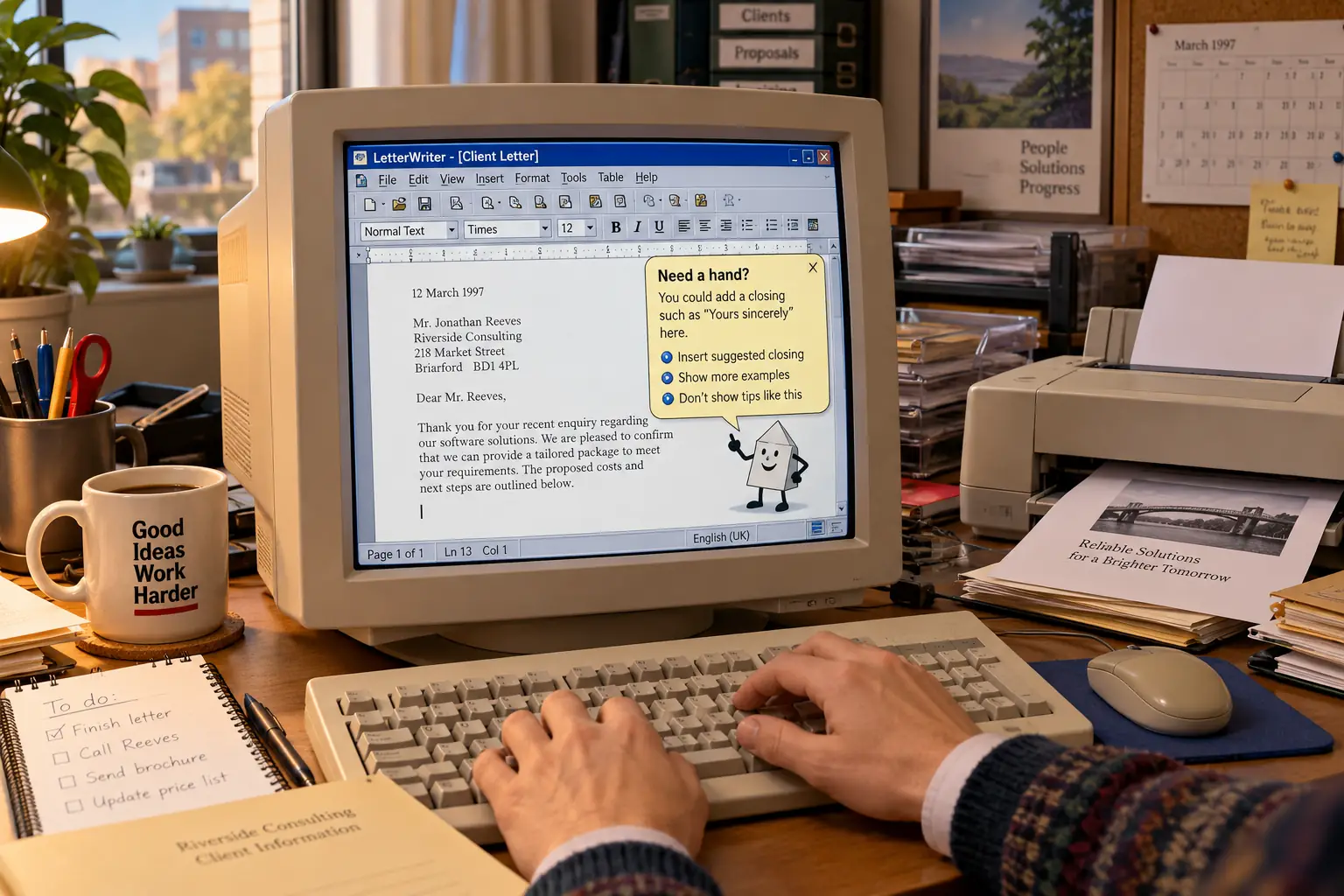
In Word, a person could begin writing a letter and see the assistant appear with a suggestion about letter-writing help. The program had noticed a pattern in the document and guessed what the writer might want next.
That is not a foolish idea on its own. A new user might be grateful for help with a formal letter. Someone writing one for the hundredth time might have a different reaction: Yes, I know. That is why I am typing it.
Clippy could also act as a doorway to the Help system. People could type a question and receive suggested topics. That part had genuine value. Its problem was not that every answer was useless. It was that a useful answer and an unwanted interruption arrived wrapped in the same cheerful character.
The assistant had eyes, eyebrows, and animations. It appeared to watch the document. Its movements made help feel personal, but they could also pull attention away from the page. A letter that should have needed only words and a printer now had a tiny spectator.
There was no separate Clippy subscription. It was a feature inside Office, not a program most people went to a store to buy on its own. A company installing Office on many computers might see it on many desks at once. Users could change or disable the assistant, but knowing that an escape route existed was another small task.
Remember the first thing you did?
For some experienced users, one of the early chores on a newly installed copy of Office was to hide the character. For a beginner, the same character might offer an easier path to a feature they could not find. Both reactions fit the design: the assistant tried to serve very different people with one style of help.
The research that did not reach the pop-up
This is the strange heart of Clippy’s story. Microsoft had serious research behind the Office Assistant. But its most famous behavior was not the most careful part of that research.
Starting in 1993, Microsoft’s Lumiere project explored ways to guess a user’s needs from their actions and questions. Researchers Eric Horvitz and colleagues used probability models: instead of treating every action as proof, the system weighed several clues about what a person might need.
The team studied people working in software and experts watching them. Some experiments asked whether an expert could spot trouble from a user’s clicks, pauses, or repeated attempts. Later tests examined the Office Assistant and users’ reactions to different designs.
Microsoft said it had invested about 25,000 hours of usability testing and research in Office 97 overall. That number covers the suite, not a separate 25,000-hour test proving Clippy was popular. It should not be read as a public vote for the paperclip.
Lumiere also explored when not to speak. Researchers designed a slider so users could ask for more or fewer interruptions. They tried small messages that did not seize control of the screen. If ignored, a message could quietly time out instead of waiting to be dismissed.
The design Clippy might have had
Horvitz’s own Lumiere research account describes the adjustable interruption control and small, self-closing help windows. It also states that the Office team used much simpler rules to decide when to bring the character forward. The contrast comes from a researcher involved in the work, not from a later internet joke.
Two different kinds of intelligence were involved. Behind a question typed by the user, the Office Assistant could use research-based methods to find relevant help. But when it jumped into view without being asked, that behavior relied on simpler rules: if certain conditions appeared, offer a suggestion.
In a Wired interview published in April 2001, Horvitz said his group had worried that this approach would distract people. He also explained that the more advanced system for deciding when to interrupt had not shipped in Office. The software’s ability to find an answer was not the same as knowing whether the user wanted to be questioned at all.
Legend vs. the Record: Was Clippy simply bad at everything?
The easy story: Microsoft put a silly cartoon in Office and called it artificial intelligence.
The better-supported story: The character fronted a real help system with research behind its question handling. Its automatic offers of help were a weaker piece of the design. That split explains how a feature could sometimes help someone and still become famous for getting in the way.
Why the joke wore thin
A pop-up does not have to be wrong to be annoying. It can appear at the wrong moment, repeat something obvious, or demand a click before a person can return to their work. Clippy managed to make all three complaints easy to understand.
Experienced workers often knew the job better than the helper did. A secretary preparing a routine letter did not need the computer to announce that it had spotted a letter. A student trying to finish an assignment did not always want advice. People who were racing a deadline had little patience for animations, however carefully drawn.
Some early reactions were positive. In his later history of Office 97, former Microsoft executive Steven Sinofsky recalled reviewers who found the assistant useful, including for experienced users. But others called the movements distracting. Sinofsky described the team’s choice as a sincere effort to make computers easier for more people, one that went too far in the wrong direction.
There was also a human problem with giving software a face. An ordinary help box is just a box. A pair of eyes looking out from the side of your document can feel like a little coworker who has appointed itself your supervisor.
In a 2022 Seattle Met oral-history feature, former Microsoft employee Roz Ho recalled feedback from women in testing who found Clippy’s stare unsettling. That account matters, but it is a recollection of particular feedback, not proof that all women—or all users—reacted alike. It shows another risk of choosing a character through tests: friendly to one person can mean uncomfortable to another.
The assistant also faced the problem of time. A surprising animated visitor might charm someone on the first morning. The same visitor, offering the same kind of guess every week, could become the office pest nobody had hired.
Microsoft did give users a way to switch the assistant off. Sinofsky remembered that the late design decision felt like an admission of failure to the team. But it was also a practical answer: people could keep the helpful part of Office and send the character away.
Clippy’s very public demotion
Clippy did not vanish from the program the first time Microsoft said goodbye.
In Office XP, released on May 31, 2001, the Office Assistant was off by default. People who missed it could still bring it back. Office XP promoted other ways to get things done, including task panes and Smart Tags. Help and suggestions did not disappear; the cartoon stopped arriving as an automatic guest.
Microsoft even made a marketing event out of the decision. Clippy got a mock retirement campaign, complete with jokes about looking for another job. Instead of quietly removing a disputed feature, the company used its reputation as a reason to sell the next version of Office.
That is a rare ending for a software feature. Usually, a button moves or a menu changes, and the company hopes nobody notices. Clippy became so well known that Microsoft could announce it was stepping aside and expect people to cheer.
The demotion was not the final removal. The Office Assistant remained available in later old Office releases, including Office 2003. Office 2007 left out the familiar assistant as Microsoft moved to a different interface. Those are different milestones, not one sudden death in 2001.
The afterlife of an unwanted helper
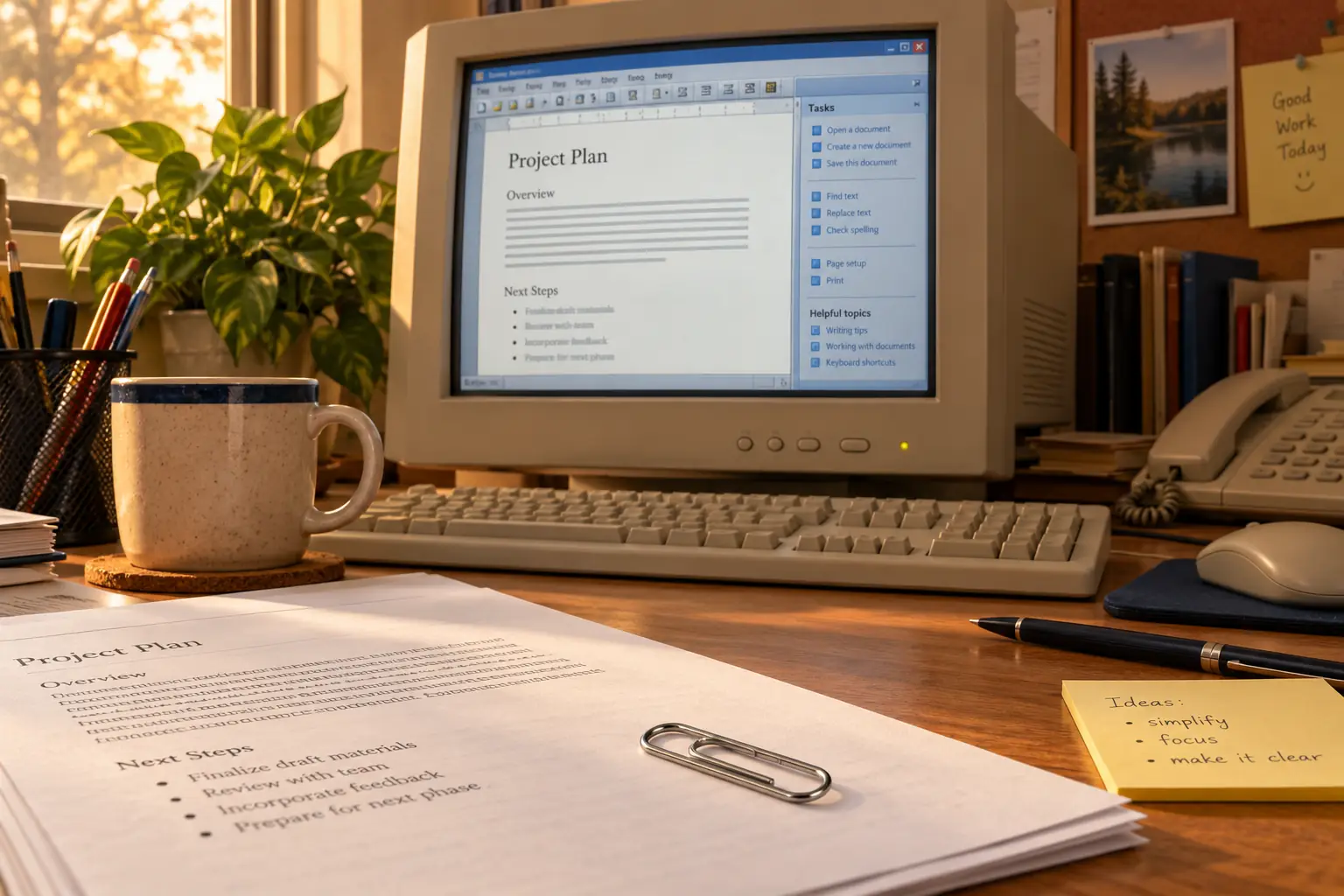
Today, Clippy is not the built-in animated guide for current Word or Excel. Installing an old Office version just to meet the paperclip again is not a sensible route for everyday work. Office 2003 and Office 2007 are long out of support and no longer receive security fixes.
People who want help in modern Office use its current search, help, and assistant tools. Those systems work very differently from the little character that watched a Word 97 page. A Clippy emoji, sticker, or joke is not the same thing as bringing back the old Office Assistant.
And Clippy did return in a smaller role: as a character people could enjoy without taking instructions from it. Microsoft offered nostalgic Teams backgrounds in 2021. It later celebrated the paperclip in other visual cameos. The once-unwanted helper had become safer as a joke, a picture, and a memory.
A 2019 research paper by Nancy Baym and colleagues studied 1,148 examples of Clippy memes. The authors argued that much of the humor comes from a machine that seems clever in one way but has poor social judgment. It can spot a pattern. It cannot always read the room.
That may be Clippy’s most useful lesson. Helpful software needs to know more than the answer. It needs a sense of timing, a way to back off, and some respect for the person doing the work.
Microsoft’s researchers had explored those ideas before Office 97 shipped. Their experimental assistant could offer help and then politely disappear. Clippy, the famous little paperclip, took much longer to learn the disappearing part.
Sources and further reading
- Microsoft’s January 1997 Office announcement — the launch date, Office Assistant’s intended role, and the company’s suite-wide research claims.
- Microsoft’s November 1996 release announcement — the prelaunch timeline and U.S. estimated retail prices.
- Microsoft Research’s 1995 Lumiere demonstration — an original research demonstration and background on the system that informed Office help.
- Wired’s 2001 interview with Eric Horvitz — a contemporary account of the gap between careful predictions and Clippy’s interruptions.
- Kevan Atteberry’s 2017 interview — the designer’s account of character selection and later life.
- Steven Sinofsky’s Office 97 recollections — mixed early reviews, the decision to allow disabling the assistant, and the team’s later judgment.
- Seattle Met’s Clippy oral history — interviews with designers, Microsoft staff, and researchers about the character’s creation and reception.
- Microsoft Research on Clippy memes (2019) — research on why the character stayed memorable after its removal.
- Microsoft’s Office 2003 support notice — why obsolete Office versions are not suitable for secure everyday use.
- Microsoft’s 2021 Clippy background announcement — its later role as a nostalgic image, not an active Office Assistant.