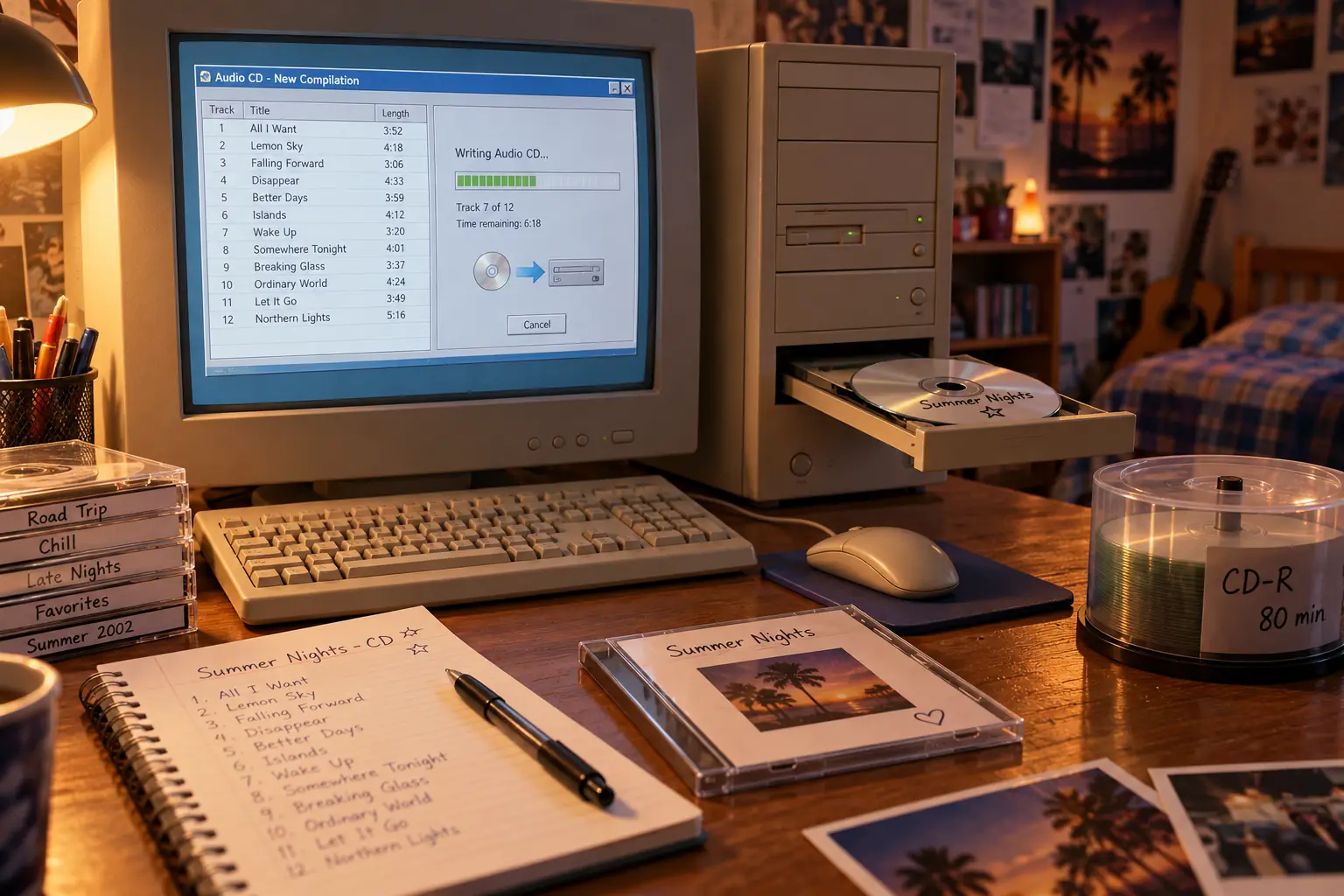
In June 2001, a college graduate named Felipe Mendonca told The Washington Post about two music CDs he had made for his girlfriend. He had been away in Brazil, missing her, and chose songs that reminded him of her. It was a small, personal gift. But making it meant doing something that had only recently become practical for many home computer owners: recording your own playable music CD.
In the same report, a U.S. store flyer offered 50 blank CD-Rs for $7.99 after a rebate. That worked out to about 16 cents a disc. The technology behind Mendonca’s gift was getting cheap enough to turn an ordinary playlist into something you could hold, label, wrap, and hand to someone. The 2001 report also caught the trouble hiding behind that freedom: you still needed the right drive, the right software, and a successful burn.
The disc might become a love letter. It might also become a shiny coaster.
First, You Needed a Computer That Could Write
Making a cassette mix meant recording music in real time. A CD mix asked for a different kind of patience. The songs could be arranged on a screen, but a computer with an ordinary CD-ROM drive could only read discs. To make one, you needed a CD recorder, often called a CD burner, plus blank media and recording software.
Many early owners bought a separate internal or external drive. By the start of the 2000s, burners were appearing in new home computers, and software was often included. A box marked CD-RW meant the drive could handle rewritable media as well as write-once discs. It did not mean every old stereo would play a rewritable disc.
A regular CD-R could be recorded once. A CD-RW could be erased and reused, but older home and car players were less likely to read it. For a mix meant to leave the house, a finalized CD-R was usually the safer choice.
You also needed free hard-drive space. Gathering songs on the computer first made the job safer than trying to pull music from one drive while recording it on another. It also made changing your mind much easier.
Before Burning Came the Other Verb: Ripping
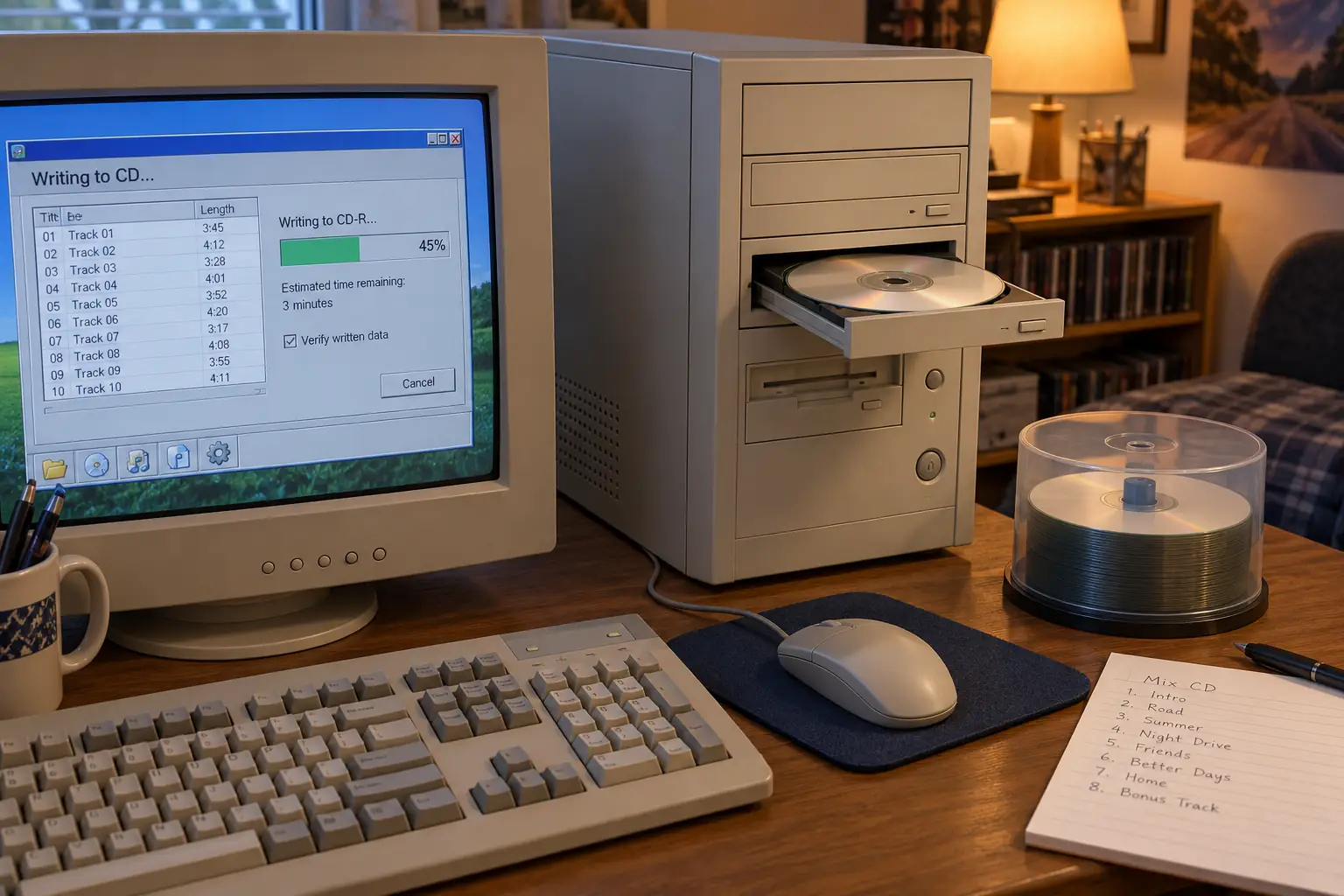
To make a mix from several albums, you first collected the tracks. The computer read the music from the source CDs and saved it to the hard drive. This was called ripping. It did not mean the software damaged the original disc.
A saved song might be a large WAV file, close to the audio data needed for a normal music CD. Or a program might turn it into an MP3, which took less space but removed some audio detail to shrink the file. An MP3 could sound very good, but converting it back to CD audio could not restore what the earlier compression had thrown away.
Ripping was not always neat. Older drives sometimes read music slowly or made tiny errors. A bad extraction could leave a click or pop in a song before the blank disc even entered the writer. The period CD-Recordable FAQ, maintained by Andy McFadden, advised users to check the extracted files and slow the read speed when needed. It even noted that some drives handled the start or end of a track badly.
Then came the folder full of songs. A person making a birthday mix might pull from several owned albums. Another might start with MP3s already on the hard drive. Online file sharing also helped spread the habit, but where a file came from mattered: copying and distributing copyrighted music were not automatically lawful just because the computer could do it.
A question preserved from December 2000
On December 2, 2000, McFadden’s CD-Recordable FAQ addressed a wonderfully plain question: how could you create a CD containing your favorite songs? Its answer offered two routes. Use a program such as Easy CD Creator to select tracks from several source CDs, or extract the tracks to a hard drive and write them together. That is the whole mix-CD ritual in miniature, recorded while it was a live technical problem rather than a nostalgic hobby.
The Hardest Part Was Often Deciding What Belonged
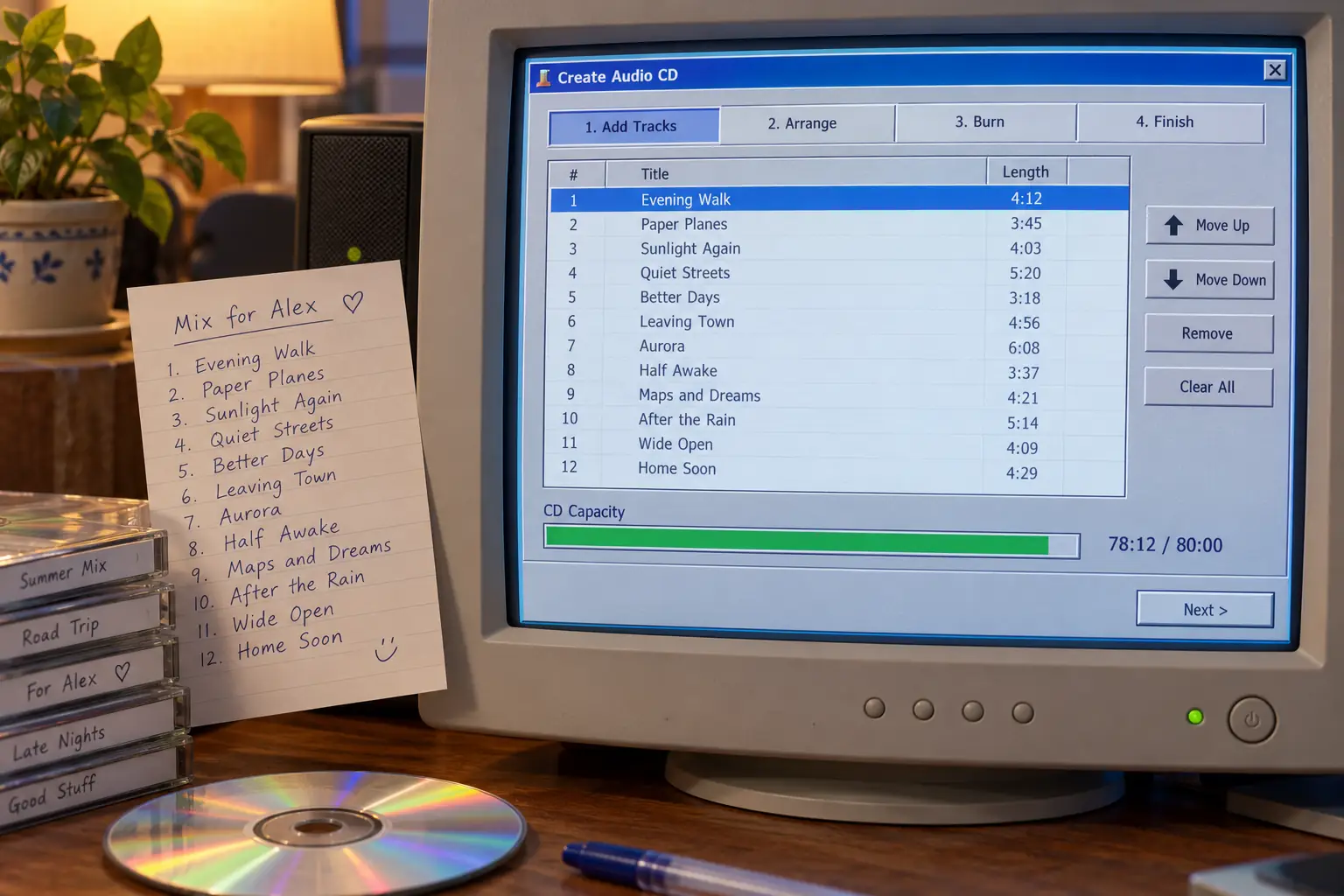
Once the files were ready, the fun began. Someone could arrange the songs, move a strong opener to the top, remove a track that spoiled the mood, and decide which one should finish the disc. The computer made those changes painless. The blank CD still imposed a firm limit.
Many blanks were labeled 74 minutes / 650 MB. Later and larger ones commonly read 80 minutes / 700 MB. Those two numbers described different ways of using the disc. For a standard audio CD, the running time mattered. The recorder was preparing tracks for an ordinary CD player, not storing a folder of compressed MP3 files.
For example, twelve songs averaging five minutes each would take about an hour of audio, before allowing for any pauses. Add several longer tracks, and the last one might no longer fit. You could cut a song or start a second disc. There was no friendly cloud storage waiting just beyond minute 80.
An MP3 data CD was different. It could hold many hours of compressed music, but a regular audio-only CD player might not understand the files. In October 2001, Apple made exactly this distinction when announcing MP3-CD support in iTunes 2. Its release described ordinary audio discs in terms of minutes and MP3 data discs in terms of many hours. Apple’s 2001 announcement shows that the two formats were still separate choices.
Even the silence between songs was a choice. Some recording setups placed short pauses between tracks, often two seconds. That was fine for songs meant to stand alone. It was annoying when one track was supposed to flow straight into the next, as on a live album or a careful dance mix.
Software offered a setting called disc-at-once, which wrote a whole disc as one recording job and could preserve smooth track changes. Track-at-once wrote tracks separately and could leave a small break. These names sounded like workshop instructions, but they decided whether the listener heard a seamless transition or an awkward pause. McFadden’s recording-method explanations describe that distinction.
Nero, Easy CD Creator, and the Screen Before the Burn
For many Windows users, two names sat between the music files and the spinning drive: Nero Burning ROM and Easy CD Creator. Both could make music discs, but they offered different ways into the job.
Easy CD Creator grew from the Adaptec line and carried on under Roxio. Its appeal was the guided path: choose an audio-CD project, bring in songs, arrange them, then create the disc. A Sony support procedure for Easy CD Creator 4 preserves that sequence, including extracting songs, adding the saved files to a CD layout, and choosing the write method.
Roxio’s Easy CD Creator 5, released in 2001, added more ways to handle MP3s, audio editing, disc labels, and other media jobs. It was not merely a button labeled Burn. The package tried to be a whole little studio. Germany’s technology publication Golem reported on its MP3 features and German release in March 2001 coverage.
Nero was a favorite of users who liked to see what the recorder was doing. It let them choose a disc type, manage tracks, set write options, and handle more specialized recording tasks. An April 2001 Swiss review compared Nero 5.5 with Easy CD Creator 5. The competition was real: you could pay for extra control, or settle for a simpler tool that already came with the drive.
Neither program could rescue the wrong project type. If you made a data disc holding MP3 files when you wanted an ordinary music CD, the disc could burn perfectly and still refuse to play in an older car stereo. Success on the computer was not the same as success in the car.
Mac users had other routes, including Toast. Then Apple introduced iTunes in January 2001 with a single place to import songs, build playlists, and burn audio CDs. Early burner support had limits; in February, iTunes 1.1 added more than 25 third-party CD writers. Apple went on to advertise the idea of ripping, mixing, and burning as an everyday part of using a Mac. Its February announcement helps date that shift without suggesting Apple invented mix CDs.
Why People Watched the Progress Bar Like a Hawk
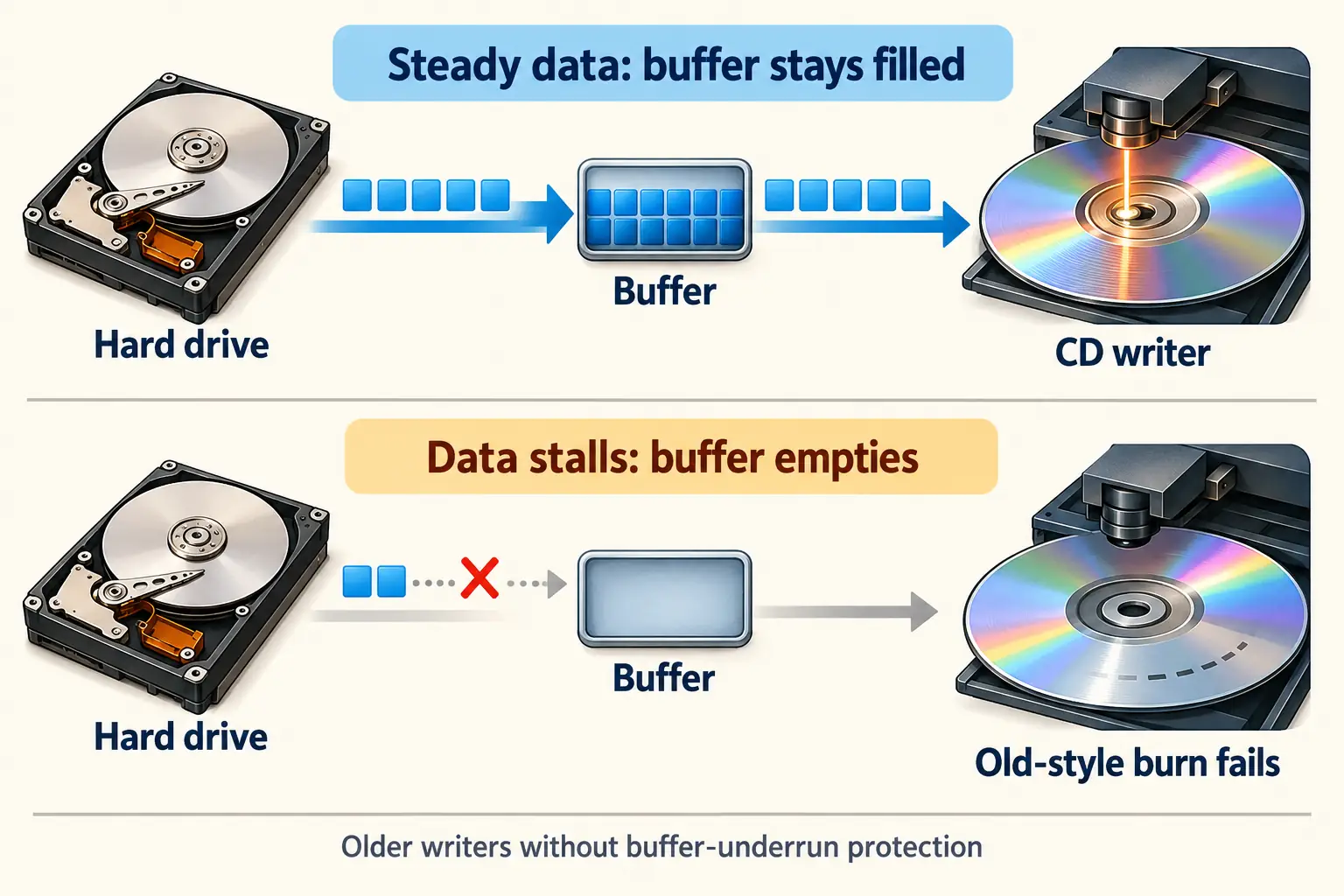
Before reliable safeguards, writing a CD required an unbroken stream of data. The recorder held a small reserve in its memory, called a buffer. If the computer could not supply the next chunk in time, the buffer ran dry. The laser kept reaching the point where new data belonged, but the recorder had nothing ready to write.
That was a buffer underrun. On older writers, it could stop the job and leave the CD-R unusable for the intended mix. The wasted blank had a name: a coaster.
It explains an otherwise strange household ritual. Before clicking Burn, people closed other programs. They avoided large file transfers and disk-heavy jobs. Some used a test-write feature first. Others reduced the writing speed or made sure every song was already on the hard drive. A direct copy between two CD drives could be risky if the source drive slowed down while reading a scratch.
In his troubleshooting guide, McFadden suggested all of those practical fixes in one form or another. The guide’s detail is striking now: it talks about computer background jobs, disk speed, drive controllers, and heat. Burning a music gift could briefly turn the family PC into a machine that no one was allowed to touch.
The hardware learned how to wait
One of the big improvements arrived around 2000 with BURN-Proof, developed by Sanyo. Instead of letting an empty buffer ruin the write, a supported recorder could pause and then resume at the right place. Similar protection systems followed under names such as JustLink.
This was a hardware-and-firmware change, not a magic feature that any copy of Nero could add to an old drive. The writer had to support the protection. A 2002 edition of PC Hardware in a Nutshell explains why the technique mattered: it made a once-fragile, nonstop operation much more forgiving. The period technical account gives Sanyo credit for BURN-Proof.
It did not mean every bad disc vanished. Cheap or unsuitable media, a faulty drive, poor extraction, or a disc that an old player could not read could still spoil the result. The safest speed also depended on the burner and media. Slower was not always automatically better.
Fun Fact: A perfect burn could still be the wrong CD
An audio CD and an MP3 data CD could both be written to ordinary CD-R media. The difference was how the music was stored. A disc of MP3 files might play in a computer but fail in a standard audio-CD player. No error light was required for that disappointment.
The Blank Got Cheap. The Personal Touch Did Not.
A blank disc was once an item worth worrying about. By 2001, U.S. retailers were using large packs and rebates to attract shoppers. The 16-cent price in the Washington Post report was a promotion after a rebate, not the normal price of every disc in every country. Software, a working recorder, jewel cases, paper labels, and failed attempts could still add to the cost.
Prices and access were different outside the United States. A Japanese March 2001 announcement listed Easy CD Creator 5 Platinum at 11,800 yen. In Germany, a report that month described the German edition at 119 Deutsche Mark. The same basic ritual crossed borders, but it did not arrive with one global price tag.
The falling price changed behavior. A blank could become a copy for the car, a party selection, a study soundtrack, or a gift. Unlike a cassette, the track order could be rearranged until the last minute. Unlike an online playlist, the finished object could be handed over and kept without needing an account.
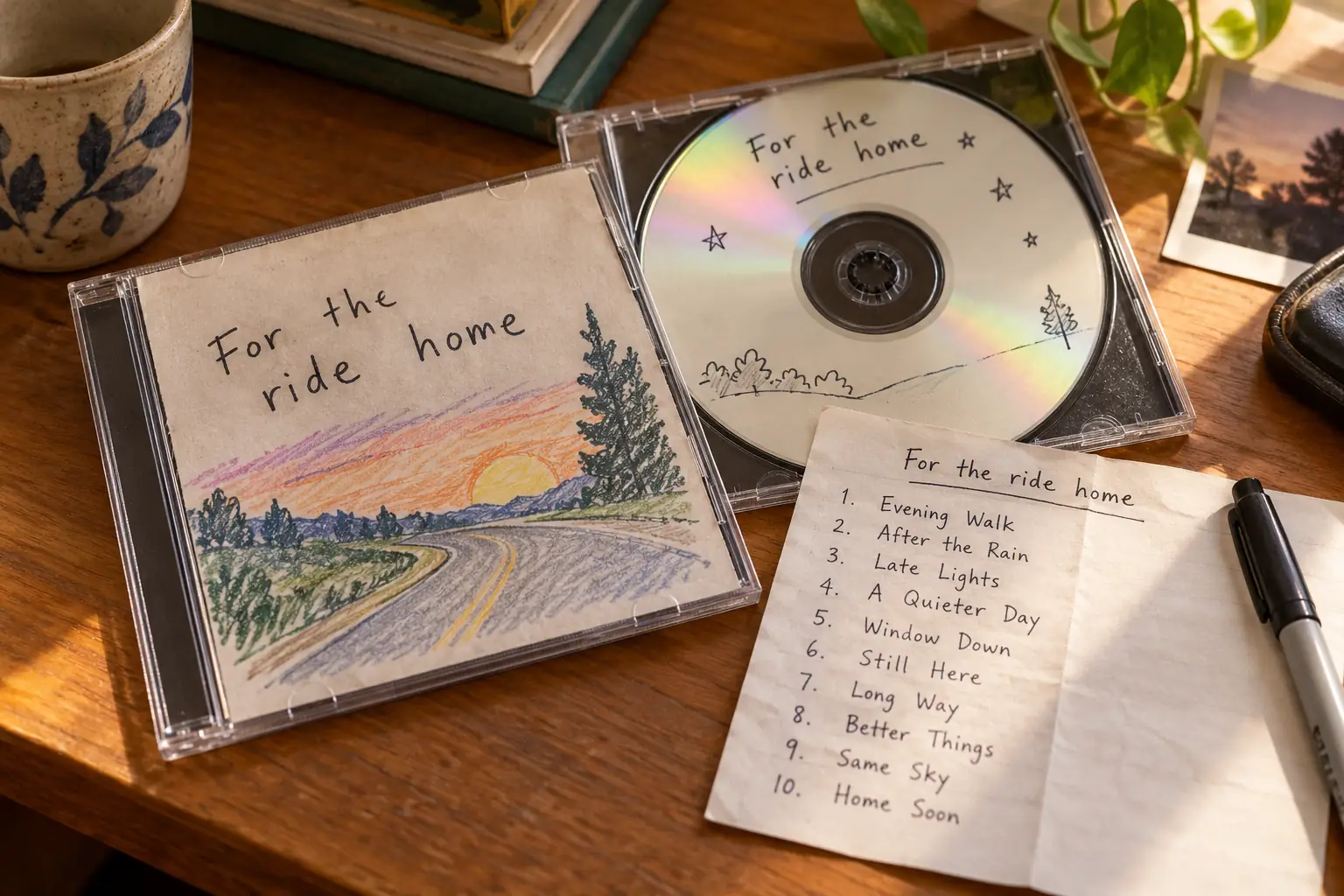
Then came the low-tech part. Someone picked a title, wrote the tracks on a paper insert, or used a CD-label program. A marker turned a silver circle into Summer Trip, For Your Birthday, or a joke only two friends understood. Some made neat covers; others wrote sideways on the disc because they ran out of room.
The original songs and the recipient could matter more than the brand of drive. Mendonca’s two CDs were meaningful because he chose songs for one person. The burner made the object possible. The choices made it a gift.
The Playlist Stayed. The Disc Lost Its Job.
Mix CDs did not end on one date. Portable digital music players made it possible to carry many albums without packing a stack of discs. The iPod arrived in 2001, but it did not instantly clear every car and living room of CD players. Older equipment kept home burning useful for years.
In April 2003, Apple opened the U.S. iTunes Music Store with individual song downloads priced at 99 cents. The company’s launch announcement even highlighted personal-use CD burning. Digital stores and homemade discs overlapped. Later, phones, wireless connections, and streaming made it easier to play or share a changing playlist without making a new physical copy.
You can still burn an audio CD if you have a suitable recorder, compatible blank discs, and software. Microsoft’s current CD-burning instructions still describe the audio-CD option for standard players, as distinct from a data disc. If you want to make one today, use supported software and make sure you have the rights to copy the music. The rules for private copying and giving copies away vary by country.
A modern playlist is easier to correct. A song can be deleted, replaced, or shared without using up another disc. That is a clear improvement. But it changes the nature of the gift.
A finished mix CD was a small decision made permanent. Someone had picked the opening song, argued with the 80-minute limit, waited for the progress bar, and hoped it would work in your player. The music could be replaced. The exact little object, with that handwriting and that order, was harder to replace.
Sources and Further Reading
- The Washington Post, June 2001 — contemporary interviews, mix-CD gifts, blank-disc sales, and the 50-pack rebate example.
- Andy McFadden’s CD-Recordable FAQ, section 3 — the original December 2000 mix-CD question, ripping, track selection, pauses, and practical steps; the online FAQ received later updates.
- CD-Recordable FAQ, section 2 — disc-at-once, track-at-once, media, and buffer protection.
- CD-Recordable FAQ, section 4 — failed burns and period advice for avoiding buffer underruns.
- Sony’s Easy CD Creator 4 instructions — preserved steps for extracting and assembling a mixed audio CD.
- Golem, March 2001 — contemporary German reporting on Easy CD Creator 5 Platinum, capabilities, and local pricing.
- PC Hardware in a Nutshell, 2002 — technical explanation of BURN-Proof and failed CD-R writes.
- Tages-Anzeiger, April 2001 — contemporary comparison of Nero 5.5 and Easy CD Creator 5, preserved in the author’s archive.
- Apple’s iTunes 1.1 announcement — evidence of the changing Mac burning workflow in February 2001.
- Apple’s iTunes 2 announcement — contemporary distinction between standard audio CDs and MP3 data CDs.
- Apple’s 2003 Music Store launch — download sales and CD burning during the shift to portable digital music.
- Microsoft’s burn-and-rip guidance — present-day explanation of making standard audio CDs and data CDs.