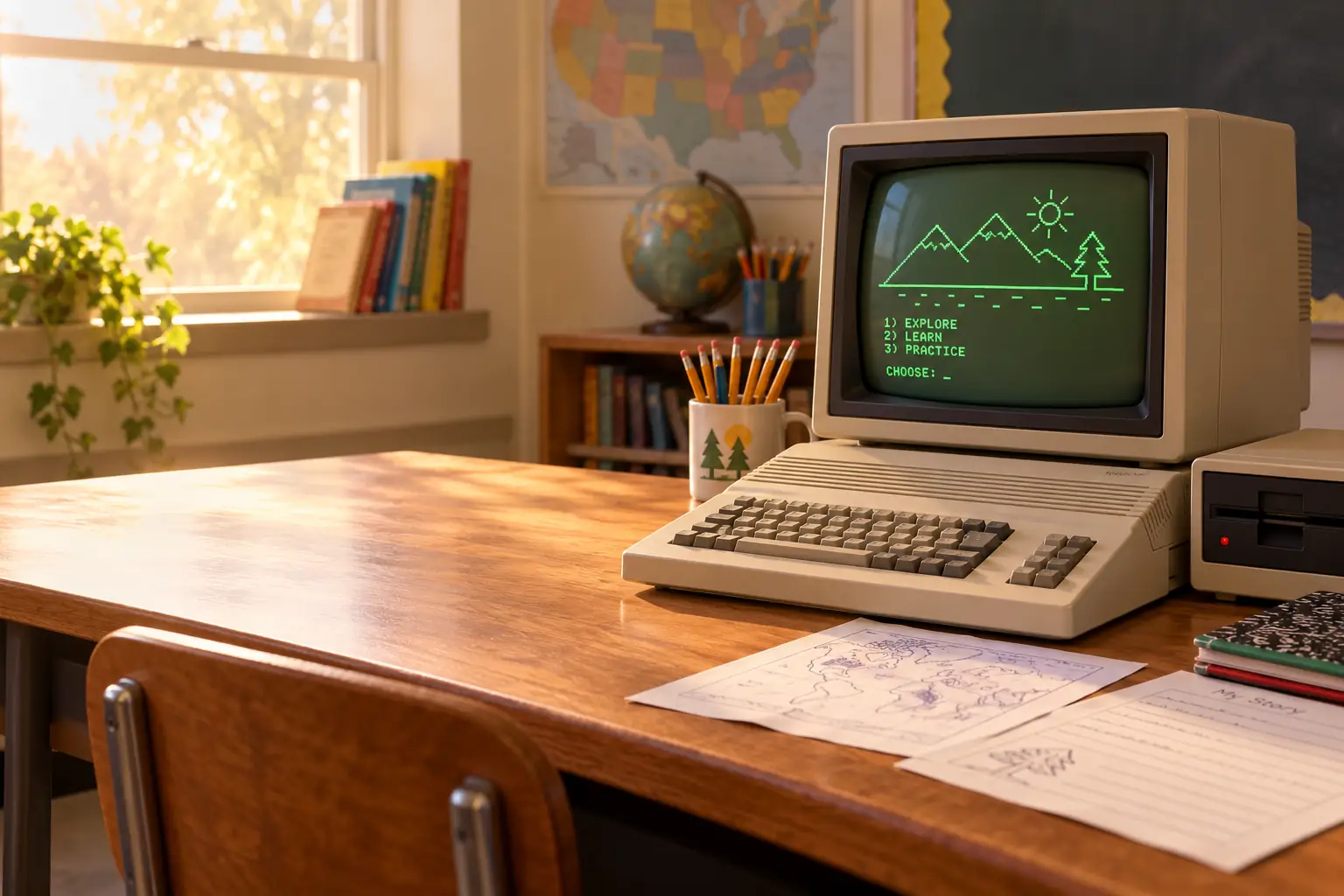
In May 2012, an Apple IIe was still working in a first-grade classroom in Merced, California. Some keys were missing. It had broken down more than once. And each morning, teacher Cheryl Burke still turned it on.
The computer sat alongside four old Macintosh machines. Children used them for writing during classroom activity time. Burke wanted newer computers, but the school did not have the money. One pupil even said she preferred the older machines because the others broke down more easily. Those details come from a May 24, 2012, ABC30 report, not a made-up tale about the good old days.
That Apple IIe had outlived its own product line by nearly nineteen years. Apple had stopped selling the last IIe model in 1993. The Macintosh, Windows PCs, the public web, and the iPad had all arrived. Yet a computer designed for the world of floppy disks still had a job to do.
Why? The answer is more interesting than “schools were too cheap to upgrade.” The IIe was built to keep useful old things working. Schools then filled it with lessons, software, skills, and habits that were hard to replace. But each extra year also came at a price.
A beige box with room to grow
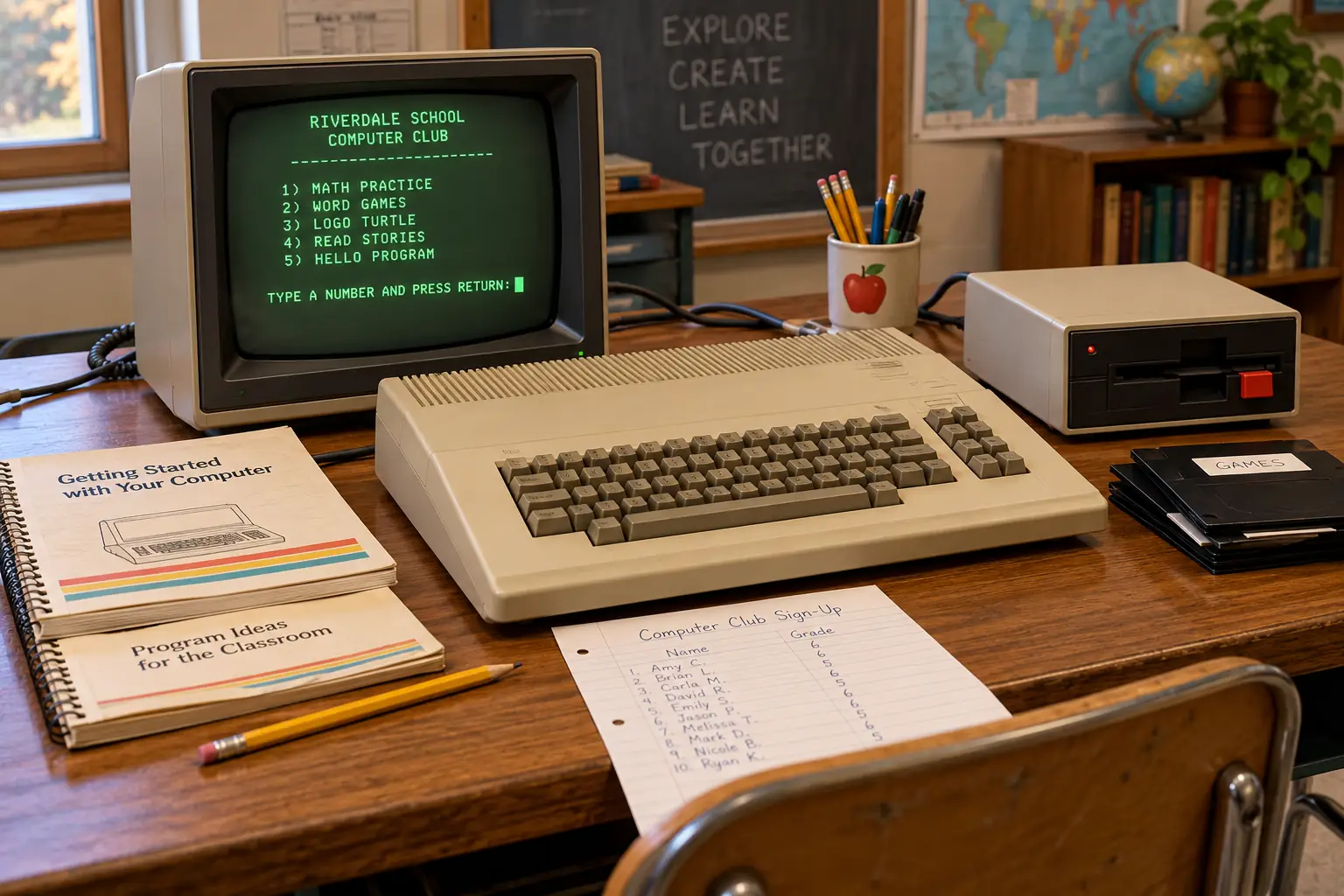
When the Apple IIe arrived in January 1983, it looked like a wide beige keyboard with a computer hidden inside. You set a monitor on or near it, connected a separate disk drive, and plugged it into power. No mouse or hard drive was required. A small speaker inside the case supplied sound.
The basic U.S. machine cost about $1,395 at introduction. That was not a complete classroom station with every accessory. A monitor, floppy drive, printer, and software could add to the bill. The IIe was not a cheap toy; it was a serious purchase for a family or school.
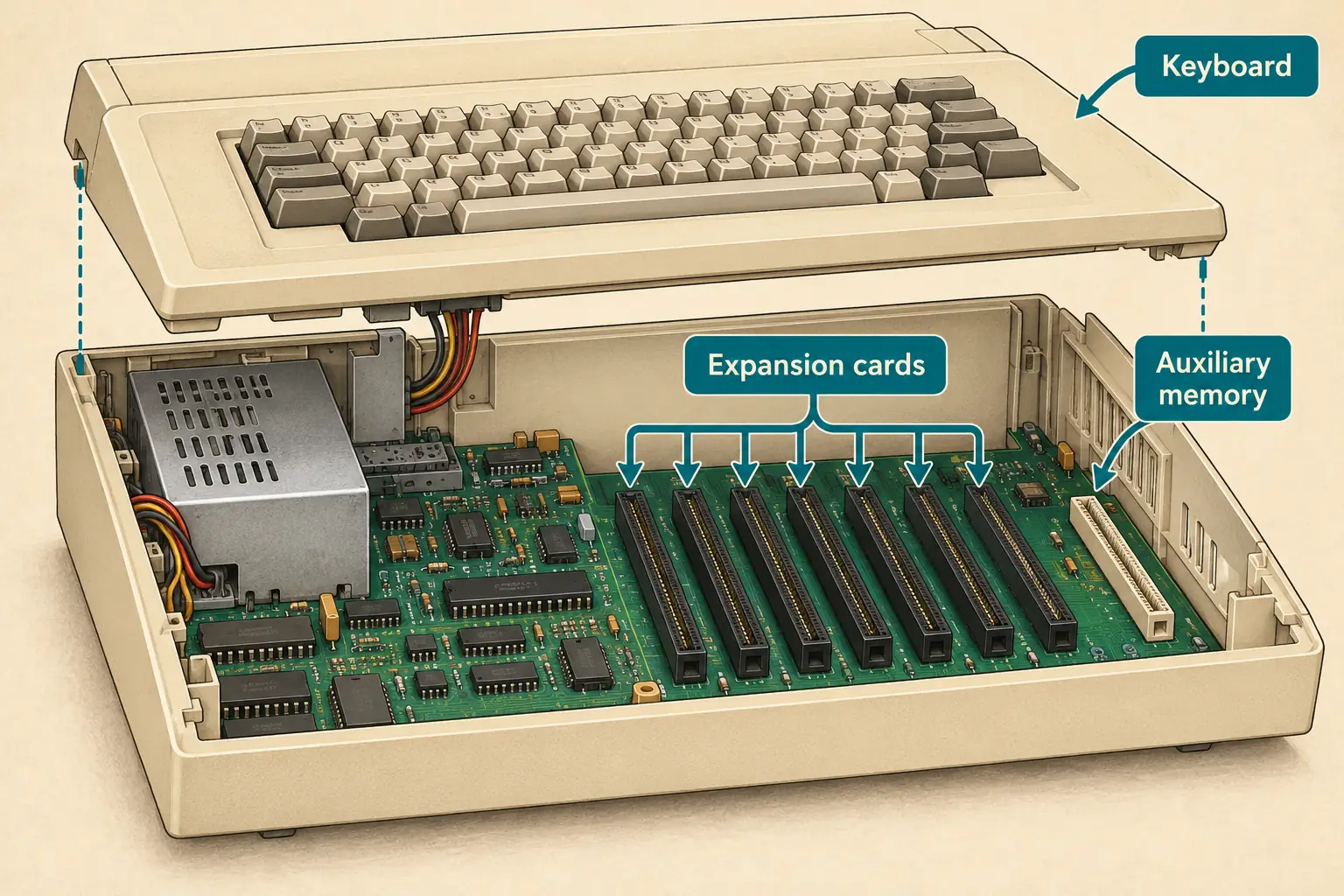
Inside was a 6502-family processor running at about 1 MHz and 64 kilobytes of memory. That amount of memory now sounds tiny. At the time, it was enough for many word games, math lessons, programming tools, and office tasks. You could add more memory through a special card, and other cards could handle disk drives, printing, and new kinds of connections.
The letter e stood for enhanced. Compared with the older Apple II Plus, the machine gave users a better keyboard, proper upper- and lowercase typing, and a way to display 80 characters across the screen with an optional card. That last feature mattered when a teacher wanted a full line of text rather than a very narrow page.
Seven familiar expansion slots remained inside, with a separate auxiliary slot for display and memory upgrades. The slots were not just for hobbyists. They let a school keep useful printers, controllers, and other equipment instead of starting over each time Apple changed its machines.
The design trick that saved old software
The IIe’s best feature was almost invisible: it tried very hard not to break the past.
Apple already had a large library of programs made for the original Apple II and Apple II Plus. Schools had bought those programs. Teachers knew which disks worked for spelling and which ones were for fractions. A new computer that could not run them would create a fresh problem, not solve one.
The engineering work was subtle. As historian Steven Weyhrich explains in his detailed Apple IIe history, Apple engineer Walt Broedner helped plan the 80-column display and memory system. Older software often wrote straight to the screen’s memory to run faster. Change the screen too much and those programs could fail.
Broedner’s approach used a second bank of memory beside the old one. The computer could show the wider screen while keeping much of the older layout that programs expected. With a fuller auxiliary memory card, the same basic idea helped expand a IIe from 64K to 128K.
It was an elegant compromise. The machine gained room to work without making every school buy a new software shelf. Engineers even adjusted some hardware timing to suit an older third-party card. It is a fine example of why “newer” and “more useful” are not always the same thing.
Behind the Scenes: A future that had to resemble the past
Apple had expected its newer Apple III to take much of the business market. The older Apple II kept selling, while the Apple III struggled. Rather than force those buyers into a new and different world, Apple finally improved the machine they already trusted.
The IIe made compatibility a design goal, not a pleasant accident. That choice helped a school keep old disks, teaching plans, and accessories in service. It also meant the new model still carried limits from the 1970s.
Compatibility was strong, not perfect. Some unusual old programs and add-on cards still caused trouble. The useful lesson is that Apple reduced the cost of change; it did not make change disappear.
How Apple got into the school door
Good design was only part of the story. Apple also put machines where future users could meet them.
In 1983 it launched Kids Can’t Wait, a program to place a free Apple IIe system in qualifying California schools. The offer was not a bare computer box. It included a monitor, disk drive, software and manuals, with an orientation session for someone from the school.
According to a July 1983 UPI report, Apple expected to serve roughly 9,250 schools under the program. State tax benefits reduced the cost to Apple. The report also described Apple’s hope that a nationwide policy might allow an even larger giveaway. That hoped-for national rollout should not be confused with what happened in California.
The Computer History Museum’s account of Steve Scheier, the Apple manager who ran the project, says more than 9,000 Apple IIe computers were ultimately donated to California schools. One machine per school did not create a full lab. It did, however, put a real computer and an invitation to experiment in front of teachers who might otherwise have had none.
Apple’s motives were not only charitable. Putting a computer in a school could help build future demand for Apple hardware and software. That business benefit does not erase the chance a child got to type a first program. Both parts belong in the story.
In a 1995 Smithsonian oral-history interview, Steve Jobs later described why the project mattered to him: children could pass through school without ever touching a computer. His words were a personal recollection years after the program, not proof that every school’s experience was the same.
The surprising part
The giveaway came with an orientation for a school representative. Someone still had to learn how to connect the hardware and make the disks useful. Even in 1983, putting a computer in a classroom was not the same as teaching with it.
What a school day looked like
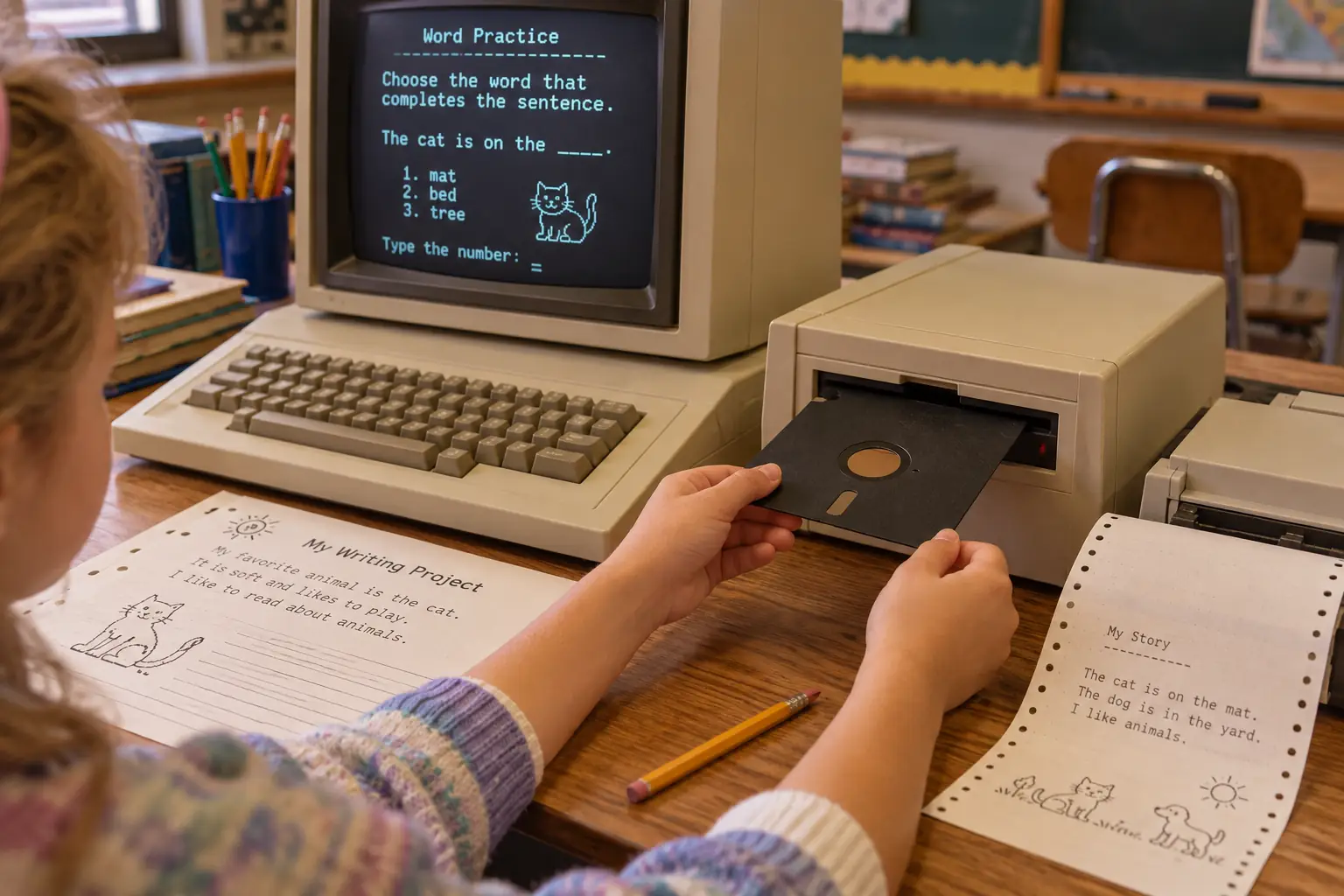
Much of the IIe’s school life lived on 5¼-inch floppy disks: wide, bendable squares inside paper-like sleeves. The common Disk II format held roughly 140K per disk side. A student might need to take one disk out, put another in, and wait while the drive buzzed and clicked.
With a school program loaded, a screen might ask a child to solve a word problem, type a sentence, or travel across a map. The keyboard did most of the work. A class could share a few machines in turns, or students could gather around one monitor to watch a teacher demonstrate a task.
These were not all games. Schools used the Apple II family for writing, math practice, basic programming, science work, and classroom management. Minnesota’s educational software group MECC helped give school computers a library that teachers recognized. The Oregon Trail became especially famous, though its history began before the IIe and it ran on several systems and versions. The Minnesota Historical Society’s account traces that wider story.
There was serious work here, too. A June 1984 review in Creative Computing covered AppleWorks, which combined a word processor, spreadsheet, and database. The reviewer made clear that the IIe needed the extended 80-column memory board to run it. The computer could do a lot, but the right card and software mattered.
Printing took patience. Many schools used noisy dot-matrix printers that built letters from little dots. A page could take time, and a paper jam could steal part of a lesson. Disks had to be labeled, stored, shared, and sometimes replaced. A teacher was not just teaching children; someone also had to keep the equipment going.
Why it stayed so long
A school does not replace a computer just because a better one appears in a magazine. It must buy the new machines, set them up, train people, move lessons to new software, and find money for repairs. The old machine may be slow, but at least tomorrow’s spelling lesson works on it.
The IIe had a strong advantage here. Its familiar software kept teaching familiar subjects. Its expansion slots let some parts be improved. Support from Apple II users and outside suppliers helped owners find tools and repairs. And a teacher who knew the exact sequence of keys to start a lesson could keep using that lesson year after year.
Apple also kept revising the machine instead of ending it after a short run. In 1985, the Enhanced IIe added a newer 65C02 processor and updated chips; existing owners could buy a chip upgrade. In 1987, the Platinum IIe brought a lighter-colored case, updated keyboard, numeric keypad, and a standard extended memory card. These changes helped keep the same broad software family going.
The extent of the old hardware in schools was striking. A 1995 report from the U.S. Congress’s Office of Technology Assessment found that in 1992, about half of instructional computers in U.S. schools were 8-bit machines, primarily Apple IIs. In elementary schools the share was even higher.
That does not mean half were Apple IIe computers. The count included other Apple II models and some other 8-bit machines. But it shows how long the old family stayed in use. The same report noted the trouble: much newer software would not run on these machines.
The report had another telling detail. In 1992, roughly half of instructional computers sat in central labs, not ordinary classrooms. A working lab was valuable, but a computer behind a locked door or booked for another class was not an everyday tool for every teacher.
Legend vs. the Record: Did the Mac replace the IIe in 1984?
The easy story: Apple launched the Macintosh in 1984, so its old keyboard computers quickly vanished.
The record: The Macintosh and Apple IIe served different needs and ran different software. Schools kept large collections of Apple II lessons. Apple continued selling IIe versions until 1993, and some classrooms used them much later. Product launches do not instantly empty school cupboards.
What schools gave up by keeping it
There was nothing wrong with teaching spelling on a machine that could teach spelling. The loss came when the old computer became the only kind of computer a pupil could use.
A basic IIe had no modern graphical desktop, no large hard disk, no CD-ROM drive, and no easy route to the multimedia and web software that came later. Some add-ons extended what it could do. They did not turn a 1 MHz 8-bit system into a 1990s Macintosh or Windows PC.
Memory was tight. Newer programs needed more storage and graphics power. Even when an older disk still worked, saving files and moving them to other systems could be awkward. A school that kept a IIe might protect a much-loved math lesson while delaying experience with the newer tools its students would meet elsewhere.
There was a human cost, too. Someone had to know which floppy was the startup disk, why a printer was not responding, or where to find an aging replacement part. Dependability came partly from local knowledge, not magic toughness. Once that one helpful teacher or technician left, keeping the system alive could become harder.
By the late 1990s, the trade-off was plain. In a March 1998 Los Angeles Times report, districts described replacing older Apple computers with Windows PCs because newer software, network plans, prices, and workplace skills had changed what schools wanted. The report concerns Apple’s wider school position, not a count of IIe machines alone. Its lesson still fits: the classroom was moving on.
Keeping a computer for ten years could be careful use of public money. Keeping it for twenty more years because there was no replacement budget was a very different kind of decision.
A way forward, and a very long goodbye
Apple understood that schools could not simply throw away all their Apple II software. In 1991, it offered an unusual bridge: an Apple IIe Card for certain Macintosh LC computers. With the card and its software, a Mac could run much of the older IIe software. A special cable allowed connection of a suitable Apple II disk drive and game controls.
It was a strange idea, and a practical one. Instead of asking a school to choose between all-new software and all-old hardware, Apple put the older computer’s abilities inside the newer one. Apple’s own 1994 technical note on the card describes continued work on compatibility with later Mac systems. Not every Apple II device or program could be carried forward, but the attempt shows how valuable those school disks remained.
The Platinum IIe left Apple’s price lists in November 1993, ending the main IIe hardware line. The compatibility card lasted into 1995. But neither date tells us when the last child typed on a real IIe. School inventories do not turn over on a product manager’s schedule.
That brings us back to Cheryl Burke’s classroom in 2012. Her Apple IIe was still earning its place, despite missing keys and past breakdowns. But Burke was asking for replacements. She wanted children to have better equipment, and the money was not there.
Today, a working Apple IIe belongs best in a collection, a museum, or a supervised hands-on lesson. Owners can still explore its programming and old software through preserved hardware or suitable emulators, but fragile disks, aging power supplies, and high-voltage CRT monitors need care. Old machines should not be treated as safe, supported everyday internet computers, and copyright still applies to old software.
The IIe’s story is not that old technology always wins, or that newer computers are somehow worse. It is that usefulness lasts longer than fashion—especially when teachers have built real work around a machine. And when a computer lasts long enough, the question changes from “Can it still do the lesson?” to “What lessons can our pupils no longer do?”
Sources and further reading
- ABC30, May 24, 2012: Merced classroom — contemporary reporting on teacher Cheryl Burke’s working IIe and the school budget problem.
- Steven Weyhrich, Apple II History, chapter 7 — detailed history of the IIe design, revisions, compatibility, and end of sales; a later historical synthesis with references to period sources.
- UPI, July 4, 1983: California school donation — contemporary account of Kids Can’t Wait, its goals, numbers, and financial terms.
- Computer History Museum: Steve Scheier — profile of the manager of Kids Can’t Wait and its eventual scale.
- Smithsonian: Steve Jobs oral history, April 20, 1995 — Jobs’s later account of the school computer program and its motivation.
- Minnesota Historical Society: The Oregon Trail — background on MECC and educational software beyond one Apple model.
- Creative Computing, June 1984: AppleWorks review — a period look at useful software and the need for extra memory.
- U.S. Office of Technology Assessment, Teachers & Technology, April 1995 — 1992 school computer inventory and the limits of older 8-bit equipment.
- Los Angeles Times, March 15, 1998: changing school purchases — contemporary reporting on what drove replacement decisions.
- Apple Technical Info Library note, reviewed May 31, 1994 — changes and supported Macs for the Apple IIe Card.