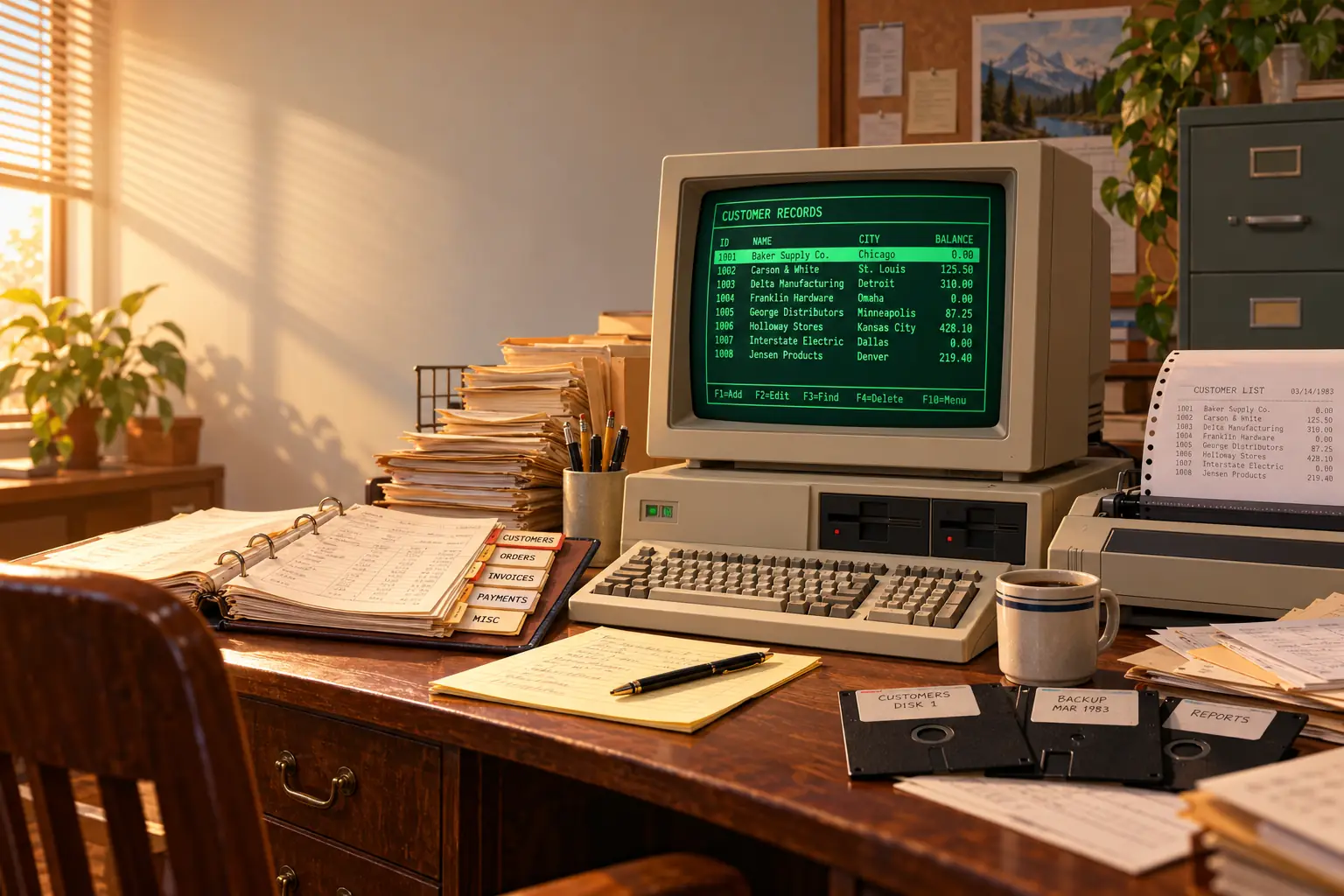
In 1984, Ashton-Tate was promoting a catalog of software that other people had made with dBASE II. It covered jobs in fields as far apart as medicine, law, insurance and agriculture. Some programs cost little or nothing. Others were priced for serious business use.
That catalog tells us something a sales chart cannot. People were not just buying a database. They were using a database to make other software.
Before dBASE II, a small office might have a shelf full of cards, folders and ledgers. After dBASE II, a person who knew the commands could build a system around that office’s very own way of working. Not every clerk became a programmer. But a remarkable number of offices gained access to someone who could make the computer fit the job, rather than the other way around.
The story began with an engineer, a home-built computer and a football pool. It ended up helping to create a market for independent business software.
Before dBASE, there was Vulcan
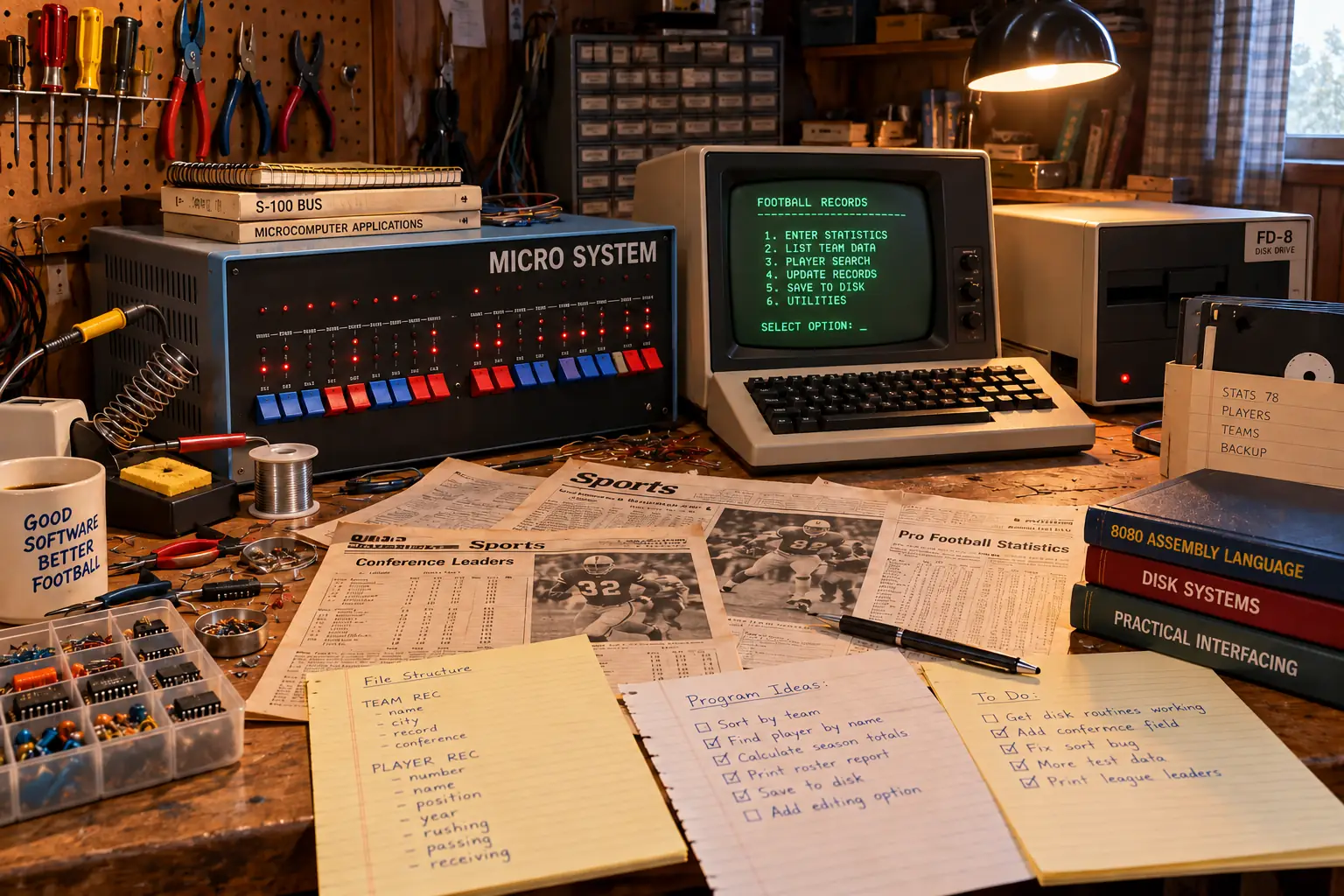
C. Wayne Ratliff was working as a Martin Marietta contractor at NASA’s Jet Propulsion Laboratory in California. He had helped write a data-management tool for the Viking Mars project. But the program that became dBASE came from a smaller problem: working through the numbers for an office football pool.
Ratliff knew about JPLDIS, a database system used on a large UNIVAC computer at the laboratory. He wanted a smaller version that could run on his own machine. That machine was an IMSAI 8080 kit, not the sort of computer you took out of a box and plugged in.
In a 1986 interview with Susan Lammers, Ratliff recalled soldering more than 2,200 connections while building his IMSAI. He said the kit cost $1,000, the keyboard another $159, and the whole working setup eventually about $6,000. Those are his recollected costs, not the price of a typical dBASE office installation.
He wrote the database in assembly language, a demanding way to make software but one that suited a small 8-bit computer. He named it Vulcan, after the planet from Star Trek.
The football statistics gave him a reason to start. More important, the tool could hold and search many kinds of facts. Ratliff said he even used it to do his taxes. He began advertising Vulcan in BYTE in October 1979.
Behind the Scenes: A one-person software company
Ratliff’s account of selling Vulcan is almost as revealing as the program itself. He handled the advertising, orders, invoices, copies of disks, packing and support while keeping his regular job. He also kept writing the software. He recalled two floppy-drive failures that together cost him about six months of work.
By the summer of 1980, he was worn out. He decided to stop seeking new customers, though he intended to support those who had already bought it. The danger was not that nobody wanted his program. It was that one person could not keep up with all the work of turning it into a business.
George Tate and Hal Lashlee, who already worked in software marketing, came to see a demonstration. Ratliff later said they understood that things could go wrong during a demo, which impressed him. He agreed to give them exclusive marketing rights.
The software was renamed dBASE II and sold by the young Ashton-Tate operation. The “II” suggested an established, improved product, even though there had been no retail dBASE I. The name was a marketing choice, not a neat version history.
Legend vs. the Record: What year did dBASE II begin?
You will find histories saying 1980 and others saying 1981. They often mix the original Vulcan work, the marketing agreement, the new name and the first dBASE II sales. Ratliff’s own interview places Vulcan advertising in October 1979 and his talks with Tate and Lashlee after he decided to stop actively marketing in summer 1980. The early dBASE II business took shape across 1980–1981. It is safer to say that than to pretend all those events happened on one proven launch date.
Just as important, the first arrangement was for marketing rights. Ashton-Tate’s later purchase of the underlying technology and copyright, reported in histories as a 1983 event, was a separate step.
dBASE II first spread among CP/M microcomputer users. It then reached the IBM PC world as that market grew in the early 1980s. A Smithsonian collection record preserves a 1984 CP/M-80 package with 8-inch disks, sample programs, utilities and tutorial disks. It is a good reminder that this software belonged to the floppy-disk age, not to a neat modern download page.
A database made for a real office
What did someone actually do with dBASE II? Start with a paper job: keeping track of customers who had ordered parts from a small repair shop.
The shop might need a customer’s name, phone number, part number, order date, amount owed and whether an item had arrived. On paper, those facts could be spread across a card file, a notebook and a stack of invoices. A mistake on one card did not magically fix all the others.
In dBASE II, the builder first described the database’s fields. A field was one fact, such as NAME or AMOUNT. One customer’s order was a record. Many records together formed a file. The user could then add orders, find one by name or number, sort records, and print a list of unpaid bills.
This repair-shop example is illustrative, not a claim about a specific documented shop. The steps come from the 1983 dBASE II user’s guide, which walks readers through making a file, entering records, finding selected entries, sorting, reporting and printing.
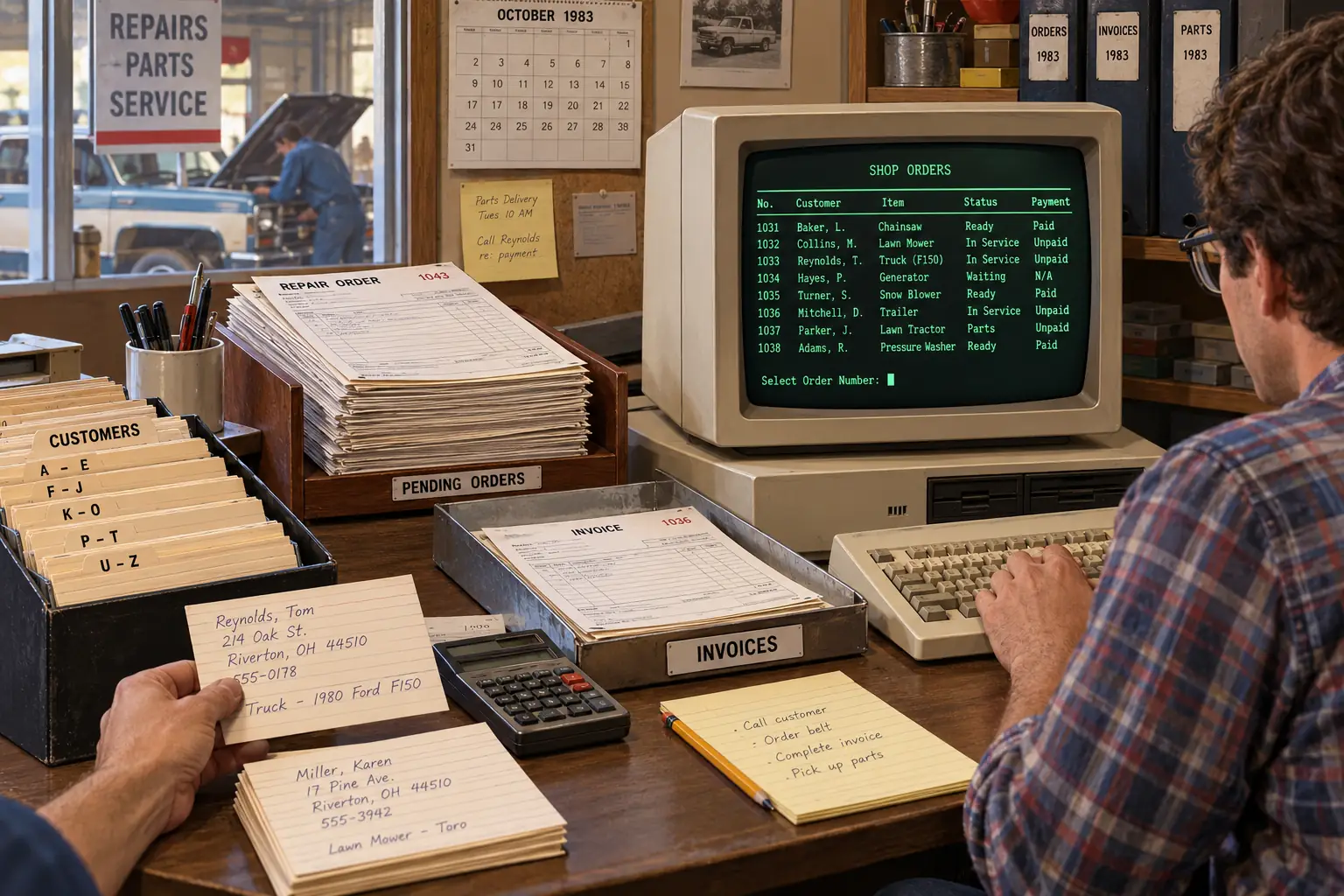
There was no need to enter an entire file into a giant spreadsheet and scroll around hunting for one customer. The program could show just the matching records, or prepare a tidy report to send to the printer.
A spreadsheet was wonderful when totals and calculations were the main job. dBASE II was better suited to keeping many separate, named records and asking questions about them. Who ordered this part? Which accounts still owe money? Which customer needs a reminder? The hard part was deciding what data to record and how people would use it.
The data also had a physical life. A machine with floppy drives required working copies and backups. Printing needed a connected printer, correct paper and some care. A database was not safe simply because it was electronic.
From records to small programs
The best trick was not the filing. It was the little language inside dBASE II.
Commands with plain-looking names could tell the computer to CREATE a file, APPEND records, LIST items, FIND a match, SORT records or REPORT results. People could try many of these tasks at a command prompt. The famous little dot prompt did not do much to explain itself to a newcomer, but a trained user could get work done fast.
Then came the bigger step. A builder could put commands into a saved program, use conditions to make choices, and show a designed screen with questions and entry boxes. A clerk could work through a set of prompts instead of learning dozens of commands. That is the difference between a tool an expert operates and a small application that an office can use every morning.
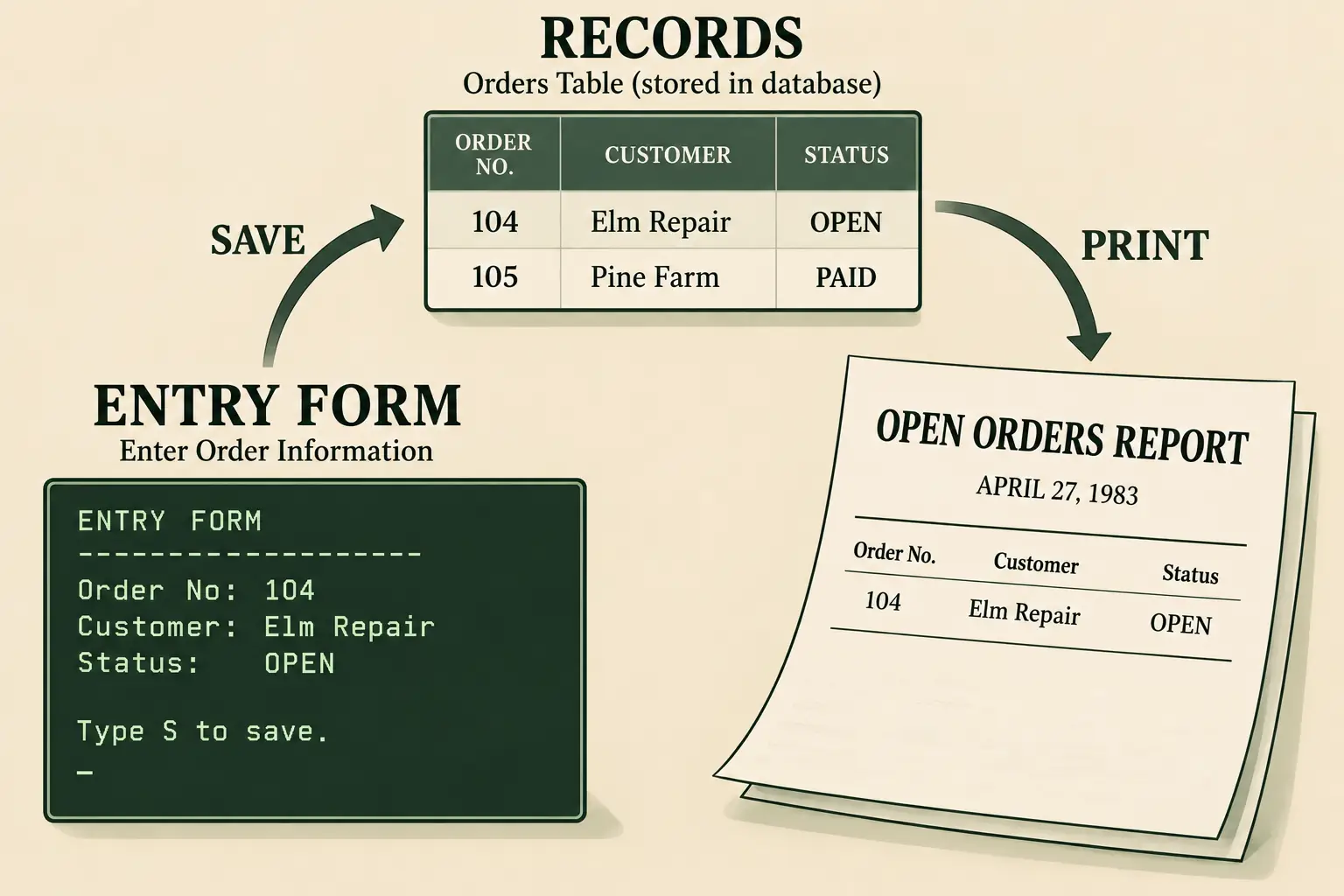
For our repair shop, a developer might create a simple routine. It asks for an order number, checks whether the record is present, displays the name and part, and then lets the worker mark the order as filled. Another routine prints the orders that are still open. Neither routine needs to look like a general-purpose database program.
That mattered because most businesses did not have the same forms, rules or odd habits. A school office, dental practice and warehouse all stored names and numbers, but they asked different questions. dBASE II gave a skilled person a way to express those differences in software.
A detailed February 1984 evaluation by Data Decisions described building a data-entry screen to match an existing paper form. That small detail explains much of dBASE II’s appeal. Rather than make staff abandon a familiar form at once, a programmer could build a computer screen around it.
The result might look plain by today’s standards: rows of text, boxes made from characters, and the rattle of a printer. Yet to an office that had been making the same list by hand every Friday, a reliable five-minute report could feel like a major advance.
Fun Fact: A database with no proper date field
A May 1983 comparison in Practical Computing showed the awkward side of file design. When its reviewer tried to define a money field with a dollar-sign type, dBASE II rejected it. Dates also had to be handled without a dedicated date-field type in that example. The program could manage office work, but a builder had to know its rules and plan around them.
The people who sold solutions
Once a shop paid for a computer, someone still had to turn its daily routine into fields, screens, reports and working disks. That created jobs for consultants, trainers and independent developers.
Ashton-Tate helped build that market. Its Application Junction catalog pointed dBASE II customers to software written outside the company. A 1984 Ashton-Tate press release, described in a later Computer History Museum corporate-history inventory, promoted more than 750 independently written offerings. These served fields including business, science, education, hobbies and agriculture. The count was a company claim about a catalog, not a measure of 750 equally successful products.
Think about the effect. An office could ask a local developer to make a custom database. The developer could build skills that worked for the next client. A publisher could sell a training book. A software shop could offer a tool that improved reports or helped build screens. Each new dBASE user made that web of skills and products more valuable.
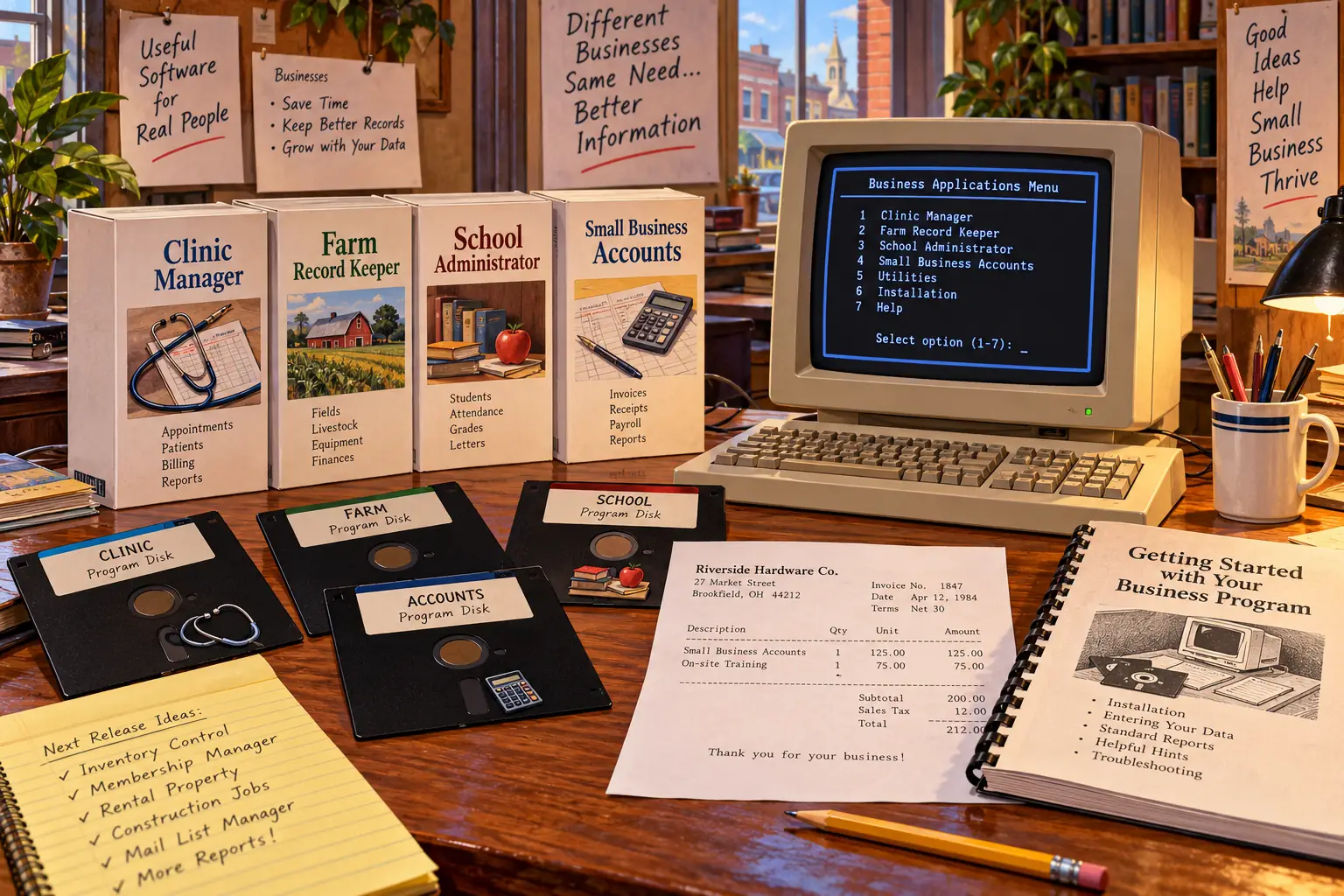
There was also dBASE II RunTime, which helped authors distribute programs for others to run without each end user needing the full development package. That made the language more useful to someone who wanted to sell a finished application, not only a programming tool.
Training was not free. In June 1983, Micro Cornucopia reported a University of Houston continuing-education course in dBASE II costing $300. Its reviewers also mentioned add-on tools from Fox and Geller. There was a market not just for databases, but for learning how to build one well.
And the price of the main software was serious. The same issue described dBASE II as selling for roughly $399 to $700, depending on where it was bought. That is a period U.S. range, not a single universal list price. A business had to add the machine, disks, printer, staff time and perhaps a consultant’s bill.
Power came with a price
The tools were flexible, but not gentle. A person could enter a few records fairly quickly. Designing a good program for colleagues was another matter.
In June 1983, two writers in Micro Cornucopia offered a useful contrast. One praised the freedom to write custom commands and reports. The other described confusing quirks in the language. The review warned that getting the most from the software really did take programming knowledge, whatever an advertisement might suggest.
There were hard limits too. Period versions are commonly documented with a maximum of 32 fields in a record and about 65,535 records in a file. Those were meaningful amounts of data on a small early-1980s machine, but they could shape a large application. A badly planned set of fields could become a headache long before the file was full.
Good systems needed care. Users had to agree on how to enter dates and names. Someone had to make backups. A report needed testing. A programmer’s clever shortcuts could turn into a puzzle when that programmer left the office.
That is why the phrase “everyone could build a database” is too simple. dBASE II lowered the barrier between an ordinary workplace problem and custom software. It did not erase the need for analysis, training, testing or patience.
What survived dBASE II?
dBASE II did not remain the final shape of the product. Ashton-Tate released dBASE III in 1984 and later dBASE III Plus. The business database market grew more competitive. FoxBASE and FoxPro, Nantucket’s Clipper, Paradox and other tools gave developers new choices, many of them drawing on the habits and language that dBASE had helped popularize.
The later dBASE IV era brought serious trouble for Ashton-Tate. Its problems were not simply a case of old software meeting new software. Competition, product quality, timing and management choices all mattered. In October 1991, Borland completed its acquisition of Ashton-Tate, according to a contemporary UPI report. That was the end of the original company’s independence, not the instant death of the dBASE idea.
The wider family of compatible commands and tools came to be known as xBase. The .dbf database file format also had a long afterlife. Those two things are worth separating: a modern program may be able to read records in a DBF file without being able to run the old custom application that worked with them.
Can you open an old dBASE II file now?
As of October 2026, the official LibreOffice guide describes ways to open and save certain .dbf data files in Calc and Base. That may help with surviving records. It is not a promise that a 1982 command file, screen layout or full office system will run unchanged.
For a real archive, preserve the original disks or verified disk images, keep backup copies of all related files, and work on copies rather than the only surviving original. If the records matter to a business, test dates, character sets, number formats and file links before trusting a conversion. Old programs and systems are not safe choices for normal, connected office work today.
People starting a new small database now have many more choices, from a spreadsheet or LibreOffice Base to modern database systems. Those are not automatic replacements for a custom dBASE application. The best choice depends on the job and on what old data must survive.
The achievement was closer to the filing cabinet than the moon
It is tempting to end this story at NASA. Ratliff had worked with data for a Mars mission; his home computer helped lead to a famous program. That is a wonderful path.
But the lasting story is in the offices that followed. A parts counter could get a list of unpaid orders. A school secretary could find a student record. A small firm could pay someone to make a set of screens that matched its own forms. These are examples of the kind of work dBASE II enabled, not reports of specific named users.
At the time, that was a big change in who could ask a computer to do a job. Businesses no longer always had to choose between a ready-made program that almost fit and an expensive system built for a large company.
dBASE II gave them a third option: start with a general tool, then build the missing piece. The dot prompt could be unfriendly, the disks could fail, and the training could cost real money. But behind that plain screen was a powerful idea: the people who knew the work could help shape the software.
Sources and further reading
- Susan Lammers interviews Wayne Ratliff (1986) — firsthand recollections of the IMSAI kit, Vulcan, marketing and the development process.
- dBASE II User’s Guide (NEC Advanced Personal Computer edition, February 1983) — period instructions for database structure, records, screen work and printing; a system-specific manual.
- Micro Cornucopia, issue 12 (June 1983) — contemporary assessments of dBASE II’s strengths, limits, training and cost.
- Data Decisions’ dBASE II evaluation (February 1984) — details on forms, manuals, installation and the independent-application catalog.
- Smithsonian dBASE II collection — museum description of surviving 1984 CP/M software, disks and tutorials.
- UPI on Ashton-Tate’s acquisition (October 11, 1991) — contemporary account of Borland completing the deal.
- LibreOffice’s dBASE file guide — current instructions for working with compatible DBF data files.