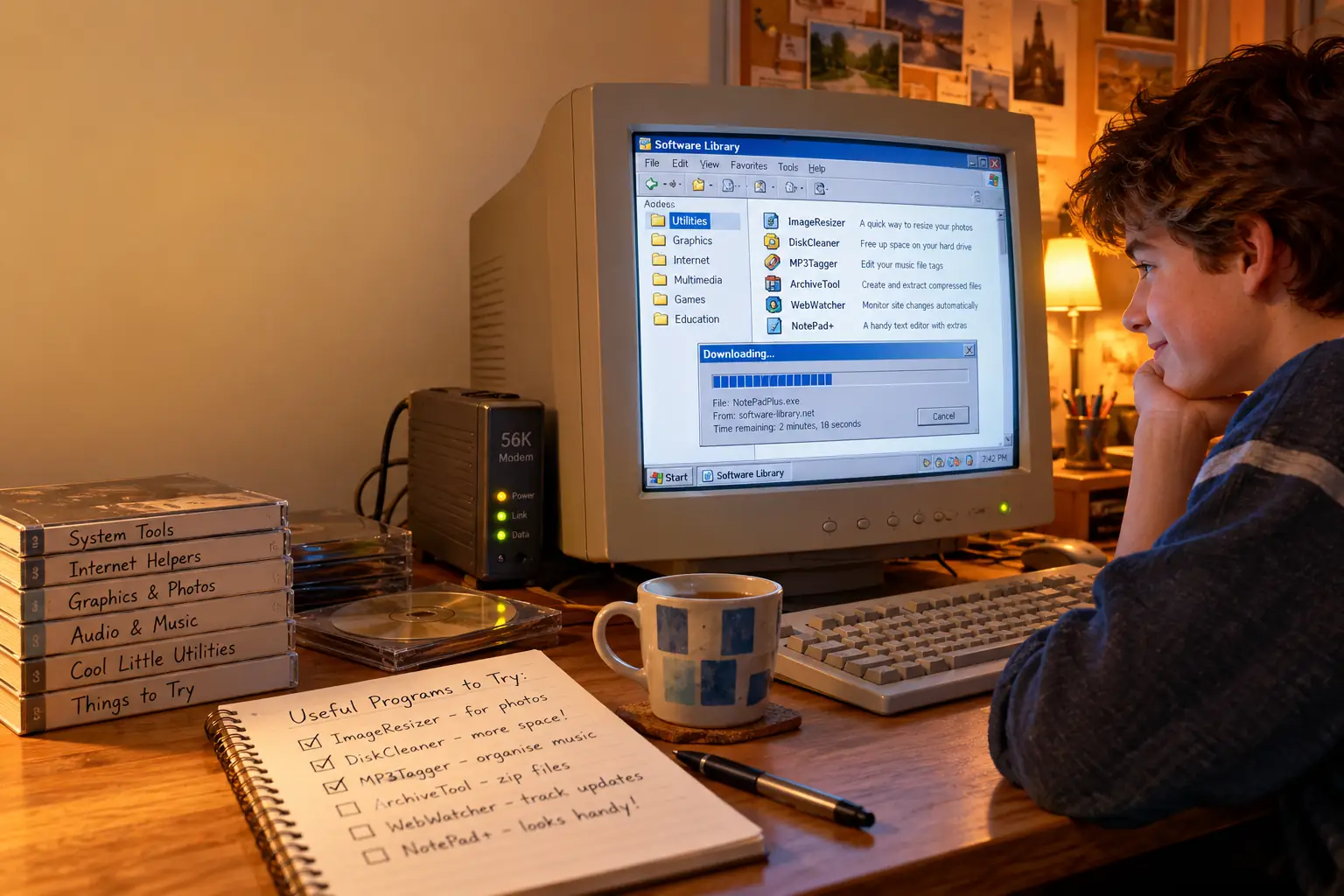
In 2005, Download.com announced that it had thrown hundreds of adware-filled programs out of its library. Six years later, the same site faced an uproar for wrapping some downloads in its own installer, which offered unwanted extras. The distance between those two decisions tells a larger story about the web.
For years, Download.com and Tucows were places you visited when you knew what your computer needed but had no idea what the program was called. They helped you find it, compare it, and decide whether to give it a try. That last step was never as simple as it looked.
Their story is about discovery, trust, and the moment when the button marked Download stopped being quite enough.
Before the App Stores, You Had to Go Looking
Buying software once meant a box, a shop, and often a price that made you think twice. By the late 1990s and early 2000s, the internet offered a far cheaper way to experiment. You could try a text editor, file manager, screensaver, photo tool, or new web browser without visiting a store.
But a search engine did not always answer the useful question: Which of these programs should I install? Some developers had tiny sites. Others had no name you would recognize. The newest version might be easy to find, or buried on a page that had not been updated in months.
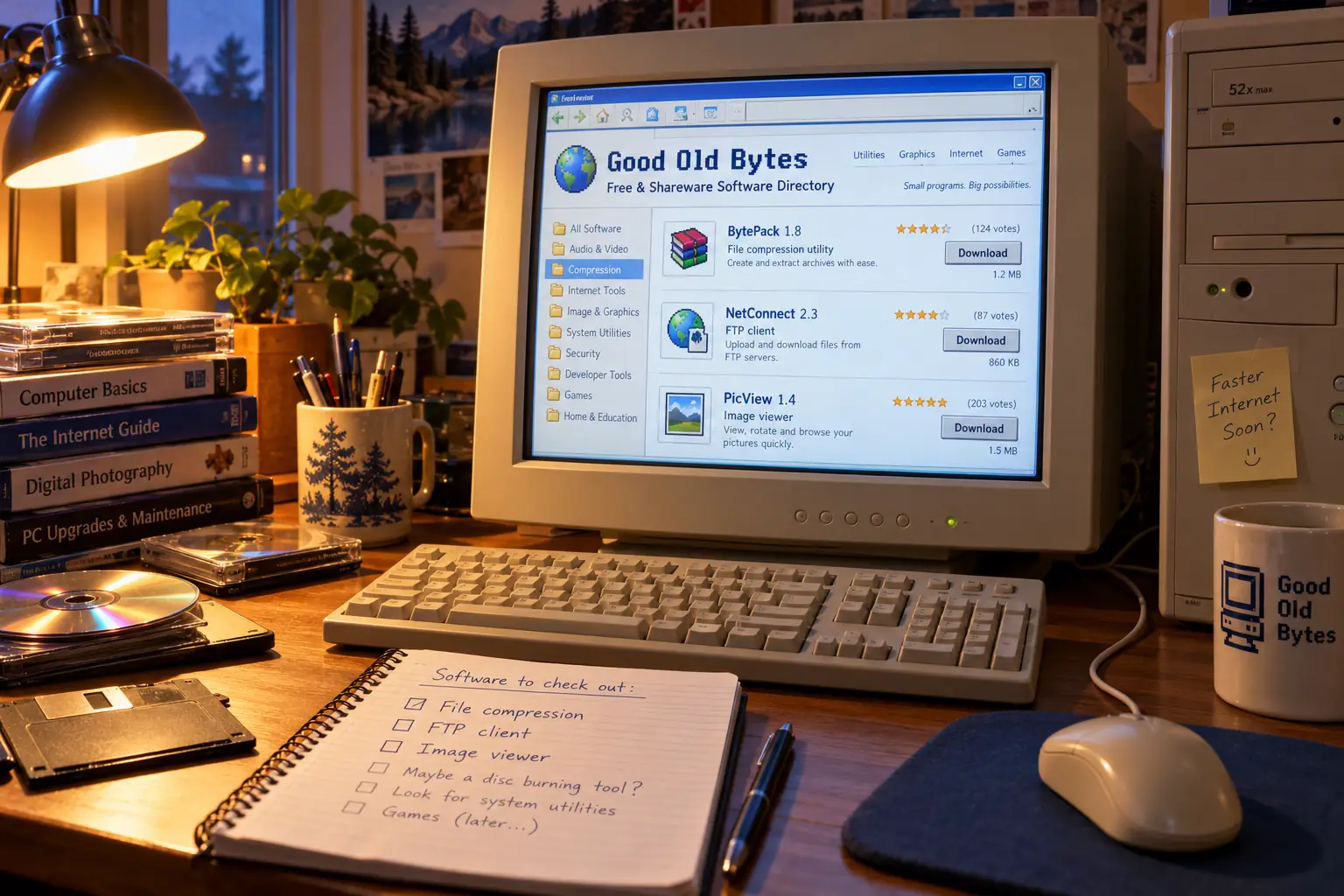
Software libraries gave that mess a shape. Programs appeared in categories, with descriptions, version numbers, platform details, file sizes, ratings, and user opinions. One visit could turn a vague need into a short list of things to try.
Much of this software came with a different deal from boxed retail programs. Freeware usually meant you could use the program without paying, subject to its license. Shareware meant you could download and try it, but might need to pay to keep using it or unlock all its features. A demo could be limited by features or time. Free to download did not always mean free to own.
Then there was the connection. On a dial-up modem, even a modest installer could mean a real wait, and the household phone might be busy until it finished. A progress bar was entertainment only if nothing else was going on.
Two Very Different Beginnings
Tucows began with a problem bigger than software shopping
Tucows began in Flint, Michigan, in 1993, according to the company’s later history. Scott Swedorski was working around local libraries when he started collecting software that helped Windows computers get online. Its odd name was a practical acronym: The Ultimate Collection of Winsock Software.
Winsock was the part of Windows networking that let programs use internet connections. In the Windows 3.1 years, getting online could take more work than simply plugging in a cable. The right software was part of the adventure.
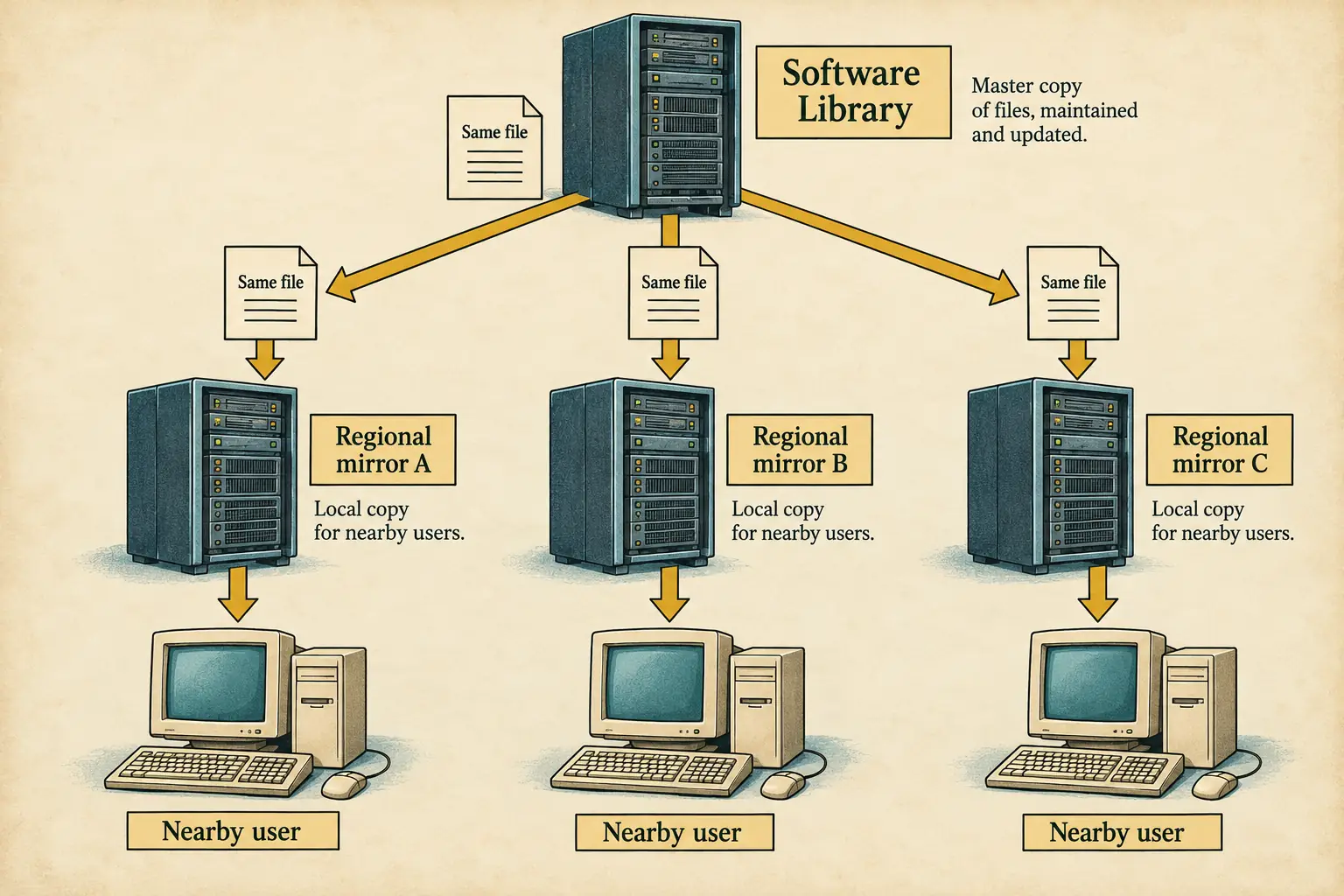
The library grew well beyond networking tools. Tucows made those files available through mirrors: other servers holding copies of the collection. Internet service providers around the world hosted them so users could choose a nearby source. That mattered when long-distance network links were slow or costly.
Tucows’ own company history records international mirroring beginning in 1994. Its 2002 announcement about an IBM hosting deal described more than 30,000 software titles and more than 2.5 million page views per day. Those are the company’s reported figures, not a count of unique users or downloads.
Download.com made discovery a media business
CNET launched Download.com in 1996. Where Tucows had grown from a specialist collection, Download.com was part of a technology publishing business. It could combine a large file library with reviews, editorial picks, newsletters, and advice.
A French review from March 2002 described roughly 30,000 programs on Download.com, covering not only Windows but also Macs, Linux, and handheld devices. The reviewer liked the clear pages, strong search tools, screenshots, reader votes, forums, and newsletters. The criticism was delightfully familiar: the site could be slow.
That report also notes that shareware payments were handled through the software publishers. The library helped users find the product; it did not necessarily sell the license itself.
In its 2004 annual filing, CNET described Download.com as a place where tens of millions of people came each month to discover legal, free-to-try software, music, and games. That was how the company described its reach, not an independently checked audience count.
The Pleasure of Browsing Without Knowing What You Wanted
Most of us now search for a named app. These libraries were also built for the opposite trip: start with a problem and discover the name.
Need to open a strange archive? Find a file-compression tool. Need to move a website from your PC to a server? Look under FTP clients. Have a new digital camera and no idea how to organize the photos? The graphics section might keep you busy all evening.
Categories made wandering useful. So did top-download lists, editor recommendations, star or cow ratings, and short reviews. You could compare two small utilities before giving either one a place on your hard drive.
There was no guarantee that the top-listed program was the best. Popularity might reflect an established name, a well-timed update, or good promotion. Still, a readable description and a few user reports beat choosing a mystery file from a random server.
Remember the second download?
A common kind of software hunt had two parts. First came a small tool that looked perfect. Then came the discovery that it needed another library, a different version, or a newer operating system. The file finished downloading; the project had barely begun.
Five Cows, Editor Picks, and a Leap of Faith
Tucows gave programs ratings with its famous five-cow system. The image was friendly, almost silly. That was part of the charm. A cow could tell you something useful about software without making the page feel like a technical exam.
The rating was not just decoration. In a November 1999 announcement, Tucows said its reviewers were checking Windows 2000 compatibility and using five-cow ratings to judge software. The claim shows how strongly the site wanted to connect discovery with testing; it does not prove that every later download was safe.
Tucows also built events around new releases. In October 1999, the company announced Kickoff, a place for developers to introduce new versions. It planned Monday and Thursday launches, paired with a weekly review feature called Dr. File Finder’s Picks.
Behind the Scenes: A software premiere, twice a week
The October 19, 1999 announcement named founder Scott Swedorski as Tucows’ editor-in-chief. It described scheduled software launches and even chances for visitors to win full versions. The idea was simple: a new utility could become an event. Long before a phone app appeared in a featured store row, someone had to help small developers get noticed.
Download.com took a different route, backed by CNET’s editorial identity. Its staff reviews and reader comments sat beside program information, so a download page could feel like a buying guide. Developers benefited from the attention. Visitors benefited from having several clues in one place.
Both sites were also businesses. Page traffic attracted ads. Developers wanted visibility. More prominent placement and promotions could bring in money. Those interests did not always match the reader’s one request: Just give me the program I chose.
By July 2007, Tucows was trying to make its directory more social. A company redesign announcement described user comments, new ratings, problem-solving guides, and more than 40,000 listings. The examples included removing spyware and improving computer performance. A software directory was becoming a help desk as well as a shelf.
Fun Fact: The cow followed the company
What began as an acronym for Windows internet tools became a lasting company name. Tucows later moved deeply into domain registration and internet services, but the cows remained part of its identity. Its own 2007 name story credits Swedorski and the Winsock collection.
When the Download Button Became a Negotiation
Trust had always required care. A review could miss a problem. A popular program could change hands. A useful installer could include an advertising offer. By the mid-2000s, unwanted extras were becoming a big enough issue for download sites to make public promises about them.
In April 2005, Download.com introduced a tougher policy against bundled adware. CNET’s own SEC filing said the change removed about 500 titles from a much larger library. It was a clear attempt to draw a line: users should be able to find software without also getting unrelated programs.
Then, in 2011, Download.com began using its own download manager for some Windows programs. Instead of receiving only the maker’s installer, visitors could first receive a CNET-created wrapper that offered extra software or browser changes.
On December 5, 2011, Gordon Lyon, the developer of the free network scanner Nmap, objected in a public message to his users. He said Download.com had wrapped Nmap with a separate installer that promoted a toolbar and changes to browser settings. Lyon warned that users might think those extras came from his project.
This was more than a fight over a toolbar. A download site’s old promise had been to help people judge programs written by other people. Now the site had placed its own program between the visitor and the one they wanted.
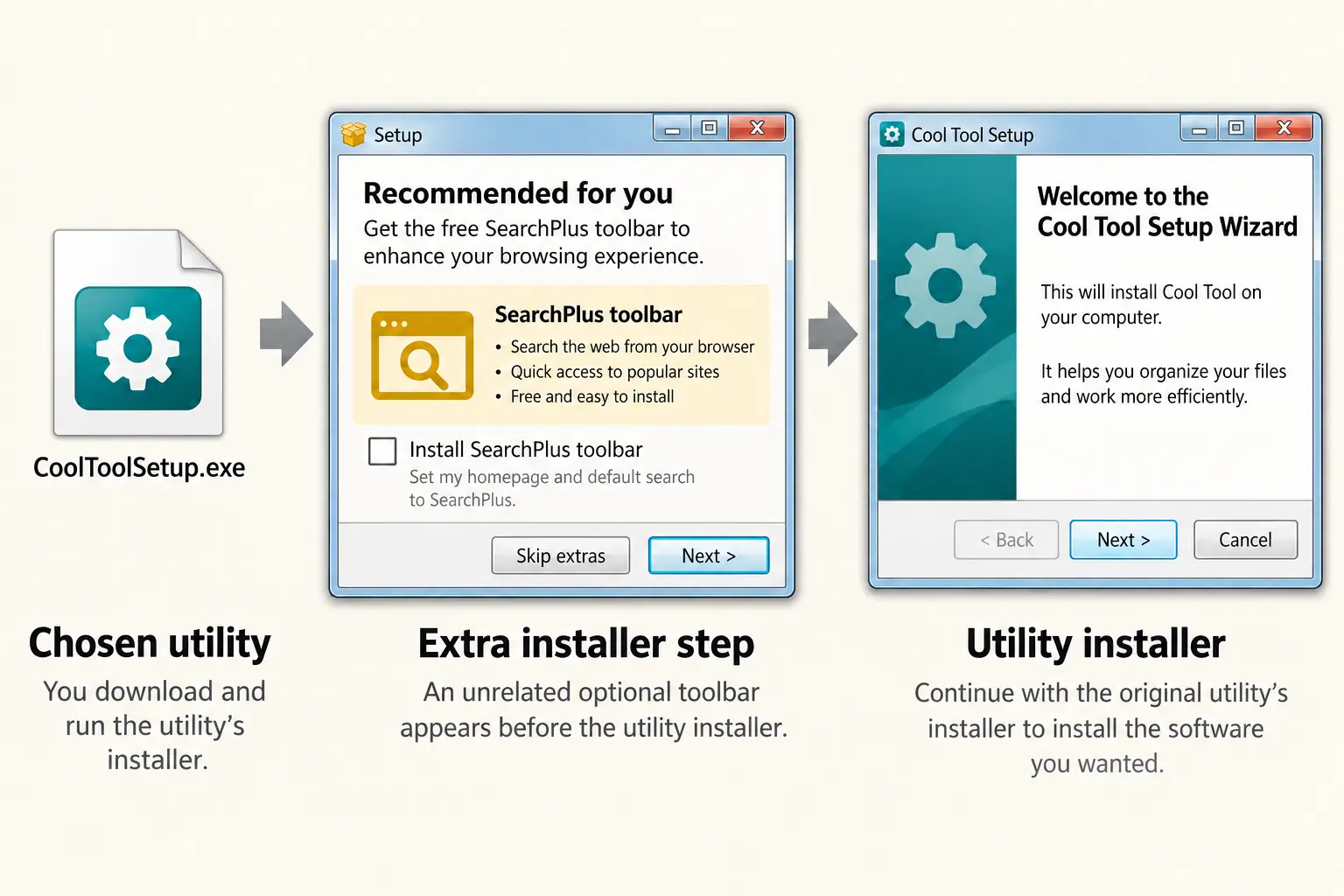
Security reporter Brian Krebs tested the Nmap download and reported that CNET’s wrapper offered the Babylon Toolbar. Some antivirus products flagged the installer. That does not by itself establish that every wrapped file was a virus, or that every product on the site used the wrapper. It does show why users and developers were alarmed.
CNET also gave its side. Download.com manager Sean Murphy apologized for bundling open-source packages, said Nmap had been taken out of the manager, and said the company would check other open-source files. The company defended using a download manager more generally, pointing to its goal of making installs easier and supporting a business model for developers. Contemporary reporting records both the apology and the limits of the change.
What went wrong?
The trust gap: Users chose one product but could be handed a different installer first. That made it harder to tell whose software they were running.
The extra offers: Browser changes and toolbars could be accepted through the install flow even when they were not the reason for visiting the site.
The developer problem: Authors could be blamed for extras they did not create or approve. Nmap and the makers of Directory Opus raised concerns in their own published accounts.
The larger lesson: A download directory could check a file and still damage trust through the way it delivered that file.
It is tempting to paint every software library with the same brush. That would be unfair. Business models, rules, and download methods differed by site and year. Nor was every extra offered by an installer identical to malicious code. The real question was whether people understood what they had agreed to receive.
Tucows Tried to Clear the Clutter
By 2016, Tucows had made money in other lines of work, including domains and internet services. It no longer had to squeeze as much revenue from the old download directory.
On May 3 that year, the company issued a remarkable announcement called “Tucows Cuts the Crap.” It criticized a world of misleading download buttons, pop-ups, and unwanted toolbars. Tucows said its own downloads site would drop the flashing ads and other clutter. The company was speaking about an industry problem and its own policy change, not certifying that every third-party program was harmless.
It was an unusual move: a software directory was now trying to rebuild trust by making itself less aggressive about making money.
But removing ads could not return the web to 2003. Many people now found software through official developer sites, operating-system stores, or tools that installed and updated programs for them. Tucows had also become a very different company.
On January 25, 2021, Tucows announced the retirement of its Downloads library. CEO Elliot Noss said the site had stayed alive largely for historical and sentimental reasons. He also pointed to the work and risks of maintaining an old site. Tucows said much of the collection had been transferred to the Internet Archive.
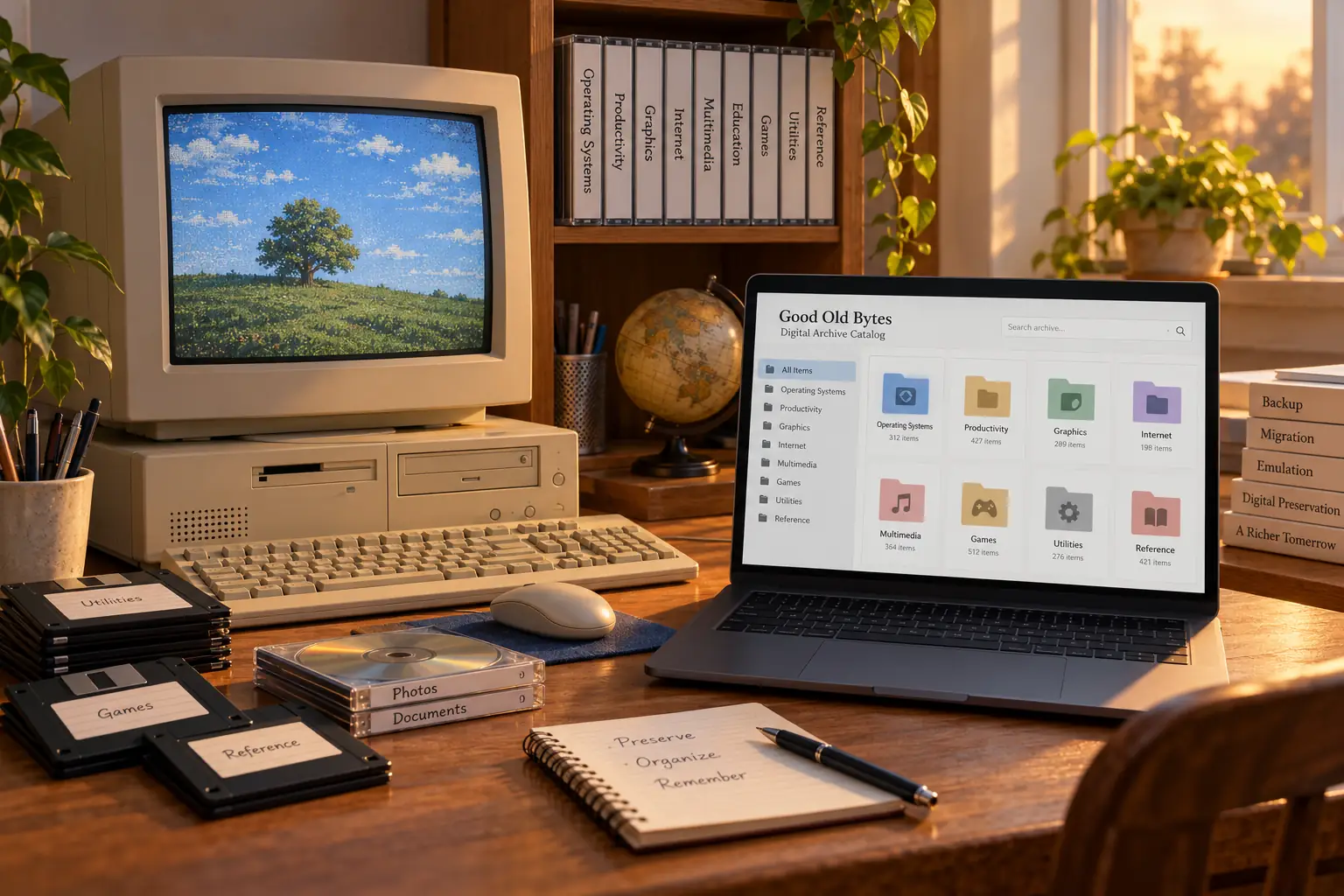
Where Do We Find Software Now?
The Tucows download service is retired, but the company points readers to its preserved software collection at the Internet Archive. That makes it a fascinating research resource, not a promise that old programs are safe or licensed for every modern use.
Download.com has continued as an online software directory, although its pages, ownership, delivery choices, and policies have changed across the years. This history should not be read as a current security rating for the site or any file it offers.
For software you want to use today, start with the verified developer’s own website or a trusted operating-system store. On Windows, Microsoft’s WinGet documentation describes a package manager that can search for, install, and update many programs. Whatever the source, check the publisher, version, and installer prompts. Old software from a historical archive belongs in a carefully controlled test setup, if used at all.
What has become harder to replace is the browsing itself. Those directories were not only pipes carrying files. They were catalogs of tiny ambitions: a programmer’s clever utility, an office fix, a new way to view pictures, a screensaver that served no purpose except making someone grin.
They also taught a useful lesson. Discovery is not the same as trust. Download.com and Tucows helped millions of people cross that gap, sometimes well and sometimes badly. The next time an installer asks whether you would also like three unrelated things, remember how much effort once went into making a simple software download feel safe.
Sources and Further Reading
- Tucows company history — the Flint origins, mirroring, and later shift toward domain services.
- Tucows Kickoff announcement (1999) — a period record of scheduled launches and Dr. File Finder’s Picks.
- Tucows and IBM announcement (2002) — reported catalog size and traffic during the directory’s busy years.
- 01net review (2002) — a contemporary account of browsing and using Download.com, published in French.
- CNET quarterly SEC filing (2005) — the company’s own account of its bundled-adware policy change.
- Gordon Lyon’s original warning (2011) — the Nmap developer’s firsthand account of the installer dispute.
- Krebs on Security (2011) — an independent test and examination of Download.com’s installer.
- The Register follow-up (2011) — CNET’s response and the changes made after criticism.
- Tucows ad-free announcement (2016) — the company’s stated decision to remove download-site clutter.
- Tucows retirement statement (2021) — the reason for closing the directory and its preservation plan.