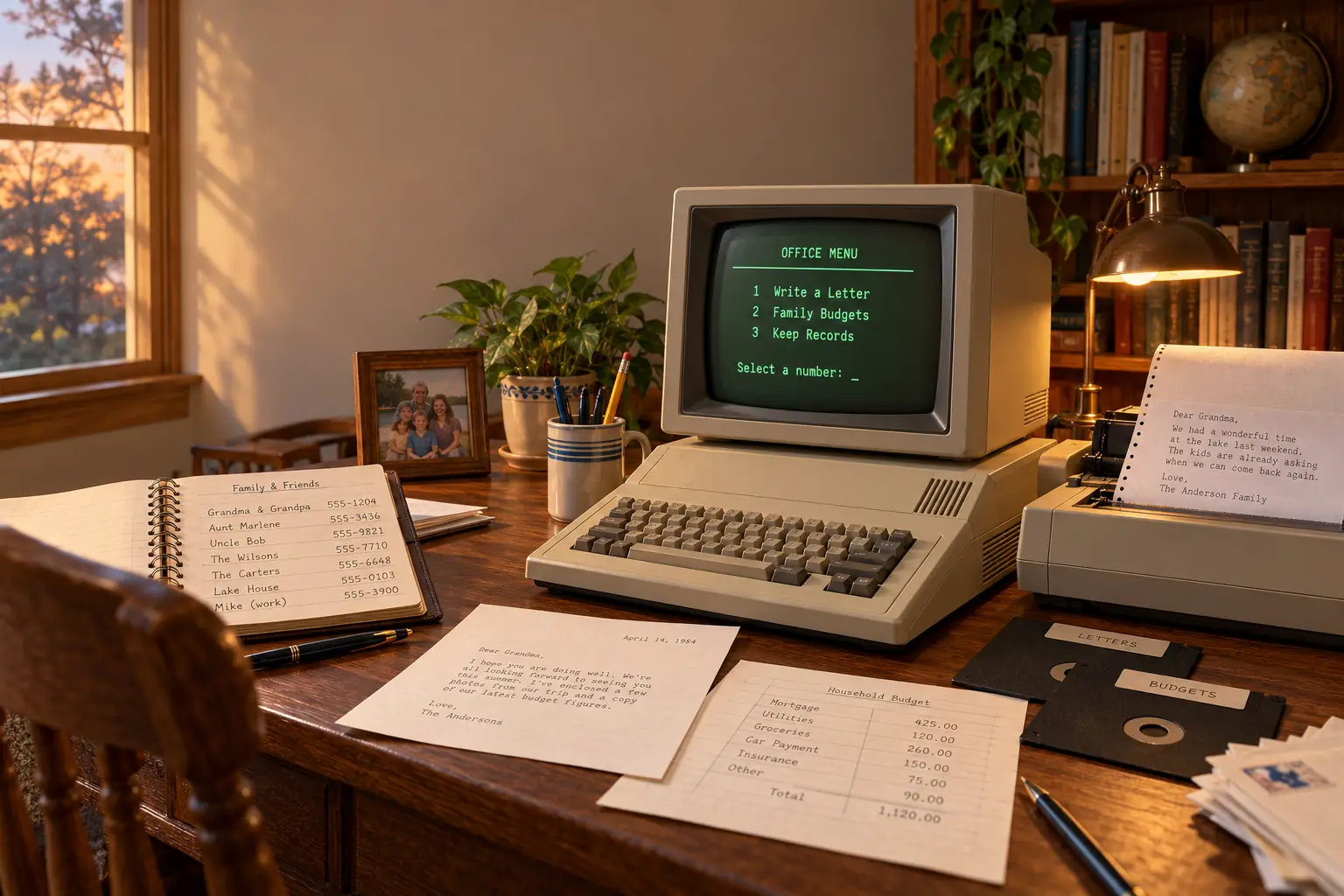
Steve Arrants was doing his income taxes when a spreadsheet gave him reason to worry. The problem was not simply how much he owed. It was how the program worked out the answer.
In his June 1984 Creative Computing review, Arrants warned that AppleWorks could calculate a cell using an older result if the formulas were in the wrong order. After trying to bring over a VisiCalc tax worksheet, he decided to start again. He still liked AppleWorks enough to give up his old word processor for it. That is a wonderfully honest review: this new office software was useful, friendly, and not magic. Read Arrants’s 1984 review.
AppleWorks arrived in 1984, when Apple was busy showing off the new Macintosh. Yet one of Apple’s most useful new programs did not need a mouse or a picture-filled screen. It ran on the Apple IIe and Apple IIc, bringing a word processor, a spreadsheet, and a database into one familiar place.
For a family, teacher, small office, or club treasurer, that could turn a computer bought for one task into a machine for nearly everything written down.
Three Jobs, One Program
Before AppleWorks, an Apple II owner could write with Apple Writer, calculate with VisiCalc, and keep records with a separate database. These were serious tools. The trouble came when a task needed more than one of them.
A school might have a class list, a budget, and a letter to parents. A family might have household expenses, an address book, and a report for a local club. Buying and learning several programs was one hurdle. Moving facts between them was another.
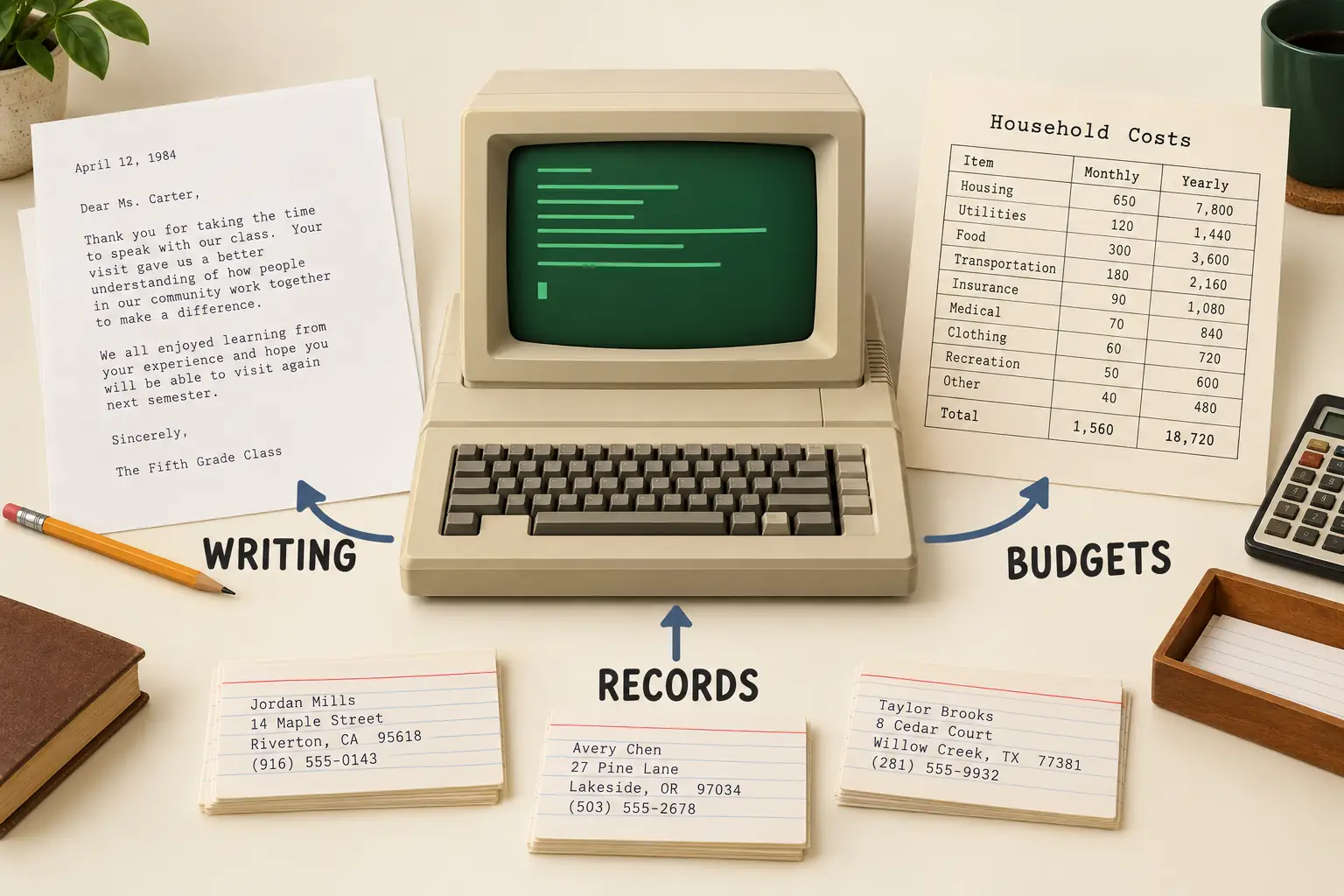
AppleWorks put those tasks under the same roof:
- Word processing: Write letters, school reports, minutes, and other text. Change margins, move a paragraph, and print a clean page.
- Spreadsheet: Set up rows, columns, numbers, and formulas. Change one value and work out a new total.
- Database: Keep named fields in records, such as addresses, fees, book lists, or inventory. Sort the records and prepare reports or labels.
Apple called this an integrated package. The important word was not “three.” It was “together.” You learned one broad set of menus and commands, then used it across different kinds of work.
Apple’s own February 1984 AppleWorks brochure pitched the shared commands, help screens, training disks, and the ease of passing information between programs. Those were sales claims, of course. But period reviewers tried the features and found much of the ease was real.
It was not the first piece of software ever to combine office tools. Other integrated packages already existed, including an earlier Apple II product called The Incredible Jack. Nor was AppleWorks simply a smaller Lotus 1-2-3. Lotus leaned on powerful spreadsheet work and graphics; AppleWorks made writing and record keeping equal partners. Arrants noted that the original AppleWorks did not offer spreadsheet chart graphics at all.
A Database Became a Whole Office
The man behind the original AppleWorks was Rupert J. Lissner, later known as Robert Lissner. His starting point was not a grand plan to build an office suite. It was a database called Quick File.
Lissner had developed Quick File for Apple’s troubled Apple III line. Apple also sold a version for the Apple IIe. The first versions used Pascal, a programming system that made complex software easier to write but could feel slow on these machines.
Historian Steven Weyhrich’s detailed AppleWorks history traces a bigger idea Lissner formed after seeing the Apple Lisa’s office system. Instead of making a database that did more tricks, why not give an Apple II three everyday office programs that behaved alike?
Lissner went to work in 1982. To get useful speed from the Apple II, he wrote the new software in assembly language, code much closer to the machine itself. That choice required painstaking work, but it made a large idea fit into a small computer.
Behind the Scenes: Two Computers, Two Names
Lissner developed related versions for the Apple II and Apple III. The project had been called Apple Pie. Apple marketed the Apple II program as AppleWorks, while Haba Systems sold the Apple III relative as /// E-Z Pieces. Their files were designed to work together.
That odd branch in the family tree helps explain AppleWorks. It was built around real work and files that could travel, not around showing off a new kind of screen. The history is documented by the Centre for Computing History and Weyhrich’s account.
One important detail often gets lost: the 1984 original was an Apple II program. It was not the later Macintosh application that also carried the AppleWorks name. It also was not AppleWorks GS, the separate graphical package later sold for the Apple IIGS.
A Desktop Without a Mouse
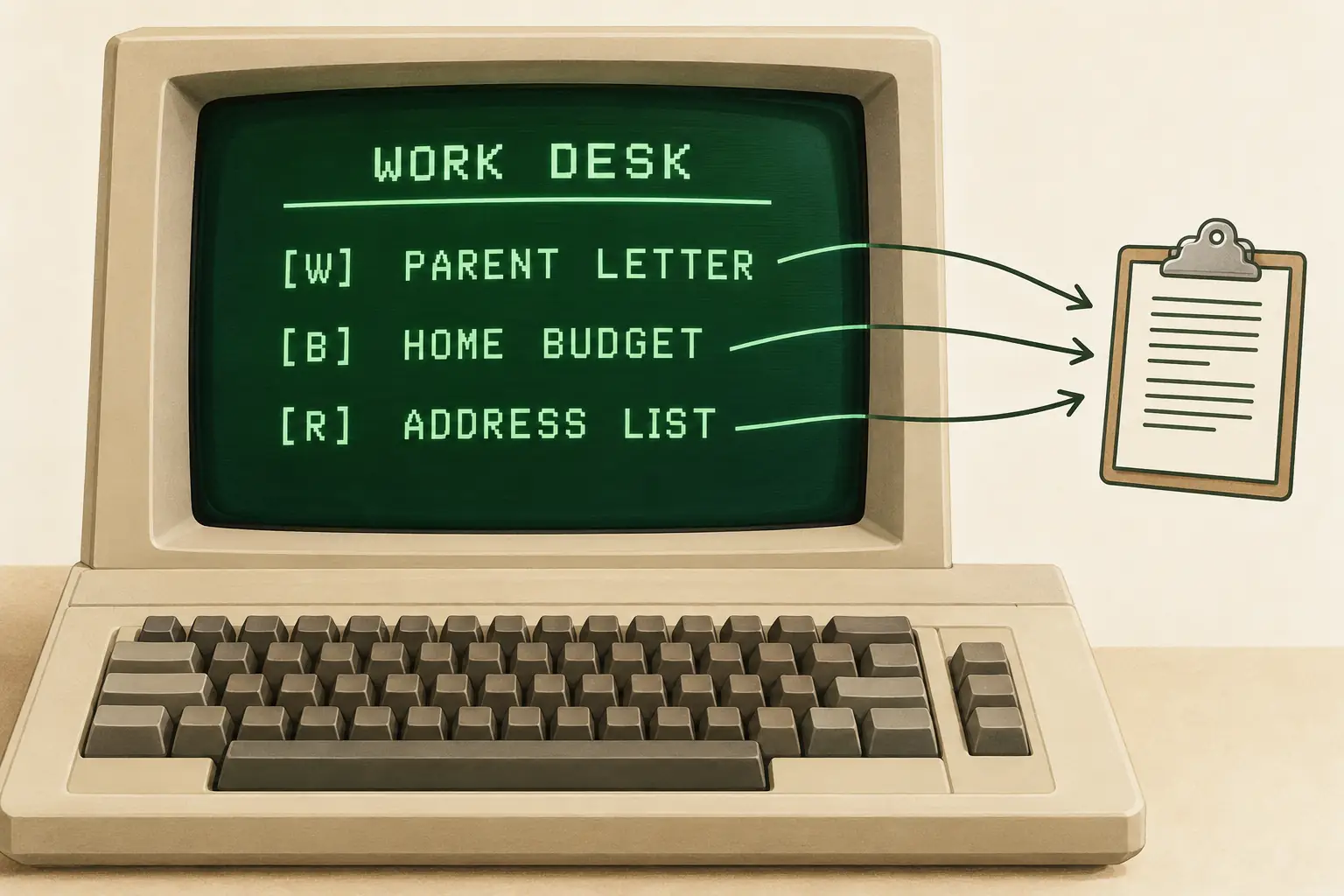
AppleWorks had a “desktop,” but it did not look like today’s desktop. It was a text screen, with menus inside box-like outlines. You moved a bright bar with the arrow keys and pressed Return to pick an item. It felt more like an orderly filing cabinet than a picture of an office.
That simple design solved a real problem. You could load several files into a shared working area in memory. A memo, a budget sheet, and a list of names could all sit on the desktop together. The original system could hold up to twelve files there, subject to available memory.
A shortcut, Open-Apple-Q, brought up a list of those files. Choose another and you returned to it without finding the disk and starting the whole job from scratch. If you forgot how to do something, Open-Apple-? called up help.
The other clever trick was the clipboard. You could copy text or records, then place that information elsewhere. A spreadsheet report could be sent to the clipboard through the Print command. Yes, “print” could mean putting information in memory rather than sending paper to a printer. The word had a more flexible job back then.
This was not modern multitasking. Only one of the three main application modules ran in memory at a time. In 1984, Arrants measured a wait of about ten to fifteen seconds when switching from one type of tool to another. Moving between files within the same tool was faster. Still, compared with shutting down a program, finding another disk, and learning another set of keys, it was a good trade.
Fun Fact: The Program Had a Desktop Before Many Homes Had a PC Office
AppleWorks made a desktop out of text and memory. The files stayed distinct, but the same working space linked them. The familiar ideas of switching documents and copying information did not have to wait for a mouse.
Why Families and Schools Could Use It
AppleWorks did not require its owner to be an accountant or programmer. Its database could replace an index-card box. Its spreadsheet could total dues or household costs. Its word processor could help a student revise a report without writing every page again.
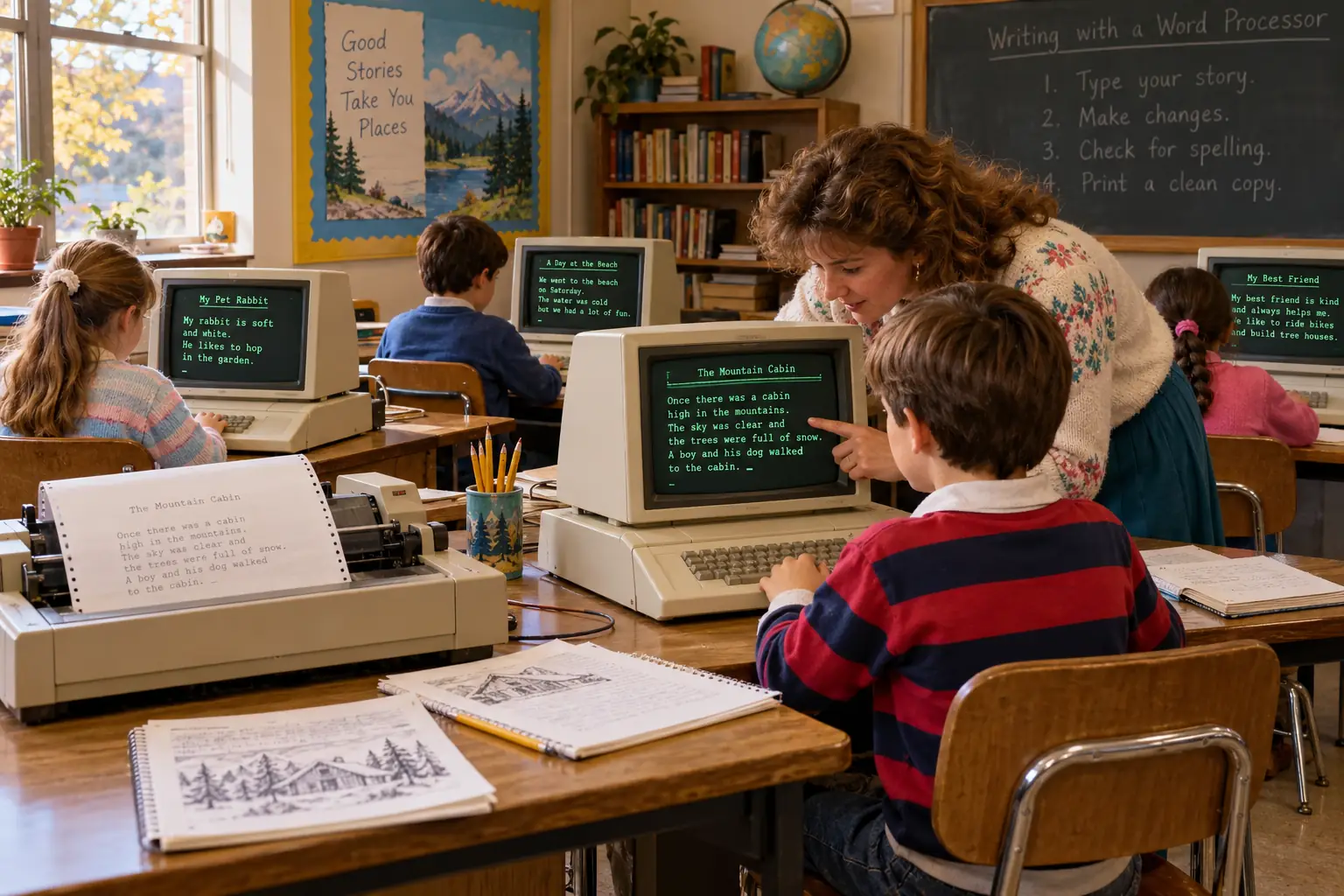
That mattered in homes, but it mattered in schools in a special way. Apple II computers were already common in American schools. A teacher who knew one set of AppleWorks commands could use the same ideas for a letter, a list, and a budget. A student who learned to edit text could focus more on the words than on getting every line right the first time.
There is a real classroom in the record. In May 1986, researcher Jane David visited a fifth-grade class in Blue Earth, Minnesota, during Apple’s Classroom of Tomorrow project. Her account, reproduced and discussed by education historian Larry Cuban, says the teacher had bought an Apple computer and taught himself AppleWorks.
In that classroom, word processing was a central activity. Students wrote journals, rearranged answers into stories or poems, and built personal word lists. The room also had a shared printer. The account describes a well-equipped trial classroom, not the average school in 1986, so it should not stand for every child’s experience. But it shows why a familiar, useful program fit the way teachers wanted children to work.
For a parent, too, integration could save effort. A club mailing list might begin as a family address book. A household spreadsheet might become the figures for a typed letter. One machine could be useful to different people, even when their tasks had nothing to do with each other.
Of course, usefulness was not the same as being cheap. In the United States, contemporary reports listed AppleWorks at about $250 at suggested retail, and the computer, display, disk drive, and often a printer were separate expenses. In a June 1984 Washington Apple Pi review, Walt Mossberg described seeing the package for less than $200 at some local shops. These are period dollar amounts, not today’s values. The promise was value compared with buying three different business programs, not a free office for every family.
The Floppy-Disk Reality
The original AppleWorks 1.0 ran on the Apple IIe with an 80-column display and suitable memory, and on the newly introduced Apple IIc. Original editions could operate with 64 KB of RAM, but the working desktop was much smaller than it was on a 128 KB machine. AppleWorks 2.0, released in 1986, raised the minimum to 128 KB. An Apple II Plus was not a supported home for the original retail package.
It used ProDOS, Apple’s newer disk operating system. That is worth remembering because many Apple II owners still had old files on DOS 3.3 disks. Moving text into AppleWorks could mean preparing or converting files rather than just opening anything already in a drawer.
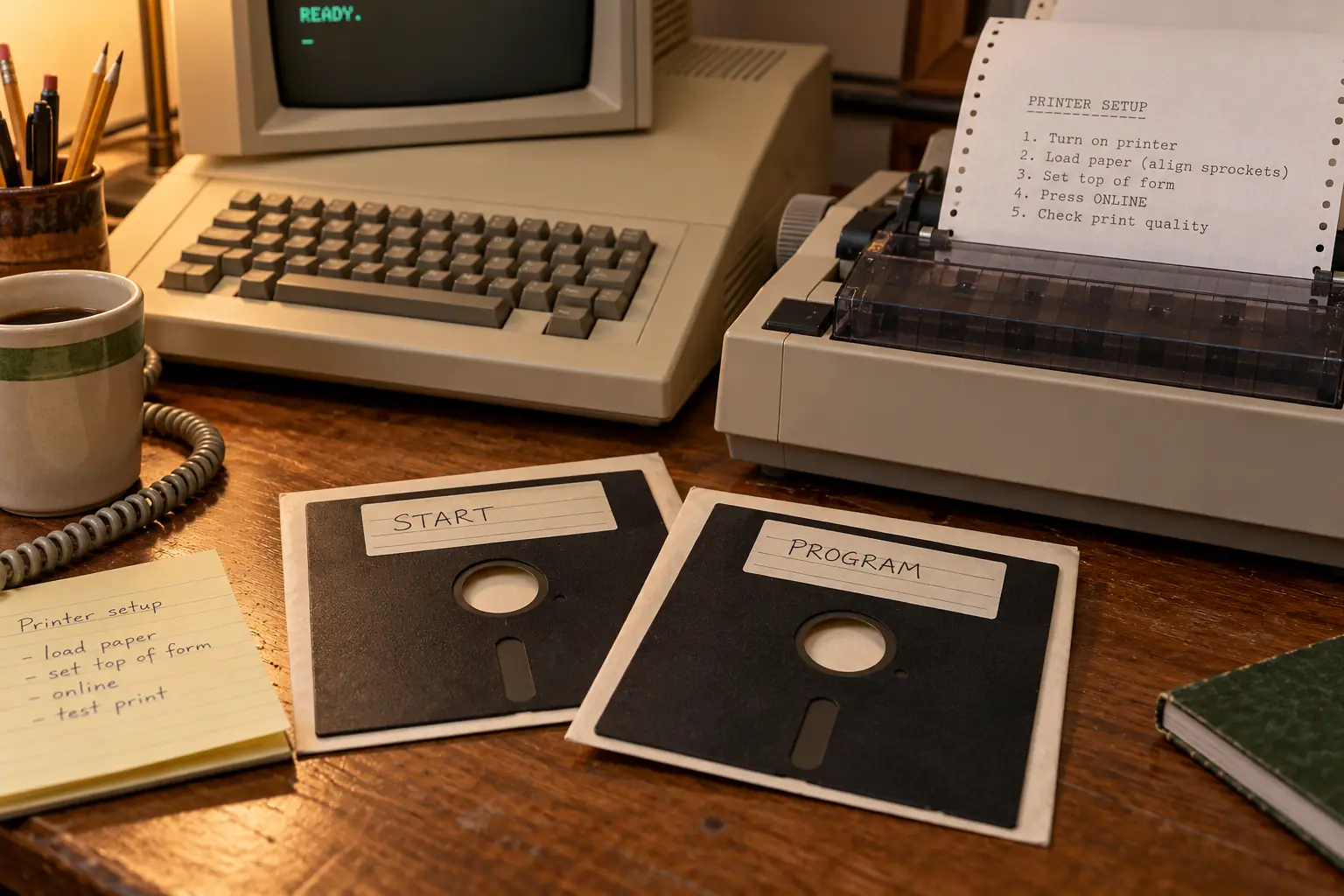
The 1984 edition came on floppy disks. Arrants described starting with one disk and then inserting the program disk. AppleWorks itself was not copy-protected, a welcome surprise when a working floppy could be scratched, bent, or accidentally ruined. Making a backup was sensible housekeeping.
Printers were another little world. AppleWorks supported common printers, including Apple’s ImageWriter and Epson models, but the correct printer card, settings, paper size, and control codes still mattered. A beautifully arranged page on a glowing screen did not guarantee a beautifully arranged page on paper.
What AppleWorks Did Not Fix
Not a graphics program: Original AppleWorks had no built-in spreadsheet chart maker. It also lacked many of the advanced functions of bigger business packages.
Not instant switching: The desktop held files, but changing from word processing to a spreadsheet still meant loading a different module.
Not foolproof math: Arrants found that calculation order could leave spreadsheet cells using old results. For serious money work, a nice menu was no excuse to skip checking the totals.
These were limits of the original software and its hardware setting, not proof that the idea of integration had failed. The 1984 review gives the details.
The Program That Grew Its Own Neighborhood
A useful sign of AppleWorks’s success was what other people built around it. AppleWorks users wanted spelling help, better fonts, charts, printed spreadsheets that fit the page, and ways to avoid typing the same commands again and again. Independent developers saw customers with real problems.
Beagle Bros and other firms made tools that worked inside or alongside AppleWorks. The TimeOut line became a small world of add-ons. The Beagle Bros Software Repository preserves information about tools such as QuickSpell, SuperFonts, and SideSpread.
Randy Brandt was one of the developers who helped that world grow. According to historian Steven Weyhrich’s report of Brandt’s 2012 KansasFest talk, Brandt worked on MacroWorks, a tool for recording and replaying sets of keystrokes. That is a telling detail. Once people began to do serious daily work in AppleWorks, even a few saved keystrokes could be worth paying for.
Apple released improved versions in the 1980s. The 1986 AppleWorks 2.0 brought built-in mail merge and greater use of memory cards. After Apple formed its software company Claris, Beagle Bros helped produce AppleWorks 3.0 in 1989. Later, Quality Computers carried the original Apple II line forward with AppleWorks 4 and 5 in the 1990s. Version 5.1 arrived in 1995.
By then, the world around the program had changed. Graphical Mac and Windows software was spreading. Apple II hardware was leaving the market. Those changes made the original AppleWorks less useful to new buyers, even while existing owners still had files, routines, and reasons to keep it running.
What Remains of AppleWorks Today?
The original Apple II AppleWorks is long out of commercial support. You should not expect a modern Windows or Mac computer to run its original disks or open every file by double-clicking. For a collector with a working Apple II, or a researcher using a suitable emulator and legally obtained software, it remains a program worth studying.
Old files deserve special care. Original AppleWorks word-processing, spreadsheet, and database files are not the same as modern Word, Excel, or the later Macintosh AppleWorks formats. Preserving the disk image and making a plain-text or other open-format copy, when possible, gives future readers a better chance to recover the work.
There was a bridge between eras. A 1998 Claris technical note documented how ClarisWorks could import AppleWorks 2.0-and-later files after transfer to a Macintosh. That is evidence of historical compatibility, not a promise that the old method works on today’s computers. Likewise, the later AppleWorks for Macintosh grew from ClarisWorks; it did not share the original Apple II program’s code.
What replaces AppleWorks now is easy to name in broad terms: a word processor, a spreadsheet, and a way to organize records are standard parts of computing. What is harder to replace is the feeling of a modest computer becoming genuinely helpful to everyone who sat down at it.
In 1984, AppleWorks did not turn an Apple II into a Macintosh. It did something quieter. It let a household keep the numbers, a teacher revise the class letter, and a club put names and addresses in order, all without learning a new machine for each task. The desktop was text. The disks could be fussy. The math needed checking. But one little computer had found a lot more work to do.
Sources and Further Reading
- Steve Arrants, Creative Computing, June 1984 — a detailed period test of the original program, its startup disks, desktop, commands, printers, and limits.
- Apple Computer, AppleWorks 1.0 brochure, February 1984 — original sales claims and the stated aims for integration, training, and home and school use.
- Steven Weyhrich, Apple II History: AppleWorks — Lissner and Quick File, versions, developer extensions, and the original line’s later history.
- Larry Cuban, “Apple Classroom of Tomorrow,” 2017 — reproduces Jane David’s May 1986 classroom observations, including the teacher’s AppleWorks experience.
- Steven Weyhrich, Randy Brandt and AppleWorks, 2012 — attributed account of Brandt’s KansasFest talk about the add-on business.
- Beagle Bros Software Repository: TimeOut Series — preservation record of the AppleWorks add-on ecosystem.
- Claris technical information, March 1998 — historical conversion guidance for AppleWorks files in ClarisWorks.