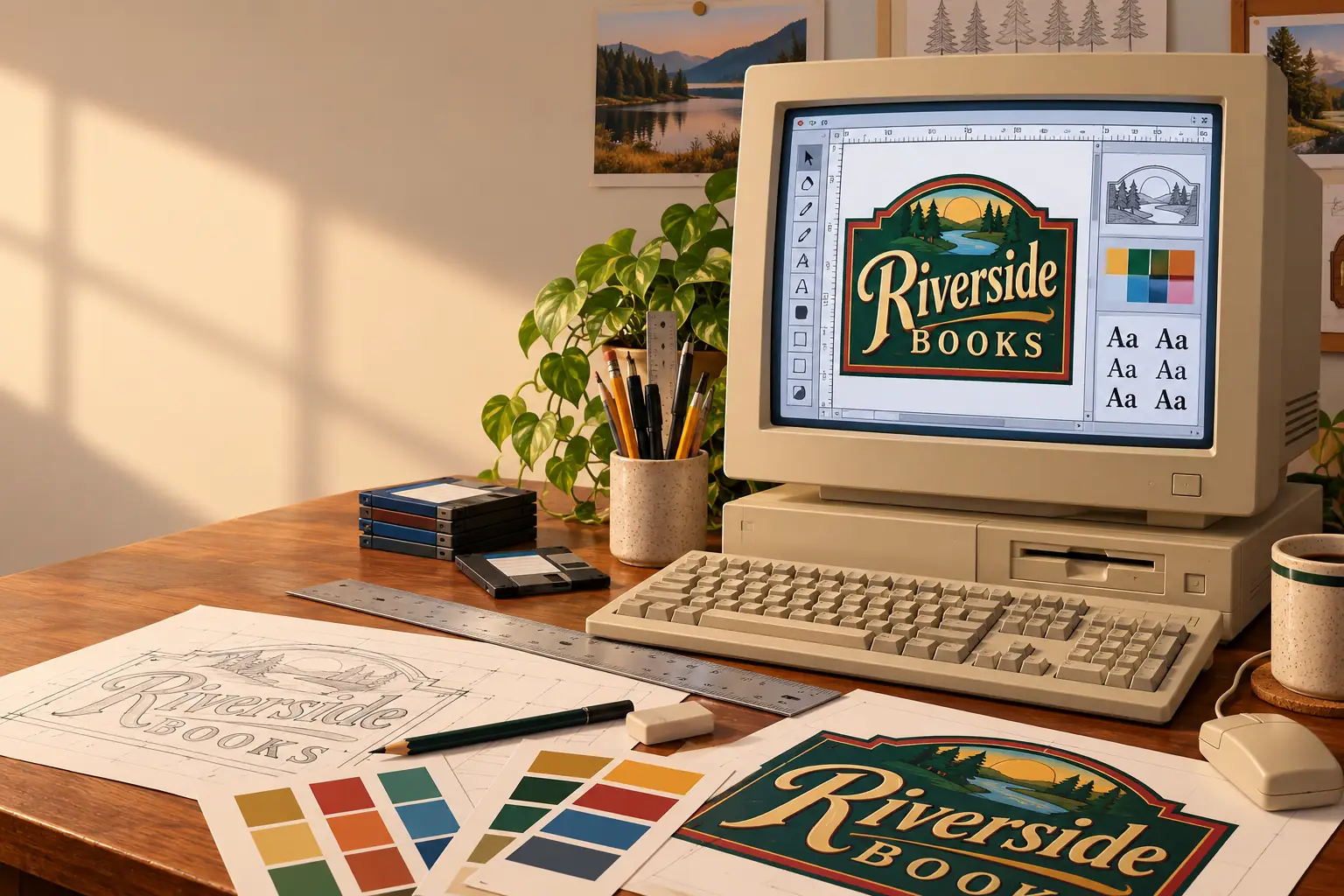
A sign shop needs the same name printed on a business card, stretched across a shop window, and cut from a sheet of vinyl. The letters must stay smooth at every size. And when the customer changes the name at the last minute, the designer would rather fix one file than start the whole job again.
That is the sort of problem CorelDRAW was built to solve. It arrived in 1989, when a Windows PC was hardly the first machine most people would picture in a design studio. Yet the program helped make the PC a serious place to draw, arrange type, and prepare work for print.
Then Corel did something more unusual. It kept adding programs, fonts, pictures, and tools until CorelDRAW was not just a drawing application. It was an entire graphics workshop in a box. For some users, that box was a bargain. For others, it was a very large box of headaches.
Before the Balloon, There Was a Publishing Problem
Corel began in Ottawa, Canada, in 1985. Founder Michael Cowpland’s business supplied desktop-publishing systems: computers, printers, and software put together so customers could produce their own printed work. The firm also made tools to improve what those systems could do.
One was a text-effects utility called Headline, made to work with Ventura Publisher. If a page-layout program handled columns and paragraphs, Headline could make the words themselves more interesting. The next step was bigger: what if the PC had a drawing program that could handle lettering and artwork together?
Corel started developing the new program in 1987. Early developers included Michel Bouillon and Pat Beirne. Inside the company, the project was called Waldo, a name that later appeared in Corel’s own illustrated history. The public name became CorelDRAW.
According to Corel staff member Roger Wambolt’s history of CorelDRAW in sign making, the first copy shipped on January 16, 1989. The point was not to make Windows look like a Macintosh. It was to give PC owners a useful set of tools for drawing, type, and printed output.
Behind the Scenes: From Headline to Waldo
The unusual part of CorelDRAW’s origin is that Corel was not founded as a drawing-software company. Its team had been assembling publishing systems and solving their rough edges. A small text-effects tool helped point the way to a stand-alone illustration program. Corel’s own company history traces that move from publishing hardware and software in 1985 to the Waldo project in 1987.
The Trick: A Drawing That Could Grow
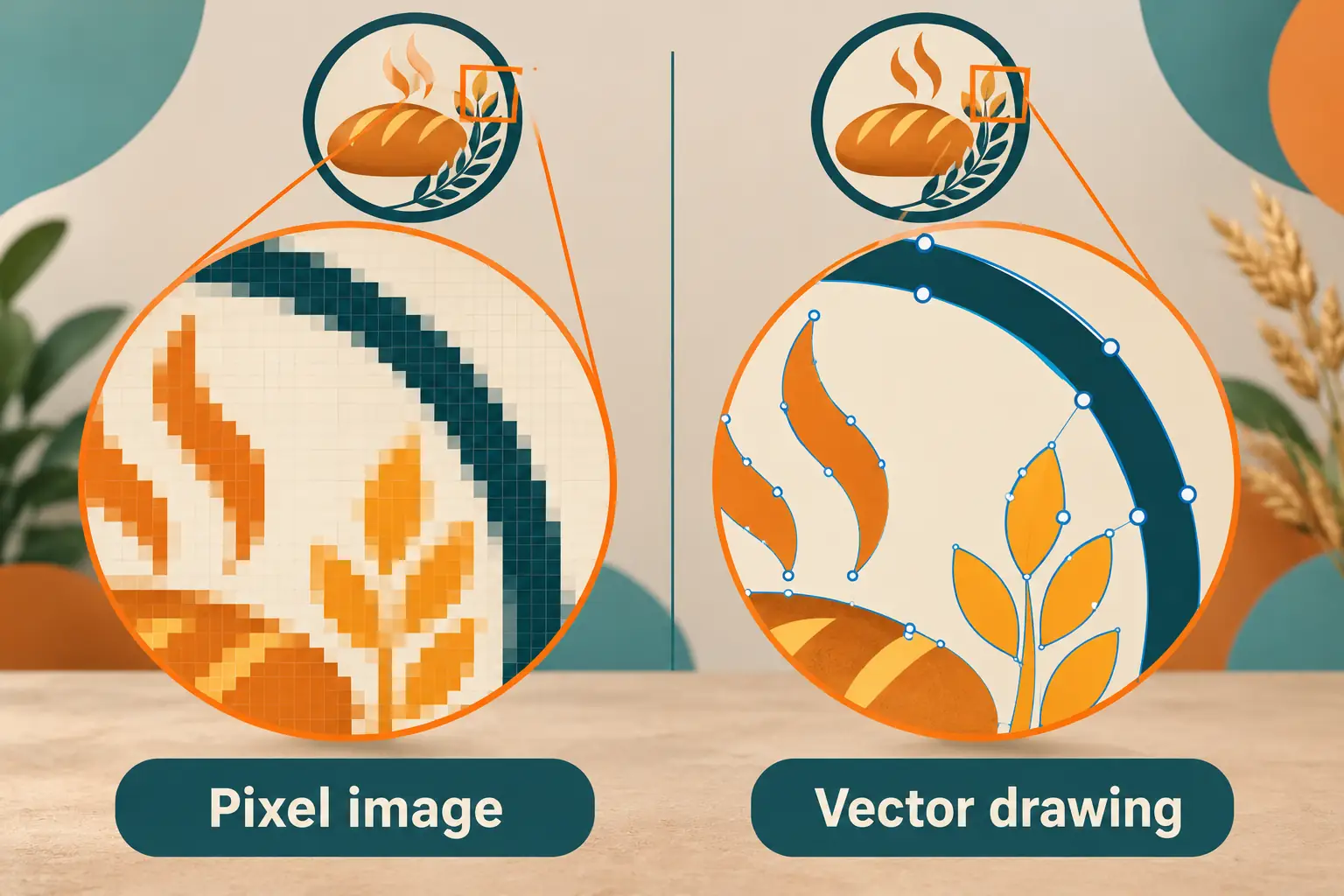
To understand why CorelDRAW appealed to newcomers, take a simple example: a round bakery logo with a curved name above it.
In a paint program, you might draw the logo as colored dots, called pixels. Enlarge it enough and the edges turn into little steps. In a vector program, the circle, letters, and curves are stored as shapes and paths. You can stretch them much farther without turning a smooth curve into a staircase.
CorelDRAW let users select an object, change its color, pull on its outline, move its position, or edit its letters. A designer did not have to erase half the picture to fix one part. That was especially useful for logos, diagrams, headlines, signs, and artwork meant for several print sizes.
It also suited people who were not trained illustrators. The toolbox, menus, and mouse made many common jobs visible on the screen. A font, a shape, and a bit of clip art could be enough to produce a decent-looking piece of work.
This did not mean CorelDRAW was easy to master. Good type, balanced spacing, and clean paths still took practice. Nor did every file print as neatly as it looked on the monitor. But a beginner could get somewhere before learning the whole craft.
That was a major change for a PC owner whose other options often meant switching between separate drawing, paint, layout, and font programs. CorelDRAW gave them one place to try a real design.
The First Box Wasn’t Small or Cheap
CorelDRAW arrived before Windows 3.0 and Windows 95. Early versions ran under Windows 2.x, on IBM-compatible PCs with a hard disk and a mouse or graphics tablet. The monitor, printer, Windows installation, and PC itself were separate costs. This was not a little drawing toy you added to a cheap home machine on a whim.
Period descriptions put the early U.S. package around $495. Buyers received more than program disks. The materials could include type samples, clip art, a printed manual, reference guides, and even a VHS tutorial. The exact disks varied by package and release, but the idea was clear: give customers the tools and some help learning them.
Fonts were especially important. A shop making signs needs letters that can be huge, narrow, angled, or fitted along a curve. Corel’s early releases supplied their own scalable typefaces, along with a tool called WFNBOSS for dealing with font conversion. That sounds obscure now, but it mattered when using a font in one graphics program did not mean it would work neatly in another.
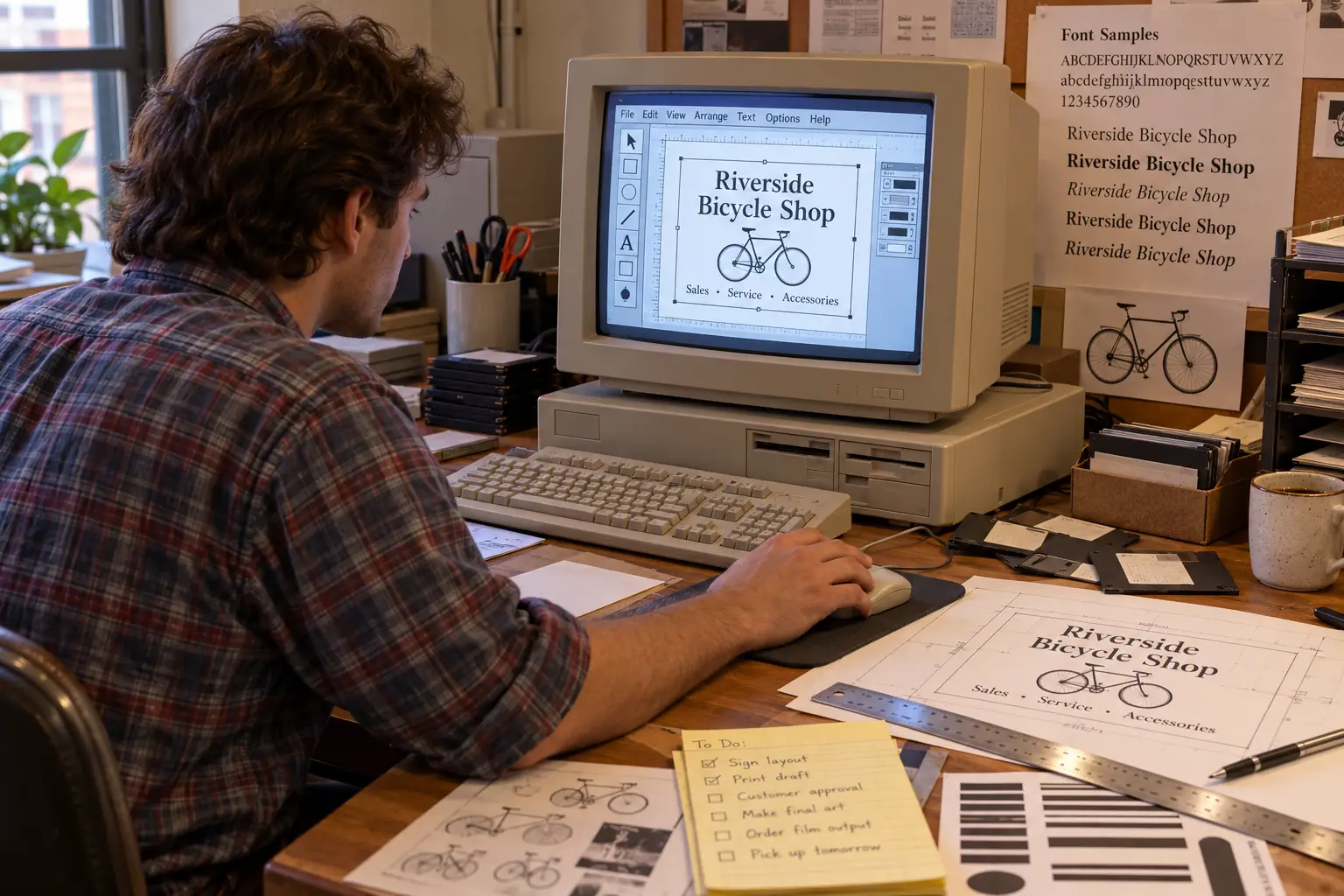
By 1991, COMPUTE! reviewer Robert Bixby was pointing to CorelDRAW’s easy learning curve, fast wireframe display, font tools, and special effects as reasons for its success. That review also reported a large share of the high-end PC illustration market. It was a strong contemporary assessment, not proof that everyone in every country used CorelDRAW.
There was another reason people liked it: it could make ordinary type look wonderfully dramatic. Stretch a word into perspective, bend it around a shape, blend it into another form, or give it a fake three-dimensional face. A restrained designer could use those effects with care. An excited office worker could use all of them before lunch.
A Drawing Program Becomes a Graphics Suite
Corel kept changing what customers got for their money. Version 2, released in 1991, added tools for envelope distortion, blending, extrusion, and perspective. It also gained Print Merge: a way to combine repeated designs with changing text. Think of a stack of name labels or tickets that share one layout.
The much bigger turn came with CorelDRAW 3 in 1992. It added an editable full-color preview instead of asking designers to depend so much on plain outlines. It also gathered several kinds of graphics work into one package.
Corel PHOTO-PAINT handled pixel images such as scans and photographs. CorelCHART made business graphs. CorelSHOW helped build screen presentations. Other tools handled tasks such as tracing or browsing visual material. Corel’s own 20-year product timeline describes version 3 as the start of its integrated graphics-suite approach.
The package was an answer to a practical question: why buy one program for a logo, another for a photo, and yet another for a chart if one purchase could cover most of the work?
What a 1992 Reviewer Actually Noticed
In the November 1992 issue of COMPUTE!, Robert Bixby praised CorelDRAW 3’s new on-screen editing method and treated PHOTO-PAINT, CHART, and SHOW as the major news. His period review is useful because it shows how the suite looked to a working computer writer at the time, not how a later anniversary brochure remembered it.
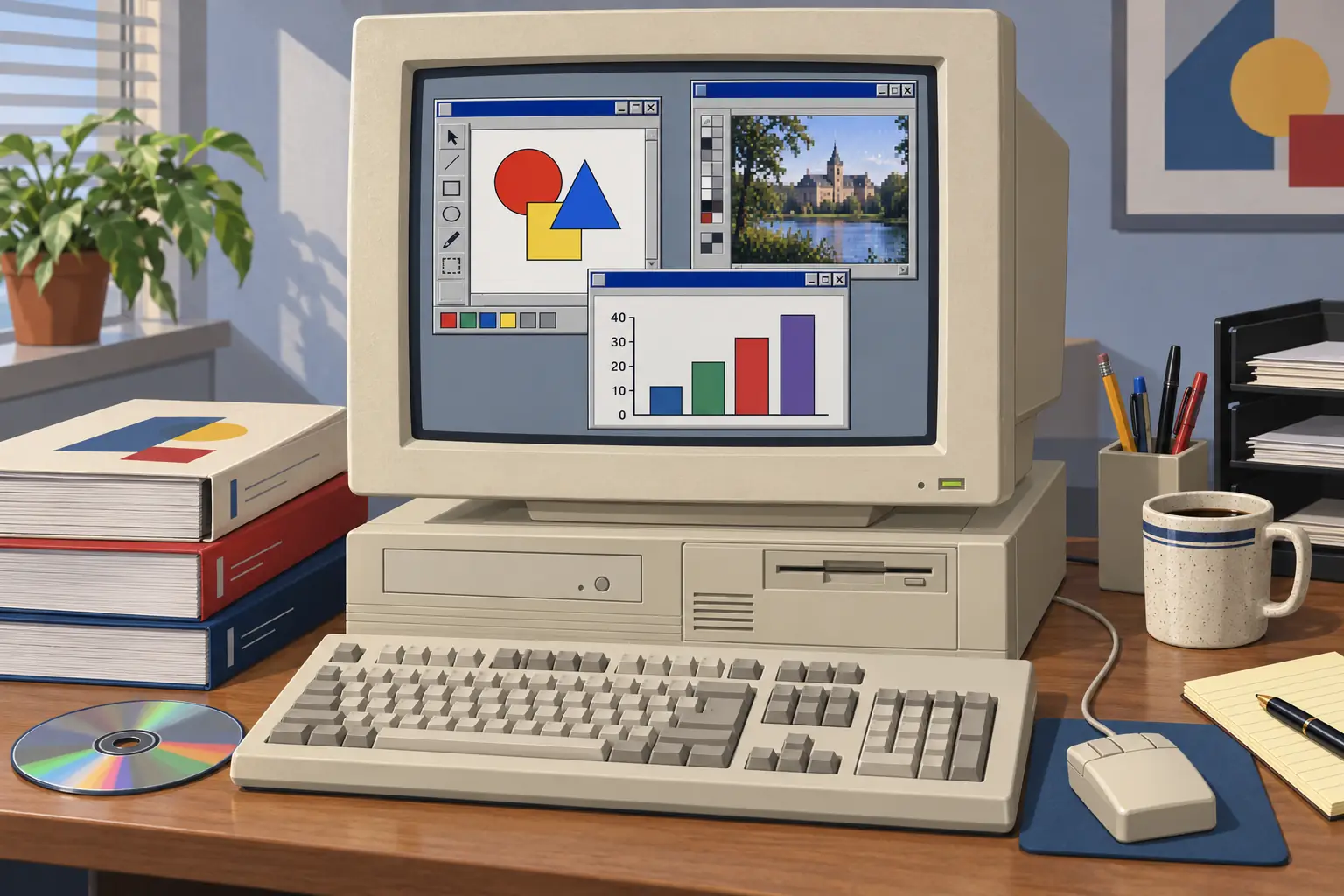
Version 4 followed in 1993 with multi-page documents and a movable toolbox. Version 5 in 1994 focused, among other things, on font handling, drag-and-drop between Windows programs, and color management. That last feature tried to narrow an expensive gap: a screen color and the same color coming from a printer did not always agree.
For a hobbyist, a bundle meant more things to explore. For a small design office, it meant fewer separate purchases and, in theory, fewer file handoffs. But a big bundle also meant more to install, more to learn, and more places for one piece of work to go wrong.
The Sign Shop Loved It. The Printer Might Not.
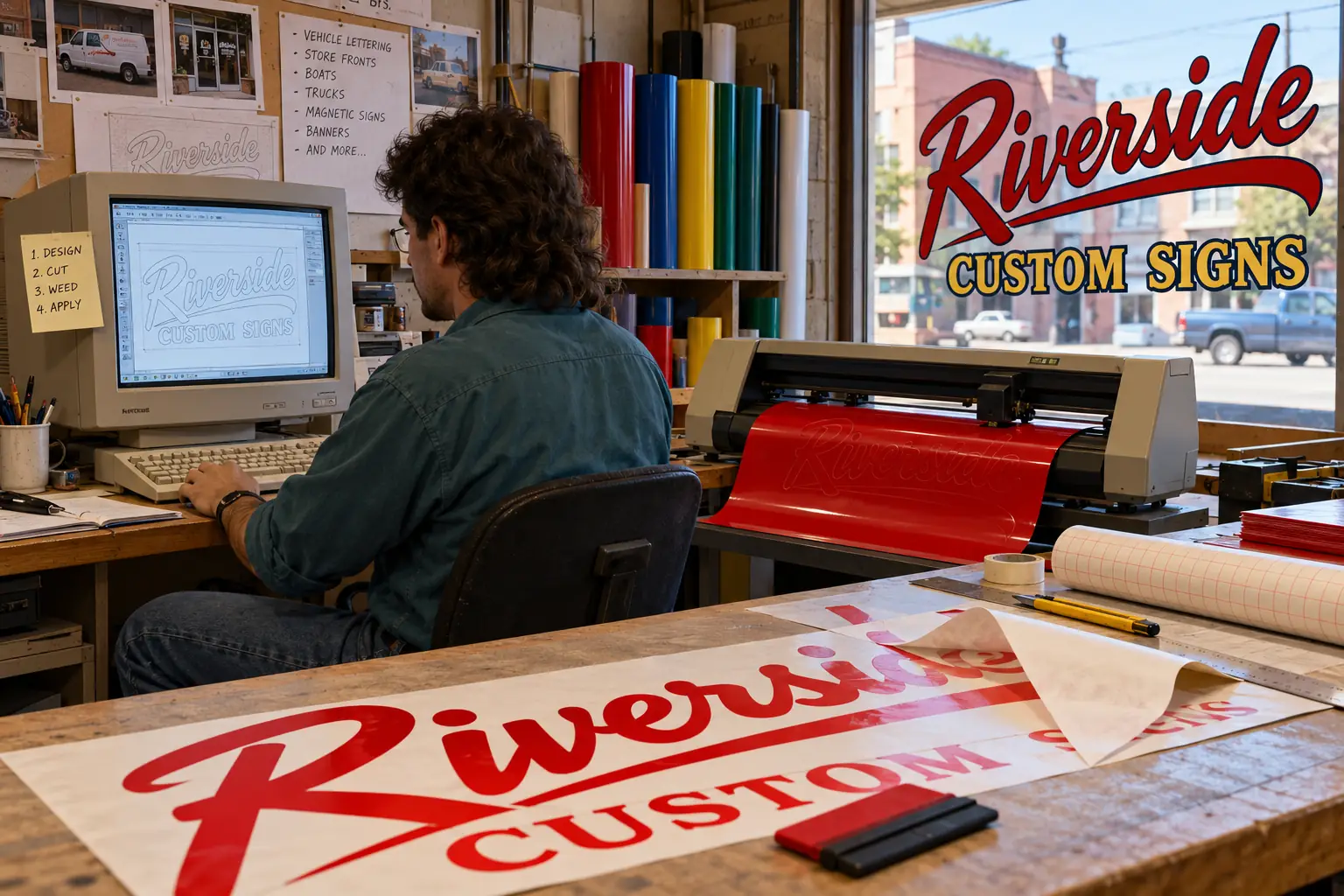
CorelDRAW found loyal users far beyond advertising agencies. Its shapes and text were well suited to small print shops, screen printers, engravers, and sign makers. A vinyl cutter, for example, needs clean paths to follow. A vector drawing can supply those paths in a way a fuzzy photo cannot.
In his Corel company account, Roger Wambolt describes the old sign-making method: draw at a smaller size, enlarge the plan onto paper, punch small holes along the outlines, and dust chalk through them to mark the work surface. Computer-controlled cutting and printing reduced many such manual steps. That did not remove the need for craft, materials knowledge, or a skilled operator. It changed where much of the effort went.
A shop could draw a name once, try several layouts, enlarge the final design, and prepare work for a cutter or large printer. That helps explain why CorelDRAW lasted in production businesses even as other graphic-design tools became fashionable elsewhere.
Still, using CorelDRAW for paid work could be frustrating. Large drawings strained the speed of early PCs. Complicated effects might look lovely on screen yet cause trouble at print time. Fonts could change when a job moved between machines. And the different programs in the suite did not always behave alike.
These problems were not invented by critics years later. In an August 1992 Windows discussion, one user who had received CorelDRAW 3 complained about tiny text in CorelCHART’s dialog boxes, odd paper dimensions, and crashes. Another user replied with a graphics-driver problem. This is one user’s experience, not a survey, but it gives a fair glimpse of the work that glossy box art left out.
The real choice was often between imperfect options. Adobe Illustrator and Aldus FreeHand had their own strengths, especially for some professional workflows and Mac users. Micrografx also competed on Windows. Corel stood out for its wide bundle, approachable effects, and close link to PC-based production work. A designer might favor one application for a final print job and another for a quick business graphic.
Legend vs. the Record: Did CorelDRAW Make Every Job Easy?
The appealing story: One suite replaced every other design tool.
The more useful truth: It put an impressive number of tools in one box, but the parts could differ in speed, controls, and print results. Even period users who admired CorelDRAW had reasons to keep other software and to check proofs carefully.
Fifty-Four Floppies and a New Windows
On August 24, 1995, Corel released CorelDRAW 6 as Microsoft launched Windows 95. CorelDRAW 6 brought full 32-bit support and much larger page sizes. That mattered to people designing work bigger than a sheet of office paper.
The most memorable detail comes from Corel’s own historical account. Corel employee Gérard Métrailler wrote in 2007 that version 6 was the last CorelDRAW also available on floppy disks, and its floppy package contained 54 disks. Fifty-four. A customer choosing that route faced a memorable installation session.
The CD-ROM was rapidly becoming the sane way to carry large programs, photographs, clip art, and fonts. That shift tells part of the CorelDRAW story by itself: the software had grown from a capable drawing tool into a collection too big for the comfortable floppy-disk era.
Later releases kept refining daily work. Version 7 in 1997 brought a context-sensitive property bar and more scripting support. Version 8 in 1998 added interactive effects such as drop shadows. Version 9 in 1999 improved work with color palettes. CorelDRAW Graphics Suite 10 in 2000 offered better ways to arrange document pages and publish to PDF. The program was becoming less about the thrill of drawing a single object and more about finishing a whole job.
There were other changes too. Corel tried versions for platforms beyond Windows at different points, and the company itself moved through new products and owners. But the program’s early identity stayed tied to something concrete: artwork that someone could print, cut, label, frame, or hand to a customer.
CorelDRAW Didn’t Disappear
Many old graphics programs became stories about file formats nobody could open. CorelDRAW took another path. As of October 24, 2026, CorelDRAW Graphics Suite 2026 is still sold, with applications for Windows and macOS and web-based tools. Corel offers both subscription plans and a one-time-purchase edition, though the features and update rights are not the same.
Its 2026 U.S. suggested prices were $269 per year for a subscription and $549 for a one-time purchase, according to Corel’s March 2026 announcement. Those are 2026 list prices, not a comparison adjusted for inflation with the 1989 box.
The modern suite has tools its first buyers could not have imagined, including digital photo workflows, web features, and AI-assisted functions. Corel’s September 2026 update expanded its AI vector capabilities. Yet the old practical question is still there: can a person make artwork, edit the shapes, and send it where the job needs to go?
What if you have an old .CDR file?
There is no single promise that every CorelDRAW file from every era will open perfectly today. The .cdr format changed over time; fonts and linked images may also be missing. Corel’s file-opening guide says that an older program cannot open a file saved by a newer CorelDRAW release. It recommends opening the file in a compatible newer version and, when necessary, saving back to an earlier format.
For an important archive, keep a copy of the original file before trying conversion. When you can open it, save a working copy and a broadly useful export such as PDF. Look closely at text, special effects, and print size. A file that opens is not always a file that reproduces the original page correctly.
Someone starting fresh can also consider modern vector programs such as Adobe Illustrator or Inkscape, depending on their needs. But neither the program name nor the file extension alone guarantees faithful conversion of an old CorelDRAW project.
The Value of a Box Full of Possibilities
It would be easy to remember CorelDRAW as a parade of balloons, warped text, and enthusiastic 1990s clip art. All of those were part of its public face. The deeper story is less flashy.
CorelDRAW gave a Windows PC user the chance to design an object instead of just painting a picture. Its bundles offered a route from an idea to an illustration, from a scan to a finished layout, and from an outline to a real sign. They also taught people that a computer could be a design workstation, not just an office machine.
That is why the program matters even if you never owned it. Somewhere, a storefront, a club flyer, a school banner, or a T-shirt design came out of a file someone patiently pushed around with a mouse. The glossy effects may have aged. The satisfaction of getting the lettering exactly right has not.
Sources and Further Reading
- CorelDRAW and the sign industry — Roger Wambolt’s Corel staff account of the product’s roots and its practical role in sign production, shared in 2009.
- Corel company history — Corel’s retrospective record of its publishing origins, Waldo project, and later company milestones; a corporate account, not an independent review.
- A 1992 CorelDRAW 3 review — Robert Bixby in COMPUTE!, November 1992, on the drawing tools and newly bundled programs.
- A little history of CorelDRAW — Gérard Métrailler’s 2007 Corel community history, with version-specific changes and the 54-floppy detail. Corel’s later timeline dates version 3 to October 1992, though a contemporary August 1992 discussion shows that users were already receiving it; the article therefore uses the year without insisting on one launch month.
- CorelDRAW 3.0 user discussion — August 1992 messages showing the sort of screen, printer, and driver complaints some early buyers faced.
- CorelDRAW 5 museum record — Centre for Computing History catalog entry for a 1994 Windows CD-ROM edition.
- Official CDR file guide — Corel’s guidance on opening files and saving for earlier versions, checked October 2026.
- CorelDRAW Graphics Suite 2026 announcement — Corel’s dated current-product pricing and availability statement.